EasyManua.ls Logo

Yamaha V50 - Making Sound and Playing Presets

Yamaha V50
81 pages
Print Icon
To Next Page IconTo Next Page
To Previous Page IconTo Previous Page
Loading...
ç>
MAKING
SOUND
OO
U
Uuuu]
Now
that
connections
are
complete,
we
will
explain
how
to
make
some
sounds.
Turn
the
power
on
Any
sound?
Turn
on
each
device
in
your
setup
in
the
following
order.
a)
Q
Check
the
following
four
items.
(1)
Are
all
power
cables
correctly
inserted
into
an
AC
outlet?
(2)
Are
all
connections
correct?
(3)
Are
the
amplifiers
set
to
minimum
volume?
(4)
Is
the
V50
volume
slider
set
to
MIN?
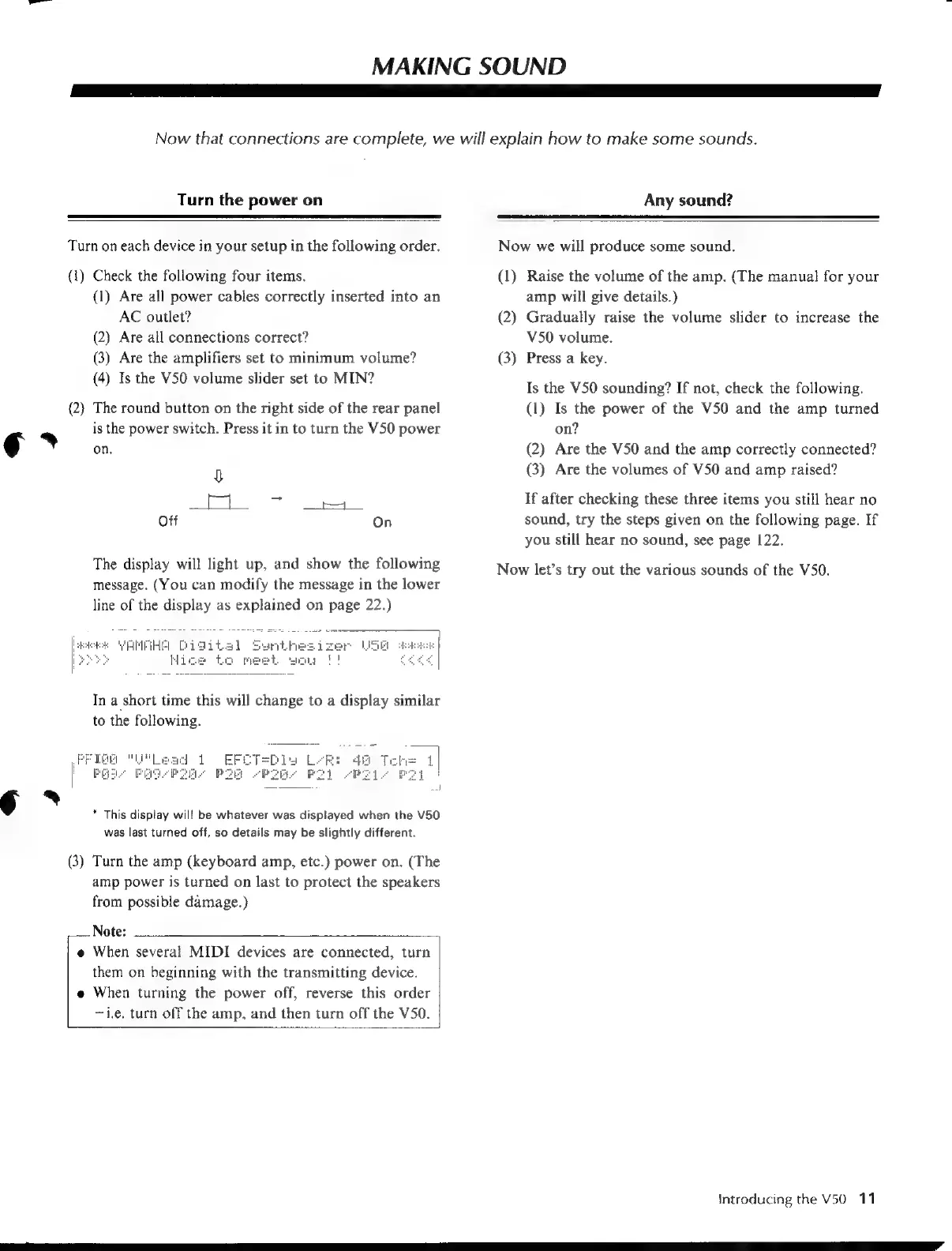
The
round
button
on
the
right
side
of
the
rear
panel
is
the
power
switch.
Press
it
in
to
turn
the
V50
power
on.
Off
On
The
display
will
light
up,
and
show
the
following
message.
(You
can
modify
the
message
in
the
lower
line
of
the
display
as
explained
on
page
22.)
eA
Et
In
a
short
time
this will
change
to
a
display
similar
to
the
following.
*
This
display
will
be
whatever
was
displayed
when
the
V50
was
last
turned
off,
so
details
may
be
slightly
different.
Turn
the
amp
(keyboard
amp,
etc.)
power
on.
(The
amp
power
is
turned
on
last
to
protect
the
speakers
from
possible
damage.)
Note:
When
several
MIDI
devices
are
connected,
turn
them
on
beginning
with
the
transmitting
device.
When
turning
the
power
off,
reverse
this
order
~1.e,
turn
off
the
amp,
and
then
turn
off the
V50.
Now
we
will
produce
some
sound.
a)
2)
(3)
Raise
the
volume
of
the
amp.
(The
manual
for
your
amp
will
give
details.)
Gradually
raise
the
volume
slider
to
increase
the
V50
volume.
Press
a
key.
Is
the
V50
sounding?
If
not,
check
the
following.
(1)
Is
the
power
of
the
V50
and
the
amp
turned
on?
(2)
Are
the
V50
and
the
amp
correctly
connected?
(3)
Are
the
volumes
of
V50
and
amp
raised?
Hf
after
checking
these
three
items
you
still
hear
no
sound,
try
the
steps
given
on
the
following
page.
If
you
still
hear
no
sound,
see
page
122.
Now
let’s
try
out
the
various
sounds
of
the
V50.
Introducing
the
V50
11

Table of Contents