EasyManua.ls Logo

Yamaha V50 - VOICE NUM Ben Eeii a Foes Eee Aspido Rint

Yamaha V50
81 pages
Print Icon
To Next Page IconTo Next Page
To Previous Page IconTo Previous Page
Loading...
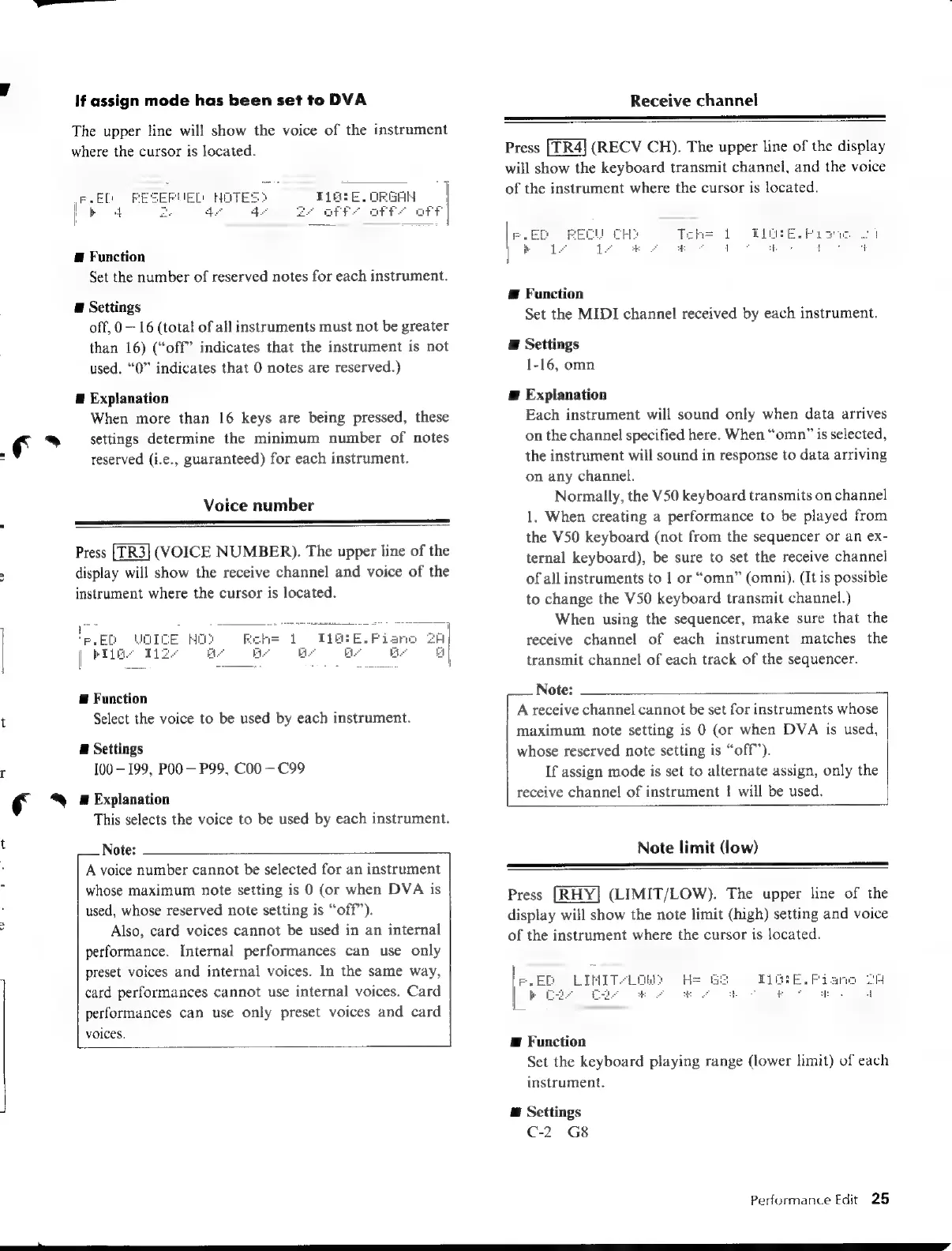
If
assign
mode
has
been
set
to
DVA
The
upper
line will
show
the
voice
of
the
instrument
where
the
cursor
is
located.
E
Function
Set
the
number
of
reserved
notes
for
each
instrument.
E
Settings
off,
0
16
(total
of
all
instruments
must
not
be
greater
than
16)
(“off”
indicates
that
the
instrument
is
not
used.
“0”
indicates
that
0
notes
are
reserved.)
E
Explanation
When
more
than
16
keys
are
being
pressed,
these
settings
determine
the
minimum
number
of
notes
reserved
(i.e.,
guaranteed)
for
each
instrument.
Voice
number
Press
(VOICE
NUMBER).
The
upper
line
of
the
display
will
show
the
receive
channel
and
voice
of
the
instrument
where
the
cursor
is
located.
ER
Wo
t
[Py
E
Function
Select
the
voice
to
be
used
by
each
instrument.
E
Settings
100
199,
P00
P99,
C00
C99
A
Explanation
This
selects
the
voice
to
be
used
by
each
instrument.
Note:
A
voice
number
cannot
be
selected
for
an
instrument
whose
maximum
note
setting
is
0
(or
when
DVA
is
used,
whose
reserved
note
setting
is
“off”).
Also,
card
voices
cannot
be
used
in
an
internal
performance.
Internal
performances
can
use
only
preset
voices
and
internal
voices.
In
the
same
way,
card
performances
cannot
use
internal
voices.
Card
performances
can
use
only
preset
voices
and
card
voices.
Receive
channel
Press
(RECV
CH).
The
upper
line
of
the
display
will
show
the
keyboard
transmit
channel,
and
the
voice
of
the
instrument
where
the
cursor
is
located.
Æ
Function
Set the
MIDI
channel
received
by
each
instrument.
E
Settings
1-16,
omn
a
Explanation
Each
instrument
will
sound
only
when
data
arrives
on
the
channel
specified
here.
When
“omn”
is
selected,
the
instrument
will
sound
in
response
to
data
arriving
on
any
channel.
Normally,
the
V50
keyboard
transmits
on
channel
1.
When
creating
a
performance
to
be
played
from
the
V50
keyboard
(not
from
the
sequencer
or
an
ex-
ternal
keyboard),
be
sure
to
set
the
receive
channel
of
all
instruments
to
|
or
“omn”
(omni).
(It
is
possible
to
change
the
V50
keyboard
transmit
channel.)
When
using
the
sequencer,
make
sure
that
the
receive
channel
of
each
instrument
matches
the
transmit
channel
of
each
track
of
the
sequencer.
Note:
A
receive
channel
cannot
be
set
for
instruments
whose
maximum
note
setting
is
0
(or
when
DVA
is
used,
whose
reserved
note
setting
is
“off”).
If
assign
mode
is
set
to
alternate
assign,
only
the
receive
channel
of
instrument
!
will
be
used.
Note
limit
(low)
Press
(LIMIT/LOW).
The
upper
line
of
the
display
will
show
the
note
limit
(high)
setting
and
voice
of
the
instrument
where
the
cursor
is
located.
E
Function
Set the
keyboard
playing
range
(lower
limit)
of
each
instrument.
@
Settings
C-2—G8
Performance
Edit
25

Table of Contents

Other manuals for Yamaha V50

Related product manuals