EasyManua.ls Logo

Yamaha V50 - LO! Select:S2 Cch Este Nee Aeneas; Micro Tuning On;Off

Yamaha V50
81 pages
Print Icon
To Next Page IconTo Next Page
To Previous Page IconTo Previous Page
Loading...
LFO
select
Micro
tuning
on/off
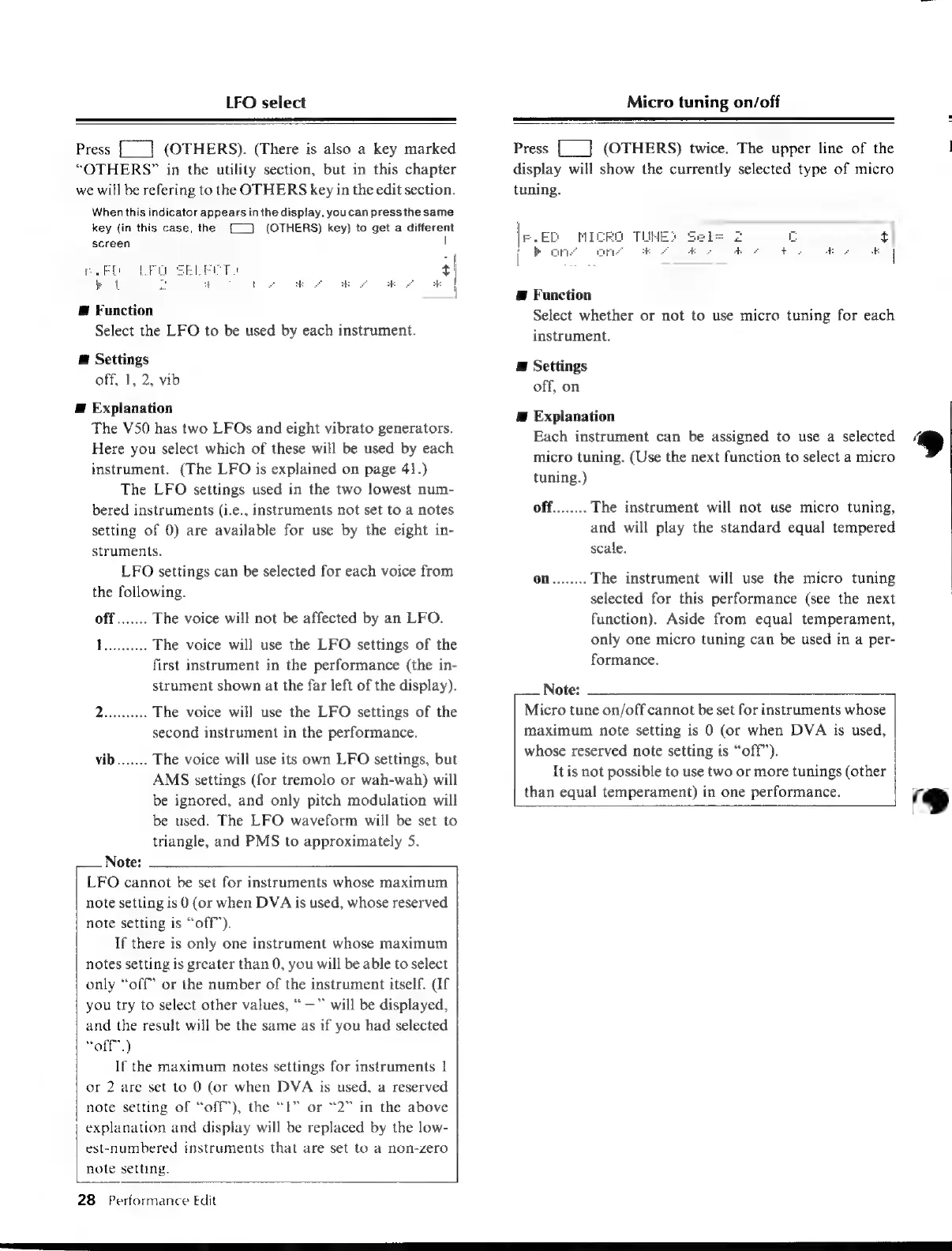
Press
[|
(OTHERS).
(There
is
also
a
key
marked
“OTHERS”
in
the
utility
section,
but
in
this
chapter
we
will
be
refering
to
the
OTHERS
key
in
the
edit
section.
When
this
indicator
appears
in
the
display,
youcan
press
the
same
key
(in
this
case,
the
screen.
(OTHERS)
key)
to
get
a
different
|
Śl
@
Function
Select
the
LFO
to
be
used
by
each
instrument.
@
Settings
off,
1,
2,
vib
E
Explanation
The
V50
has
two
LFOs
and
eight
vibrato
generators.
Here
you
select
which
of
these
will
be
used
by
each
instrument.
(The
LFO
is
explained
on
page
41.)
The
LFO
settings
used
in
the
two
lowest
num-
bered
instruments
(i.e.,
instruments
not
set
to
a
notes
setting
of
0)
are
available
for
use
by
the
eight
in-
struments.
LFO
settings
can
be
selected
for
each
voice
from
the
following.
off.......
The
voice
will
not
be
affected
by
an
LFO.
Topice
The
voice
will
use
the
LFO
settings
of
the
first
instrument
in
the
performance
(the
in-
strument
shown
at
the
far
left
of
the
display).
Doarea
The
voice
will
use
the
LFO
settings
of
the
second
instrument
in
the
performance.
vib.......
The
voice
will
use
its
own
LFO
settings,
but
AMS
settings
(for
tremolo
or
wah-wah)
will
be
ignored,
and
only
pitch
modulation
will
be
used.
The
LFO
waveform
will
be
set
to
triangle,
and
PMS
to
approximately
5.
Note:
LFO
cannot
be
set
for
instruments
whose
maximum
note
setting
is
0
(or
when
DVA
is
used,
whose
reserved
note
setting
is
“off”’).
If
there
is
only
one
instrument
whose
maximum
notes
setting
is
greater
than
0,
you
will
be
able
to
select
only
“off
or
the
number
of
the
instrument
itself.
(If
you
try
to
select
other
values,
—™
will
be
displayed,
and
the
result
will
be
the
same
as
if
you
had
selected
“off.)
If
the
maximum
notes
settings
for
instruments
|
or
2
are
set
to
0
(or
when
DVA
is
used,
a
reserved
note
setting
of
“off),
the
“1”
or
“2”
in
the
above
explanation
and
display
will
be
replaced
by
the
low-
est-numbered
instruments
that
are
set
to
a
non-zero
note
setting.
28
Performance
Edit
Press
{__]
(OTHERS)
twice.
The
upper
line
of
the
display
will
show
the
currently
selected
type
of
micro
tuning.
i
bo
ons
E
Function
Select
whether
or
not
to
use
micro
tuning
for
each
instrument.
E
Settings
off,
on
Æ
Explanation
Each
instrument
can
be
assigned
to
use
a
selected
micro
tuning.
(Use
the
next
function
to
select
a
micro
tuning.)
off........
The
instrument
will
not
use
micro
tuning,
and
will
play
the
standard
equal
tempered
scale.
on........
The
instrument
will
use
the
micro
tuning
selected
for
this
performance
(see
the
next
function).
Aside
from
equal
temperament,
only
one
micro
tuning
can
be
used
in
a
per-
formance.
Note:
Micro
tune
on/off
cannot
be
set
for
instruments
whose
maximum
note
setting
is
0
(or
when
DVA
is
used,
whose
reserved
note
setting
is
“off”).
It
is
not
possible
to
use
two
or
more
tunings
(other
than
equal
temperament)
in
one
performance.
9

Table of Contents

Other manuals for Yamaha V50

Related product manuals