EasyManua.ls Logo

Yamaha V50 - Note Limit (High); A N Ei Aads

Yamaha V50
81 pages
Print Icon
To Next Page IconTo Next Page
To Previous Page IconTo Previous Page
Loading...
E
Explanation
Each
instrument
will
play
notes
over
the
range
spe-
cified
by
this
note
limit
(low)
and
the
next
note
limit
(high).
Notes
outside
of
this
range
will
not
be
played.
Normally,
the
low
note
limit
is
set
to
C-2
and
the
high
note
limit
is
set
to
G8.
When
creating
a
per-
formance
with
key
splits
so
that
different
voices
are
played
by
different
areas
of
the
keyboard,
change
the
low
and
high
note
limits.
For
example,
if
you
want
instrument
|
to
be
played
by
notes
from
C-2
up
to
B2,
and
instrument
2
to
be
played
by
notes
from
C3
up
to
G8,
set
the
low/high
limits
of
instrument
|
to
C-2/B2,
and
the
low/high
limits
of
instrument
2
to
C3/G8.
Note:
A
note
limit
cannot
be
set
for
instruments
whose
maximum
note
setting
is
0
(or
when
DVA
is
used,
whose
reserved
note
setting
is
“off”).
When
using
key
splits,
make
sure
that
the
receive
channel
of
each
instrument
matches
the
transmit
channel.
Note
limit
(high)
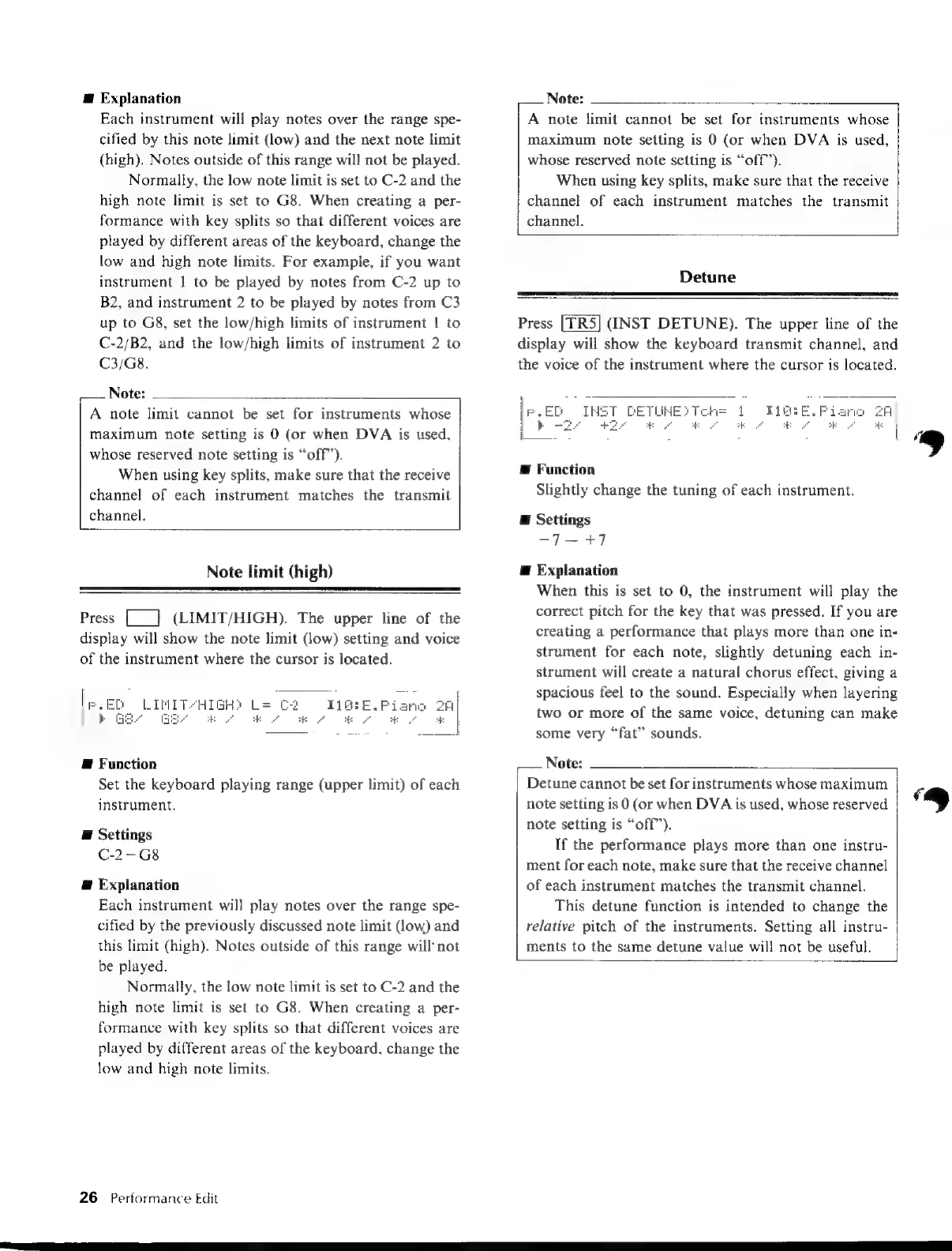
Press
[_]
(LIMIT/HIGH).
The
upper
line
of
the
display
will
show
the
note
limit
(low)
setting
and
voice
of
the
instrument
where
the
cursor
is
located.
2
I16:E.
Piar
e
E
A
E
E
Function
Set
the
keyboard
playing
range
(upper
limit)
of
each
instrument.
@
Settings
C-2~G8
@
Explanation
Each
instrument
will
play
notes
over
the
range
spe-
cified
by
the
previously
discussed
note
limit
(low)
and
this
limit
(high).
Notes
outside
of
this
range
will
not
be
played.
Normally,
the
low
note
limit
is
set
to
C-2
and
the
high
note
limit
is
set
to
G8.
When
creating
a
per-
formance
with
key
splits
so
that
different
voices
are
played
by
different
areas
of
the
keyboard,
change
the
low
and
high
note
limits.
26
Performance
Edit
Note:
A
note
limit
cannot
be
set
for
instruments
whose
maximum
note
setting
is
0
(or
when
DVA
is
used,
whose
reserved
note
setting
is
“off”).
When
using
key
splits,
make
sure
that
the
receive
channel
of
each
instrument
matches
the
transmit
channel.
Detune
Press
(INST
DETUNE).
The
upper
line
of
the
display
will
show
the
keyboard
transmit
channel,
and
the
voice
of
the
instrument
where
the
cursor
is
located.
CETL
Æ
Function
Slightly
change
the
tuning
of
each
instrument.
E
Settings
-7—+7
E
Explanation
When
this
is
set
to
0,
the
instrument
will
play
the
correct
pitch
for
the
key
that
was
pressed.
If
you
are
creating
a
performance
that
plays
more
than
one
in-
strument
for
each
note,
slightly
detuning
each
in-
strument
will
create
a
natural
chorus
effect,
giving
a
spacious
feel
to
the
sound.
Especially
when
layering
two
or
more
of
the
same
voice,
detuning
can
make
some
very
“fat”
sounds.
Note:
Detune
cannot
be
set
for
instruments
whose
maximum
ç
note
setting
is
0
(or
when
DVA
is
used,
whose
reserved
*
note
setting
is
“off”’).
If
the
performance
plays
more
than
one
instru-
ment
for
each
note,
make
sure
that
the
receive
channel
of
each
instrument
matches
the
transmit
channel.
This
detune
function
is
intended
to
change
the
relative
pitch
of
the
instruments.
Setting
all
instru-
ments
to
the
same
detune
value
will
not
be
useful.

Table of Contents

Other manuals for Yamaha V50

Related product manuals