EasyManua.ls Logo

Yamaha V50 - Basic Operation of the V50; Switching Modes; Using the Function Keys to Select Operations

Yamaha V50
81 pages
Print Icon
To Next Page IconTo Next Page
To Previous Page IconTo Previous Page
Loading...
BASIC
OPERATION
OF
THE
V50
ET
O
ESS
First
we
will
explain
basic
operations
when
playing
or
editing
voices,
performances,
the
sequencer,
or
rhythm
machine.
Operations
can
be
broadly
divided
into
the
fol-
lowing.
Switching
modes
Setting
numbers
e
e
Using
the
function
keys
to
select
an
operation
e
e
Entering
characters
Switching
modes
Using
the
function
keys
to
select
operations
Here’s
how
to
switch
between
performance
play
mode,
single
play
mode,
rhythm
machine
mode,
and
sequencer
mode.
Note:
e
You
cannot
switch
modes
while
using
the
compare
function
when
editing
a
voice
or
performance.
e
If
you
press
when
already
in
single
play
mode,
or
press
[PERFORMANCE]
when
already
in
performance
play
mode,
the
display
will
show
“**
Sending
PC
No
---”
as
long
as
you
continue
holding
the
switch.
This
allows
you
to
send
a
program
change
message
as
explained
on
page
103.
e
To
select
performance
play
mode,
press
[PERFORMANCE].
The
performance
last
used
in
performance
play
mode
will
be
selected.
Now
you
can
press
[PRESET],
[INT],
or[(CARD],
and
use
the
numeric
keys
or
to
select
another
per-
formance.
e
To
select
single
play
mode,
press
[SINGLE].
The
voice
last
used
while
in
single
play
mode
will
be
selected.
Now
you
can
press
[PRESET],
[INT],
or
[CARD],
and
use
the
numeric
keys
or
to
select
an-
other
voice.
e
To
select
rhythm
machine
mode,
press
RHYTHM}.
(You
will
enter
rhythm
pattern
play
mode
or
rhythm
song
play
mode.)
e
To
select
sequencer
mode,
press
[SEQ].
16
Introducing
the
V50
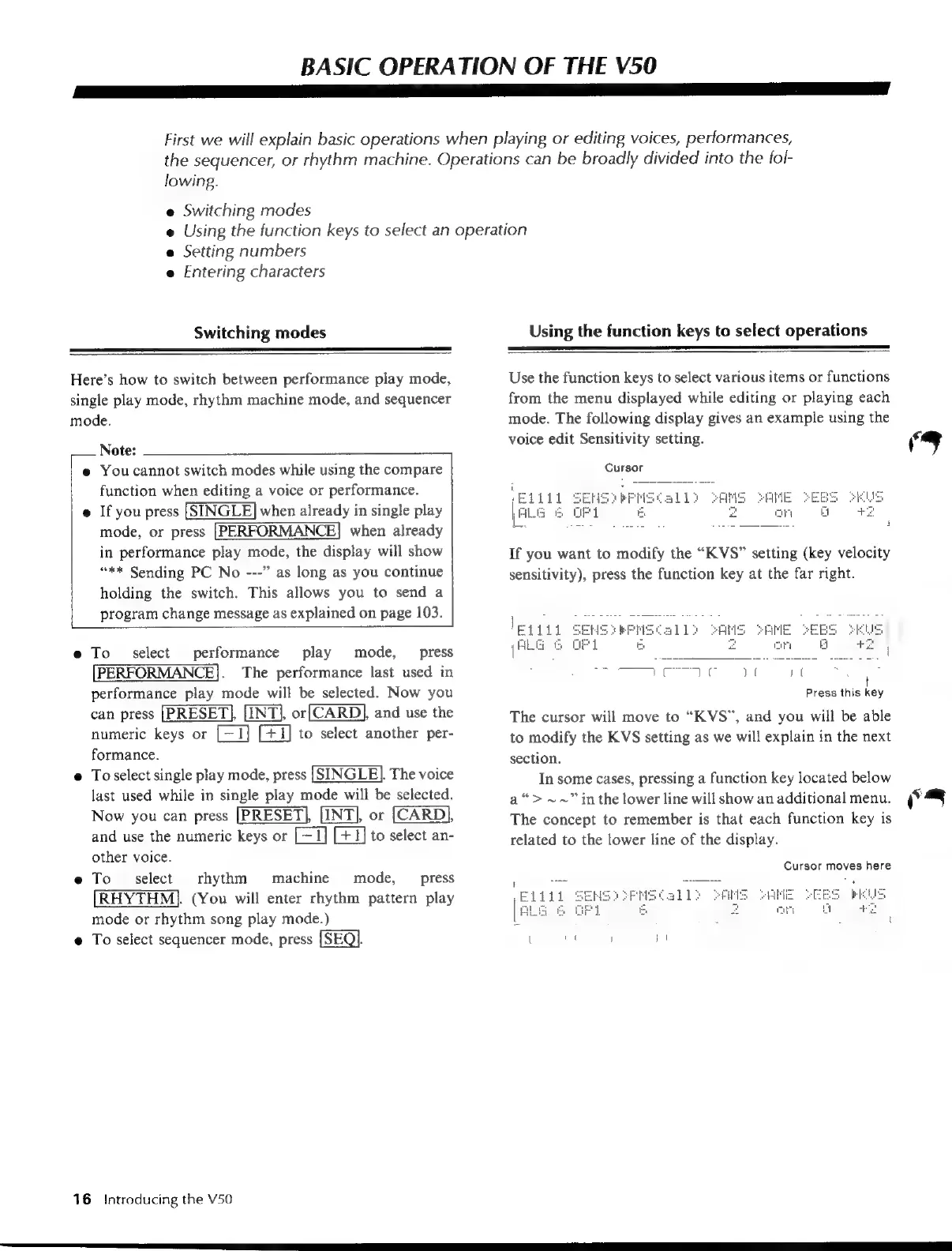
Use
the
function
keys
to
select
various
items
or
functions
from
the
menu
displayed
while
editing
or
playing
each
mode.
The
following
display
gives
an
example
using
the
voice
edit
Sensitivity
setting.
‘ew
J
Cursor
If
you
want
to
modify
the
“K
VS”
setting
(key
velocity
sensitivity),
press
the
function
key
at
the
far
right.
B
msy
pe
)
í
yg
ani
aed)
Press
this
key
The
cursor
will
move
to
“KVS”,
and
you
will
be
able
to
modify
the
KVS
setting
as
we
will
explain
in
the
next
section.
In
some
cases,
pressing
a
function
key
located
below
a“
>
~~”
in
the
lower
line
will
show
an
additional
menu.
S
The
concept
to
remember
is
that
each
function
key
is
related
to
the
lower
line
of
the
display.
Cursor
moves
here

Table of Contents

Other manuals for Yamaha V50

Related product manuals