EasyManua.ls Logo

Yamaha V50 - Page 60

Yamaha V50
81 pages
Print Icon
To Next Page IconTo Next Page
To Previous Page IconTo Previous Page
Loading...
@
Settings
0%
100%
@
Explanation
The
combined
volume
of
the
effect
and
the
un-
processed
sound
is
adjusted
by
this
setting.
100%
is
maximum,
and
at
0%
there
will
be
no
sound.
Note:
At
a
setting
of
0%,
neither
the
unprocessed
nor
the
processed
sound
will
be
heard.
(However
if
the
next
item
stereo
mix
is
on,
then
only
the
unprocessed
sound
will
be
heard.)
Note
If
the
DSP
sound
is
distorted,
decrease
the
(DSP)
Effect
Output
Level
or
the
Synthesizer
Volume.
(2)
Stereo
mix
E
Function
Mix
the
processed
sound
with
the
unprocessed
stereo
sound.
E
Settings
off,
on
E
Explanation
When
this
setting
is
on,
the
effect
processed
sound
will
be
combined
with
the
unprocessed
sound.
(Note
that
if
this
setting
is
off,
the
performance
effect
PAN
will
have
no
effect.)
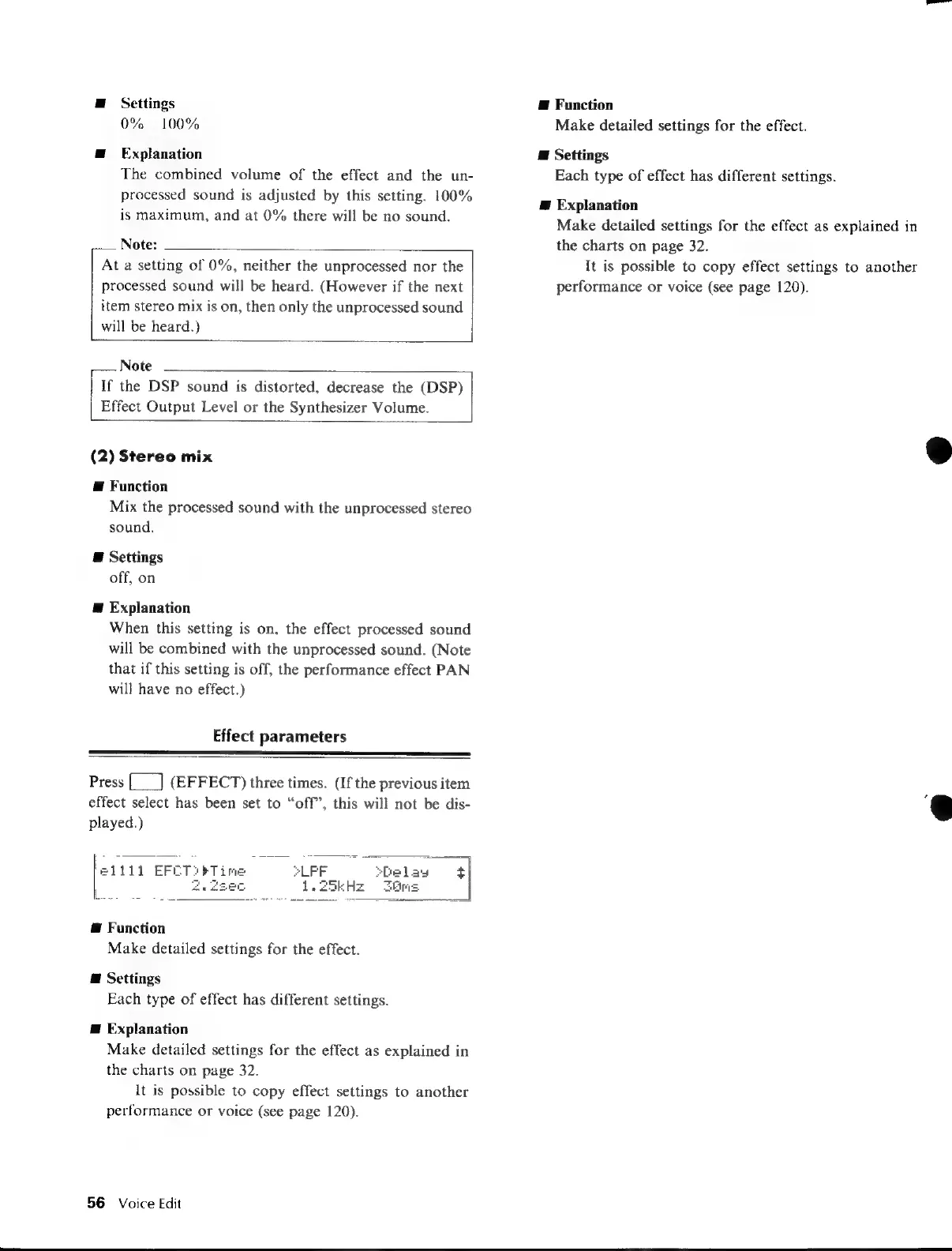
Effect
parameters
Press
{___]
(EFFECT)
three
times.
(If
the
previous
item
effect select
has
been
set
to
“off”,
this
will
not
be
dis-
played.)
[1111
EFET::
@
Function
Make
detailed
settings
for
the
effect.
@
Settings
Each
type
of
effect
has
different
settings.
E
Explanation
Make
detailed
settings
for
the
effect
as
explained
in
the
charts
on
page
32.
It
is
possible
to
copy
effect
settings
to
another
performance
or
voice
(see
page
120).
56
Voice
Edit
E
Function
Make
detailed
settings
for
the
effect.
@
Settings
Each
type
of
effect
has
different
settings.
Æ
Explanation
Make
detailed
settings
for
the
effect
as
explained
in
the
charts
on
page
32.
It
is
possible
to
copy
effect
settings
to
another
performance
or
voice
(see
page
120).

Table of Contents

Other manuals for Yamaha V50

Related product manuals