EasyManua.ls Logo

Yamaha V50 - Page 71

Yamaha V50
81 pages
Print Icon
To Next Page IconTo Next Page
To Previous Page IconTo Previous Page
Loading...
Clear
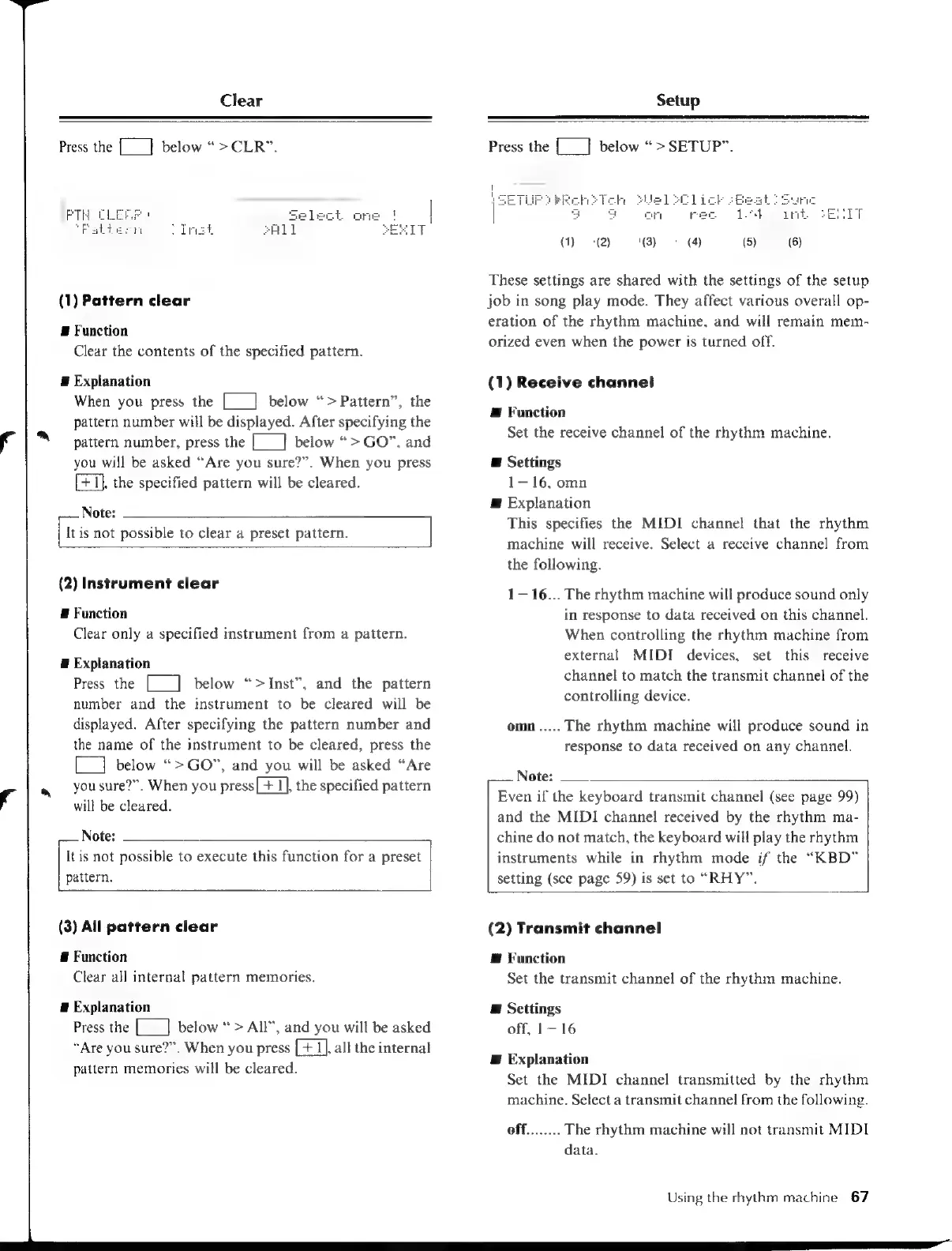
Press
the
[_]
below
“>
CLR”.
|
PTH
(1)
Pattern
clear
E
Function
Clear
the
contents
of
the
specified
pattern.
E
Explanation
When
you
press
the
[___]
below
“>
Pattern”,
the
pattern
number
will
be
displayed.
After
specifying
the
pattern
number,
press
the
[__]
below
“>
GO”,
and
you
will
be
asked
“Are
you
sure?”.
When
you
press
[+1],
the
specified
pattern
will
be
cleared.
Note:
It
is
not
possible
to
clear
a
preset
pattern.
(2)
Instrument
clear
E
Function
Clear
only
a
specified
instrument
from
a
pattern.
E
Explanation
Press
the
[__]
below
“>Inst”,
and
the
pattern
number
and
the
instrument
to
be
cleared
will
be
displayed.
After
specifying
the
pattern
number
and
the
name
of
the
instrument
to
be
cleared,
press
the
L]
below
“>GO”,
and you
will
be
asked
“Are
you
sure?”.
When
you
press[+
1],
the
specified
pattern
will
be
cleared.
Note:
It
is
not
possible
to
execute
this
function
for
a
preset
pattern.
(3)
All
pattern
clear
#
Function
Clear
all
internal
pattern
memories.
#
Explanation
Press
the
[___]
below
>
All”,
and
you
will
be
asked
“Are
you
sure?”.
When
you
press
[+
1],
all
the
internal
pattern
memories
will
be
cleared.
Setup
Press
the
[__]
below
“>
SETUP”.
(1)
°
(2)
(3)
These
settings
are
shared
with
the
settings
of
the
setup
job
in
song
play
mode.
They
affect
various
overall
op-
eration
of
the
rhythm
machine,
and
will
remain
mem-
orized
even
when
the
power
is
turned
off.
(1)
Receive
channel
Æ
Function
Set
the
receive
channel
of
the
rhythm
machine.
E
Settings
1—16,
omn
@
Explanation
This
specifies
the
MIDI
channel
that
the
rhythm
machine
will
receive.
Select
a
receive
channel
from
the
following.
1-16...
The
rhythm
machine
will
produce
sound
only
in
response
to
data
received
on
this
channel.
When
controlling
the
rhythm
machine
from
external
MIDI
devices,
set
this
receive
channel
to
match
the
transmit
channel
of
the
controlling
device.
omn
.....
The
rhythm
machine
will
produce
sound
in
response
to
data
received
on
any
channel.
Note:
Even
if
the
keyboard
transmit
channel
(see
page
99)
and
the
MIDI
channel
received
by
the
rhythm
ma-
chine
do
not
match,
the
keyboard
will
play
the
rhythm
instruments
while
in
rhythm
mode
if
the
“KBD”
setting
(see
page
59)
is
set
to
“RHY”.
(2)
Transmit
channel
@
Function
Set
the
transmit
channel
of
the
rhythm
machine.
E
Settings
off,
1—16
E
Explanation
Set
the
MIDI
channel
transmitted
by
the
rhythm
machine.
Select
a
transmit
channel
from
the
following.
off........
The
rhythm
machine
will
not
transmit
MIDI
data.
Using
the
rhythm
machine
67

Table of Contents

Other manuals for Yamaha V50

Related product manuals