EasyManua.ls Logo

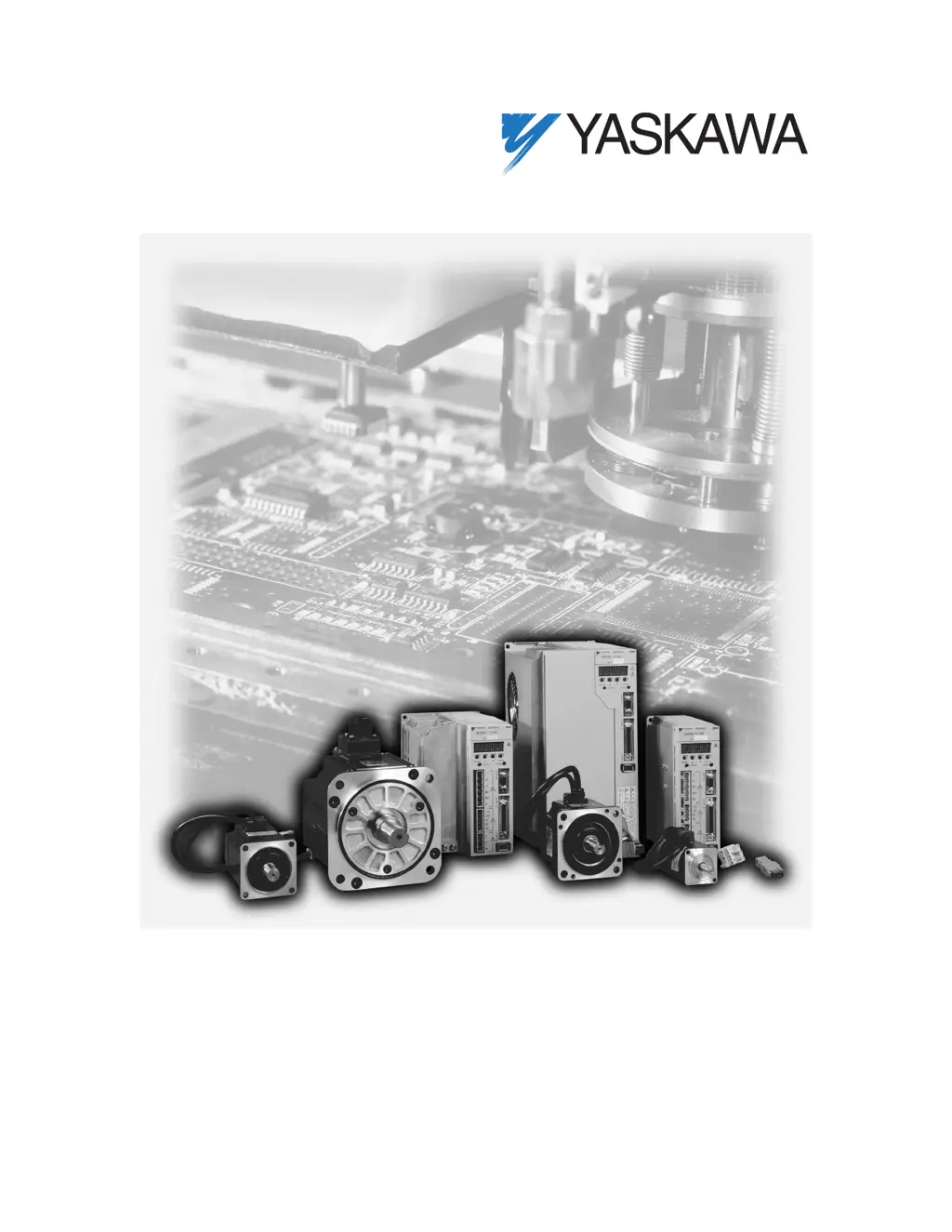
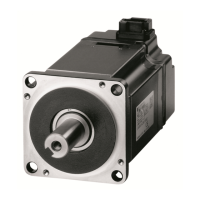
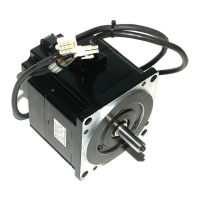
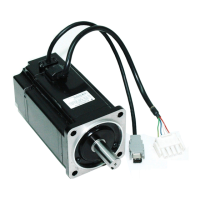
YASKAWA SGMAH - User Manual

YASKAWA SGMAH
488 pages
Print Icon
To Next Page IconTo Next Page
Loading...
Sigma II Series Servo System
Users Manual

Table of Contents

Questions and Answers

  • S
    Stephanie RogersAug 2, 2025
    What to do if YASKAWA Servo Drives show Parameter Setting Error?
    • L
      lesliemillerAug 3, 2025
      If YASKAWA Servo Drives display a Parameter Setting Error, it could be due to an out-of-range parameter being set or loaded. Try resetting all parameters within the range or reload the correct parameter. If the issue persists, the circuit board (1PWB) may be defective, requiring replacement of the servo amplifier.
  • E
    Emily Lawrence MDAug 10, 2025
    What causes YASKAWA SGMAH to display A.02 Parameter Breakdown?
    • D
      Dakota BurtonAug 10, 2025
      The A.02 Parameter Breakdown error in YASKAWA Servo Drives can be caused by a power interruption during parameter writing, leading to an alarm upon the next power cycle. It may also indicate a defective circuit board (1PWB). To resolve this: * Initialize parameters using Fn005, then re-enter the settings. * If the problem continues, replace the servo amplifier.
  • M
    Mary MurrayAug 18, 2025
    What to do if YASKAWA SGMAH Servo Drives show Servomotor and Amplifier Combination Error?
    • S
      Susan PhamAug 18, 2025
      If your YASKAWA Servo Drives are showing a Servomotor and Amplifier Combination Error, it could be due to exceeding the acceptable range of servomotor capacities. In this case, replace the servomotor to achieve an acceptable combination. Another potential cause is improperly written encoder parameters, which would also necessitate replacing the servomotor.
  • K
    Kathleen BakerAug 26, 2025
    Why YASKAWA SGMAH display Main Circuit Detection Error?
    • M
      Mrs. Shirley MedinaAug 26, 2025
      YASKAWA Servo Drives may display a Main Circuit Detection Error if the circuit board (1PWB or 2PWB) is defective. The suggested solution is to replace the servo amplifier.

Summary

1 Checking Product and Part Names

1.1 Checking the Sigma II Series Products on Delivery

Procedure for checking Sigma II series products upon delivery.

2 Installation

2.1 Servomotors

Precautions for installing Sigma II Series servomotors.

2.2 Servo Amplifiers

Precautions for installing Sigma II Series servo amplifiers.

3 Wiring

3.1 Connecting to Peripheral Devices

Examples of standard Sigma II Series product connections to peripheral devices.

3.3 Main Circuit Wiring

Typical examples of main circuit wiring and precautions.

3.4 I;O Signals

Description of I/O signals for the SGDH servo amplifier.

4 Trial Operation

4.1 Two-Step Trial Operation

Describes a two-step trial operation procedure for safety.

5 Parameter Settings and Functions

5.3 Setting Up the Servo Amplifier

Procedure for setting parameters to operate the SGDH servo amplifier.

6 Servo Adjustment

6.3 Auto-Tuning

Checks machinery characteristics and adjusts servo gains automatically.

6.4 Servo Gain Adjustments

Basic rules of gain adjustments, methods, and reference values.

9 Inspection, Maintenance, and Troubleshooting

9.1 Servodrive Inspection and Maintenance

Basic inspection and maintenance for servomotors and servo amplifiers.

9.2 Troubleshooting

Describes causes and remedies for problems with alarm displays and no alarm.

B List of Parameters

B.1 Parameters

Lists all parameters, their settings, and references.

YASKAWA SGMAH Specifications

General IconGeneral
FeedbackIncremental Encoder
Protection ClassIP65
CategoryServo Drives
ModelSGMAH
Rated Output100W
Output Power100W
Input Voltage200 VAC
Voltage200V
Protection FunctionsOvercurrent, Overvoltage, Overheating

Related product manuals