MyPBX Standard User Manual
www.yeastar.com Page 89
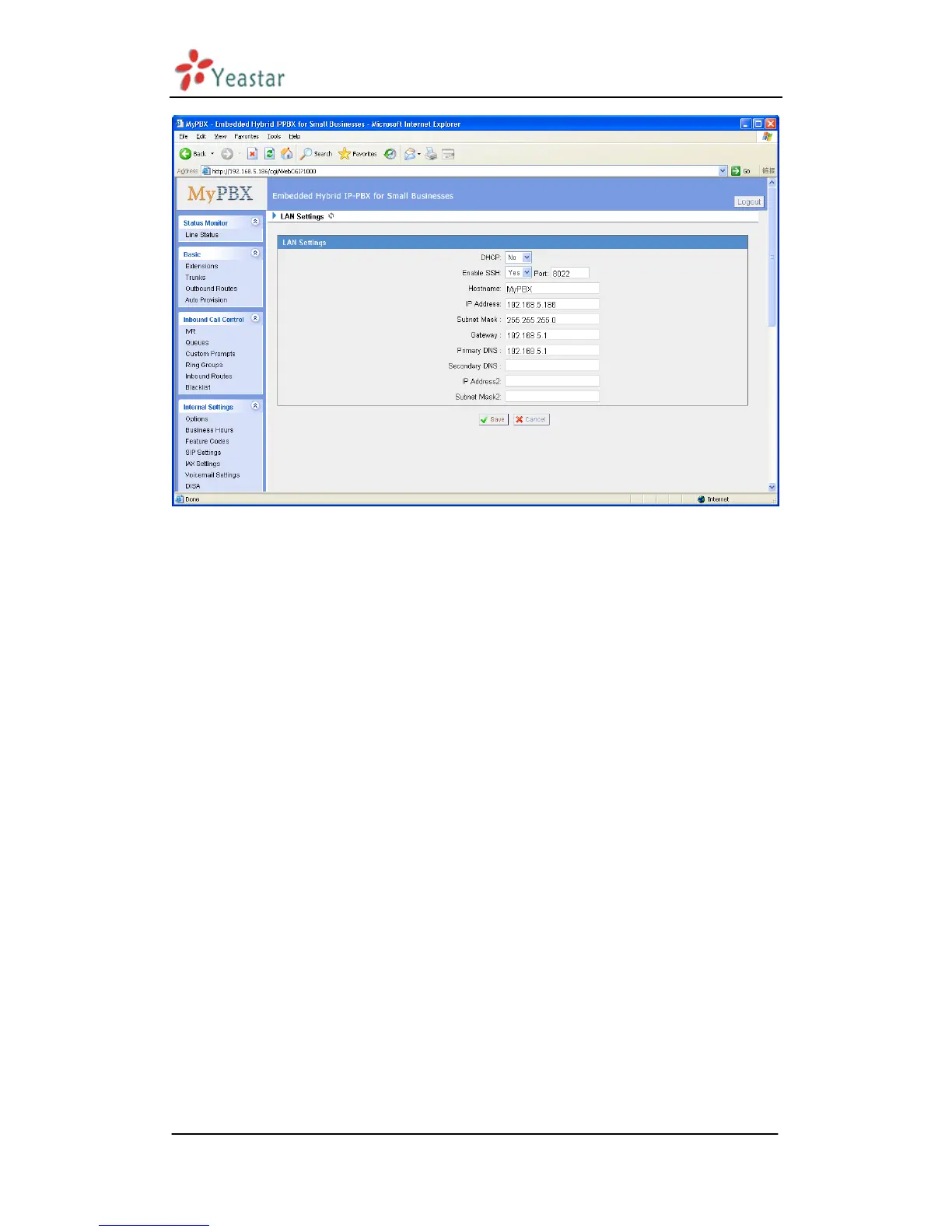
Figure 3.6.1
3.6.2 WAN Settings
Note: Only have WAN port‟s hardware version support this functions.
It support three connection types: DHCP (obtain an IP automatically), PPPoE,
Static IP Address.
·DHCP
.If your ISP says that you are connecting through DHCP or a dynamic IP address
from your ISP, perform these steps:
Step1: Select DHCP as the WAN Connection Type.
Step2: Click Save button to save the settings.
Step3: Reboot the device.
Step4: Check the WAN‟s Status (System Info WAN Status).
·Static IP Address
If your ISP says that you are connecting through a static or fixed IP address
from your ISP, perform these steps:
Step1: Select Static IP Address as the WAN Connection Type.
Step2: Enter the IP Address.
Step3: Enter the Subnet Mask.
Step4: Enter the Gateway Address.
Step5: Enter the Primary DNS and Secondary DNS.
Step6: Click the Save button to save the settings.


 To Next Page
 Loading...







