ON-SCREEN MENUS
AVAILABLE MENUS
Your TV is menu operated, that is, adjustments that can be
made to the TV appear on the screen in a list of choices you
can make by using the controls on the front panel of the TV
or on the remote control.
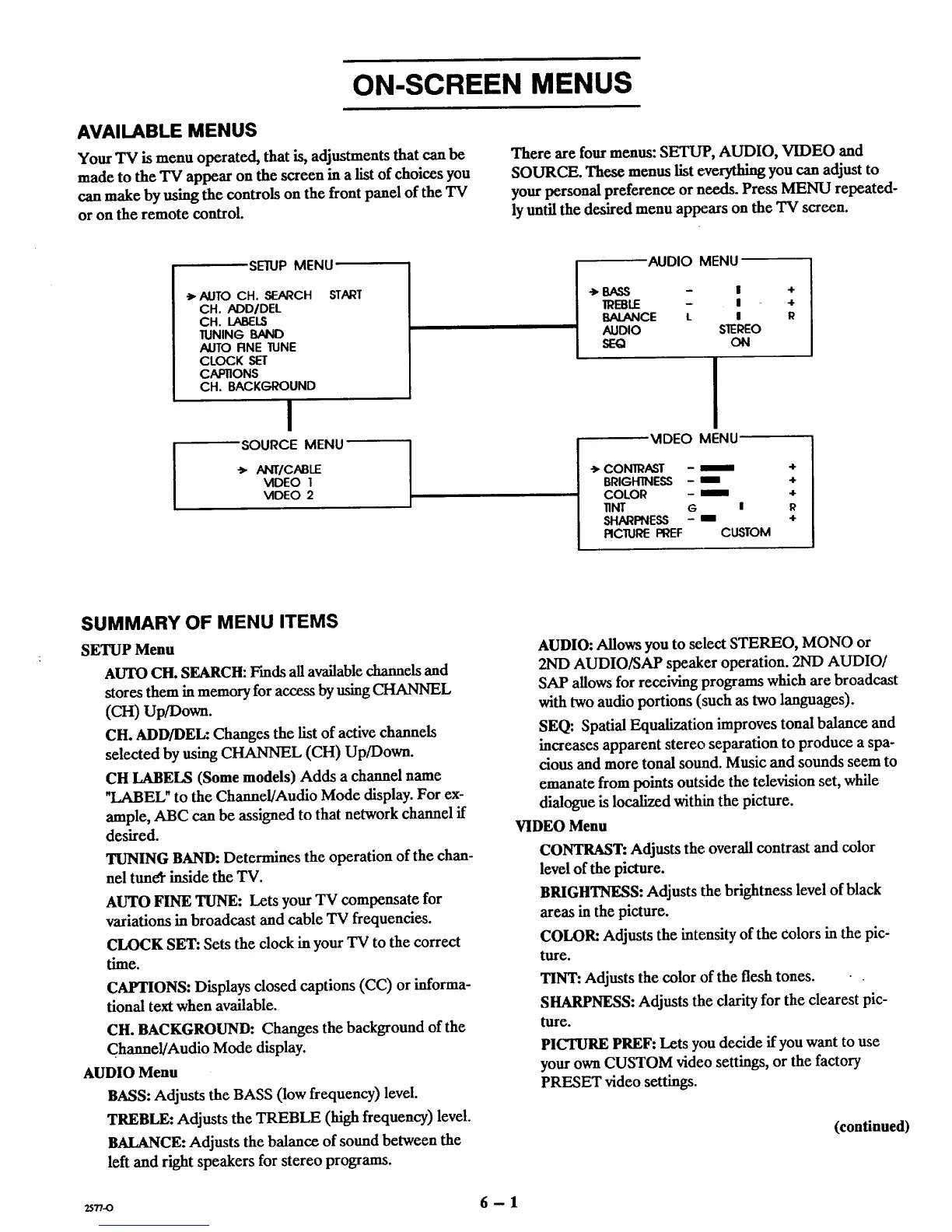
There are fourmenus:SETUP, AUDIO, VIDEO and
SOURCE. These menuslist everythingyou can adjustto
yourpersonal preference or needs. Press MENU repeated-
ly untilthe desired menu appearson the TV screen.
SE1UP MENU
-> AUTO CH. SEARCH START
CH. ADD/DEL
CH. LABELS
1UNING BAND
AUTO RNE 1UNE
CLOCK SET
CAP11ONS
CH. BACKGROUND
I
SOURCE MENU
-'_ANT/CABLE
VIDEO I
VIDEO 2
AUDIO MENU
->BASS - I
IREBLE - I
BALANCE L I
AUDIO SEREO
SEQ ON
4-
4-
R
MDEO MENU
-_ CONIRAST - _==
BRIGHTNESS - I
COLOR - ==_=
lINT G l
SHARPNESS - ==
RCIIJRE PREF CUSTOM
4-
4-
4-
R
4-
SUMMARY OF MENU ITEMS
SETUP Menu
AUTO CH. SEARCH: F'mds all available channels and
stores them in memory for access by using CHANNEL
(CH) Up/Down.
CH. ADD/DEL: Changes the list of active channels
selected by using CHANNEL (CH) Up/Down.
CH LABELS (Some models) Adds a channel name
"LABEL" to the Channel/Audio Mode display. For ex-
ample, ABC can be assigned to that network channel if
desired.
TUNING BAND: Determines the operation of the chan-
nel tuner inside the IV.
AUTO FINE TUNE: Lets your TV compensate for
variations in broadcast and cable "IV frequencies.
CLOCK SET: Sets the clock in your TV to the correct
time.
CAPTIONS: Displays closed captions (CC) or informa-
tional text when available.
CH. BACKGROUND: Changes the background of the
Channe!/Audio Mode display.
AUDIO Menu
BASS: Adjusts the BASS (low frequency) level.
TREBLE: Adjusts the TREBLE (high frequency) level.
BALANCE: Adjusts the balance of sound between the
left and right speakers for stereo programs.
AUDIO: Allows you to select STEREO, MONO or
2ND AUDIO/SAP speaker operation. 2ND AUDIO/
SAP allows for receiving programs which are broadcast
with two audio portions (such as two languages).
SEQ: Spatial Equalization improves tonal balance and
increases apparent stereo separation to produce a spa-
cious and more tonal sound. Music and sounds seem to
emanate from points outside the television set, while
dialogue is localized within the picture.
VIDEO Menu
CONTRAST: Adjusts the overall contrast and color
level of the picture.
BRIGHTNESS: Adjusts the brightness level of black
areas in the picture.
COLOR: Adjusts the intensity of the colors in the pic-
ture.
TINT: Adjusts the color of the flesh tones.
SHARPNESS: Adjusts the clarity for the clearest pic-
ture.
PICTURE PREF: Lets you decide if you want to use
your own CUSTOM video settings, or the factory
PRESET video settings.
(continued)
25.-o 6- 1



 To Next Page