SETUP MENU
CH. BACKGROUND
Purpose
When you turn on your TV, the Channel/Audio Mode dis-
play shows the current channe!, time (if set) and type of
audio signal (STEREO, MONO, OR 2ND AUDIO/SAP).
The CH. BACKGROUND feature allows you to show the
numbers and letters on a small colored field which serves as
the background: NOTE: This background will then also ap-
pear on the Mute display as well.
To Operate CH. BACKGROUND
1. CH. BACKGROUND should be selected if you fol-
lowed the "Basic Menu Operation" given in the "On-
Screen Menu section.
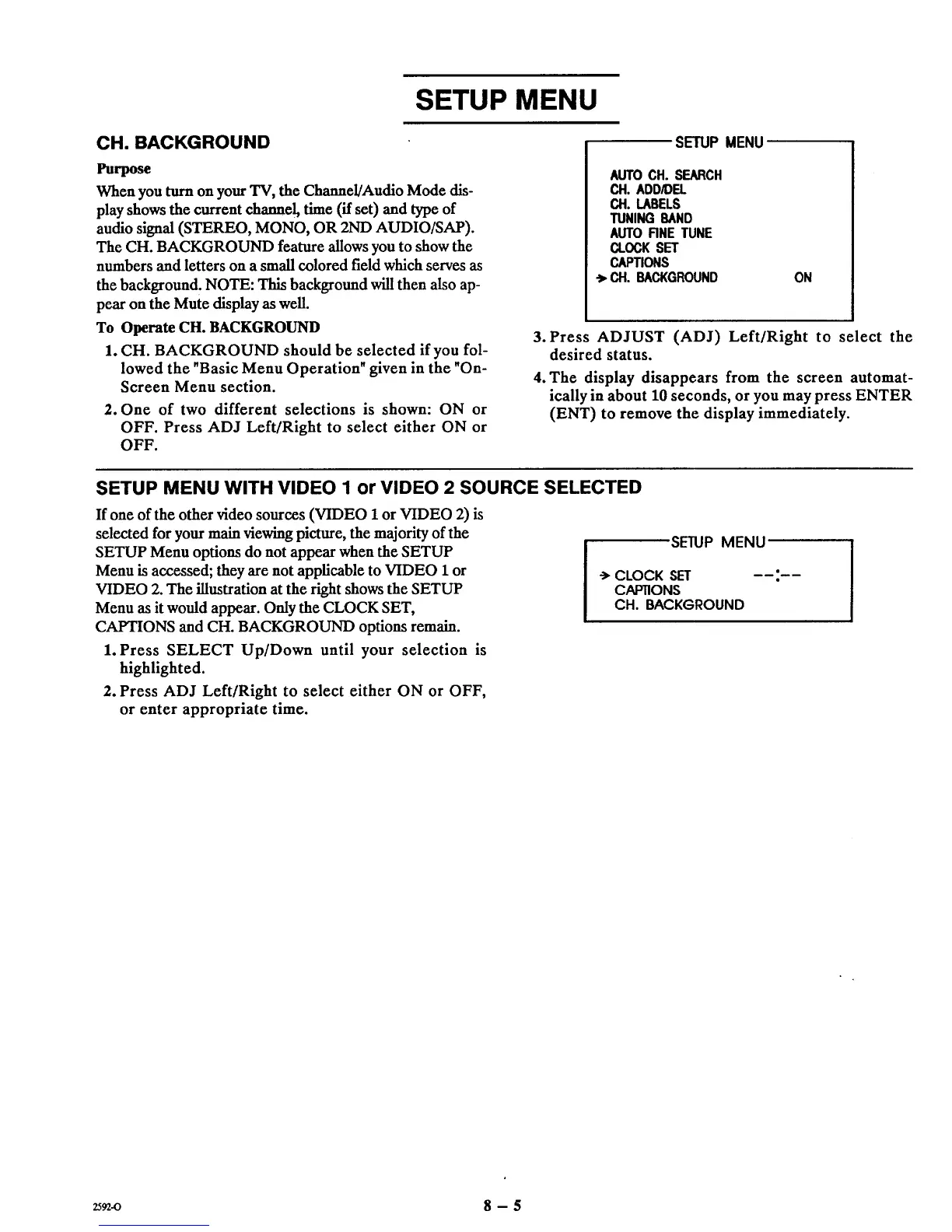
2. One of two different selections is shown: ON or
OFF. Press ADJ Left/Right to select either ON or
OFF.
SETUP MENU
AUTOCH. SEARCH
CH. ADD/DEL
CH. LABELS
TUNING BAND
AUTO RNE TUNE
CLOCK SET
CAPTIONS
_, CAl.BACKGROUND ON
3. Press ADJUST (ADJ) Left/Right to select the
desired status.
4. The display disappears from the screen automat-
ically in about 10 seconds, or you may press ENTER
(ENT) to remove the display immediately.
SETUP MENU WITH VIDEO 1 or VIDEO 2 SOURCE SELECTED
If one of the other video sources (VIDEO 1or VIDEO 2) is
selected for your main viewing picture, the majority of the
SETUP Menu options do not appear when the SETUP
Menu is accessed; they are not appficable to VIDEO 1 or
VIDEO 2. The illustration at the right shows the SETUP
Menu as it would appear. Only the CLOCK SET,
CAPTIONS and CH. BACKGROUND options remain.
1. Press SELECT Up/Down until your selection is
highlighted.
2. Press ADJ LeftlRight to select either ON or OFF,
or enter appropriate time.
,SETUPMENU
-> CLOCK SET
CAP11ONS
CH. BACKGROUND
_-o 8 - 5



 To Next Page