SETUP MENU
AUTO CH. SEARCH
Finds all available channels and stores them in memory for
access by CHANNEL Up/Down.
Use AUTO CH. SEARCH only when you first install your
TV, or when you permanently change the connections to
the TV. For example, when you replace the antenna with a
cable-TV system.
Before Using AUTO SEARCH
Connect and turn ON all external equipment, such as a
cable-TV decoder, VCR, etc.
NOTE: AUTO CH. SEARCH can only be used with
ANT/CABLE Source selection.
To Use AUTO SEARCH
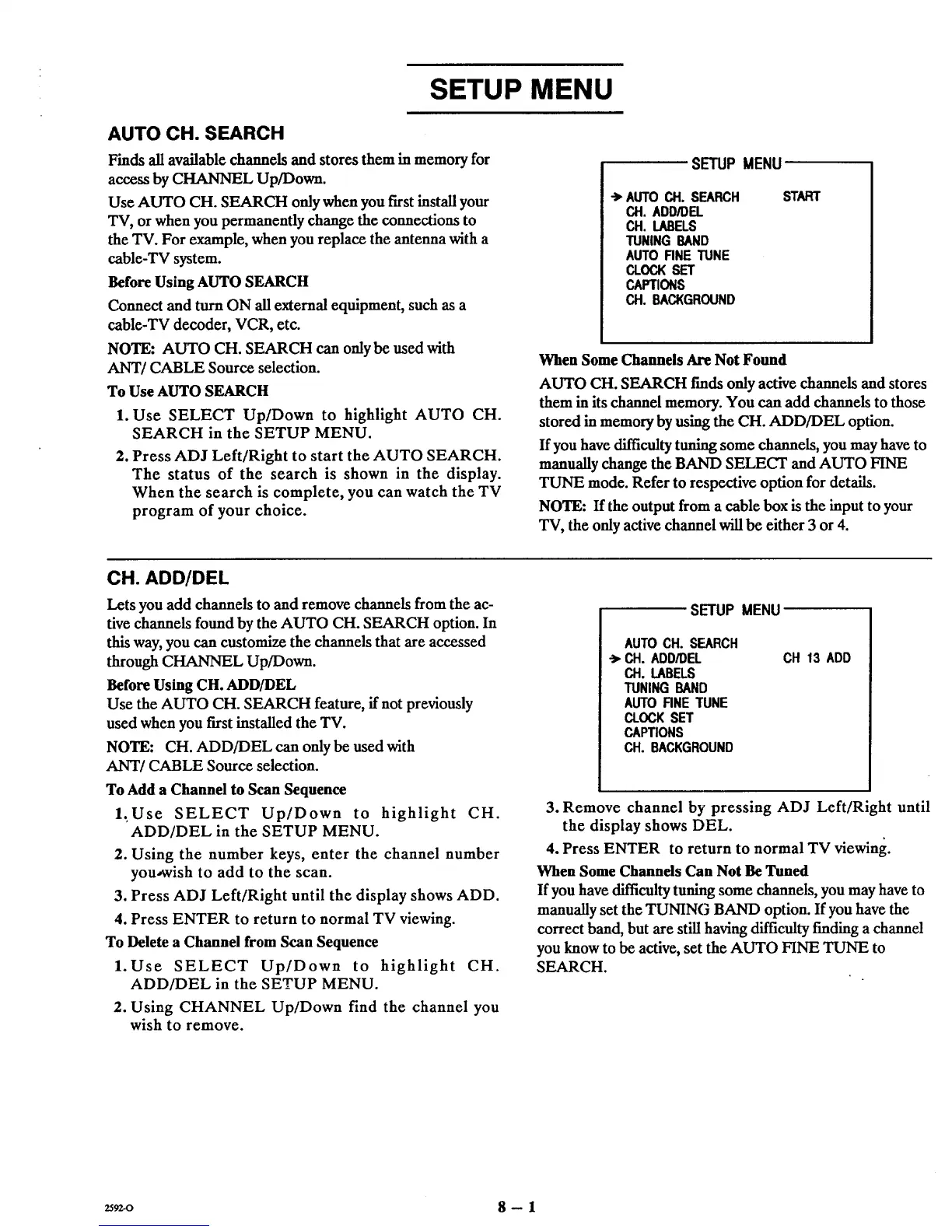
1. Use SELECT Up/Down to highlight AUTO CH.
SEARCH in the SETUP MENU.
2. Press ADJ Left/Right to start the AUTO SEARCH.
The status of the search is shown in the display.
When the search is complete, you can watch the TV
program of your choice.
SETUP MENU
•->AUTO CH. SEARCH
CH. ADD/DEL
CH. LABELS
TUNING BAND
AUTO FINE TUNE
CLOCKSET
CAPTIONS
CH. BACKGROUND
START
When Some Channels Are Not Found
AUTO CH. SEARCH t'mds only active channels and stores
them in its channel memory. You can add channels to those
stored in memory by using the CH. ADD/DEL option.
If you have diIficnlty tuning some channels, you may have to
manually change the BAND SELECT and AUTO FINE
TUNE mode. Refer to respective option for details.
NOTE: If the output from a cable box is the input to your
"IV, the only active channel will be either 3 or 4.
CH. ADD/DEL
Lets you add channels to and remove channels from the ac-
tive channels found by the AUTO CH. SEARCH option. In
this way, you can customize the channels that are accessed
through CHANNEL Up/Down.
Before Using CH. ADD/DEL
Use the AUTO CH. SEARCH feature, if not previously
used when you first installed the TV.
NOTE: CH. ADD/DEL can only be used with
ANT/CABLE Source selection.
To Add a Channel to Scan Sequence
1,Use SELECT Up/Down to highlight CH.
ADD/DEL in the SETUP MENU.
2. Using the number keys, enter the channel number
you-wish to add to the scan.
3. Press ADJ Left/Right until the display shows ADD.
4. Press ENTER to return to normal TV viewing.
To Delete a Channel from Scan Sequence
1. Use SELECT Up/Down to highlight CH.
ADD/DEL in the SETUP MENU.
2. Using CHANNEL Up/Down find the channel you
wish to remove.
SETUP MENU
AUTOCH. SEARCH
-> CH. ADD/DEL
CH. LABELS
TUNING BAND
AUTO FINE TUNE
CLOCK SET
CAPTIONS
CH. BACKGROUND
CH 13 ADD
3. Remove channel by pressing ADJ Left/Right until
the display shows DEL.
4. Press ENTER to return to normal TV viewing.
When Some Channels Can Not Be Tuned
Ifyou have difficulty tuning some channels, you may have to
manually set the TUNING BAND option. If you have the
correct band, but are still having difficulty finding a channel
you know to be active, set the AUTO FINE TUNE to
SEARCH.
2592-0 8 -- 1



 To Next Page