SETUP MENU
AUTO FINE TUNE
Lets your TV compensate for variations in broadcast and
cable-TV frequencies.
If you are having difficulty tuning channels, the AUTO
FINE TUNE may have to be set manually to match your
viewing needs.
Before Using AUTO FINE TUNE
Connect and turn ON all external equipment, such as cable-
TV decoder, VCR, etc.
NOTE: AUTO FINE TUNE can only be used with
ANT/CABLE Source selection.
To Use AUTO FINE TUNE
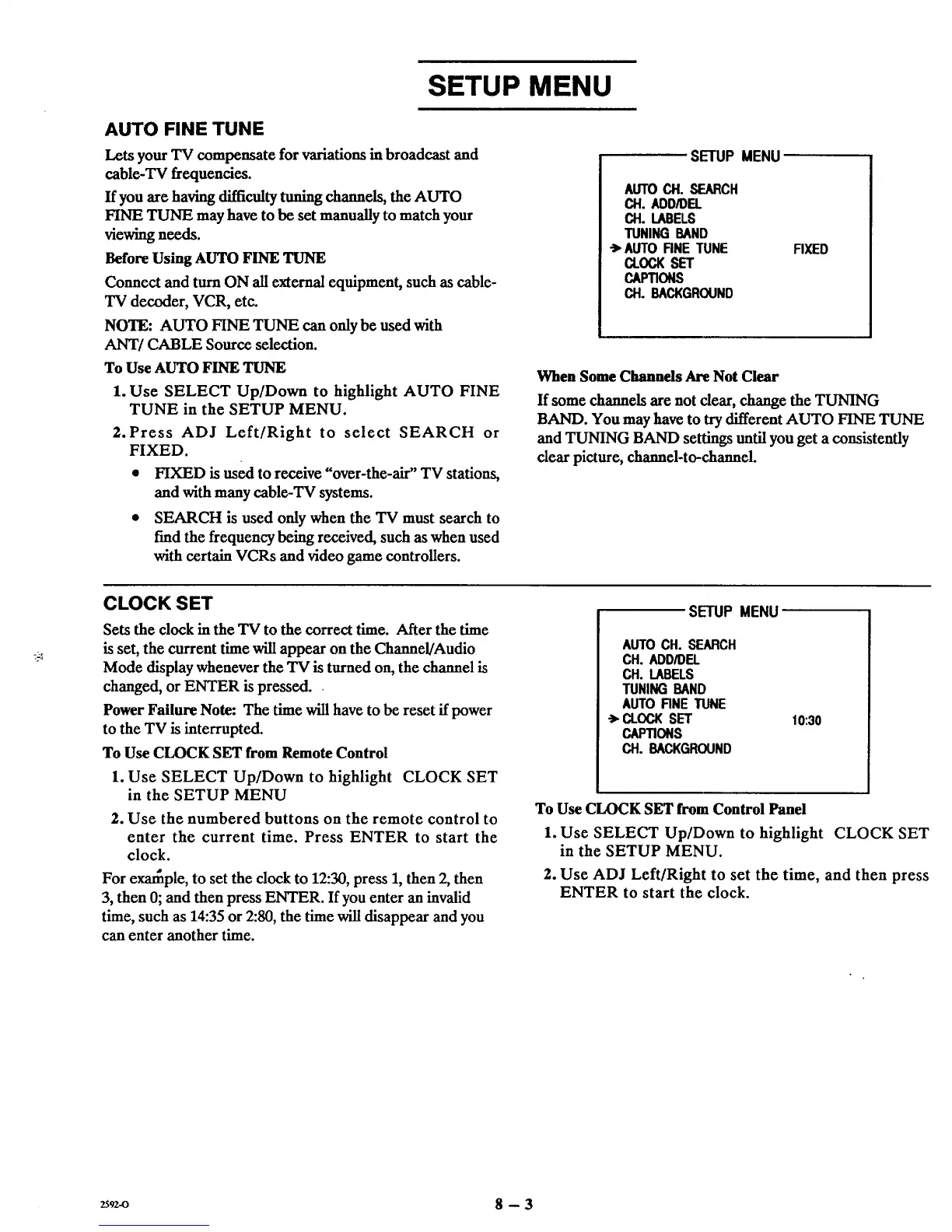
1. Use SELECT Up/Down to highlight AUTO FINE
TUNE in the SETUP MENU.
2. Press ADJ Left/Right to select SEARCH or
FIXED.
• FIXED is used to receive "over-the-air" TV stations,
and with many cable-TV systems.
• SEARCH is used only when the TV must search to
find the frequency being received, such as when used
with certain VCRs and video game controllers.
SETUP MENU
AUTOCH. SEARCH
CH. ADD/DEL
CH. LABELS
TUNING BAND
•">AUTO FINE TUNE
CLOCK SET
CAPTIONS
CH. B&CKGROUND
FIXED
When Some Channels Are Not Clear
If some channels are not clear, change the TUNING
BAND. You may have to try different AUTO FINE TUNE
and TUNING BAND settings until you get a consistently
clear picture, channel-to-channel.
CLOCK SET
Sets the dock in the TV to the correct time. After the time
is set, the current time will appear on the Channel/Audio
Mode display whenever the TV is turned on, the channel is
changed, or ENTER is pressed.
Power Failure Note: The time will have to be reset if power
to the TV is interrupted.
To Use CLOCK SET from Remote Control
1. Use SELECT Up/Down to highlight CLOCK SET
in the SETUP MENU
2. Use the numbered buttons on the remote control to
enter the current time. Press ENTER to start the
clock.
For ex_ple, to set the clock to 12:30, press 1, then 2, then
3, then 0; and then press ENTER. If you enter an invalid
time, such as 14:35 or 2:80, the time will disappear and you
can enter another time.
SETUP MENU
AUTOCH. SEARCH
CH. ADD/DEL
CH. LABELS
TUNINGBAND
AUTO RNE TUNE
-> CLOCK SET
CAPTIONS
CH. BACKGROUND
10:30
To Use CLOCK SET from Control Panel
1. Use SELECT Up/Down to highlight CLOCK SET
in the SETUP MENU.
2. Use ADJ Left/Right to set the time, and then press
ENTER to start the clock.
2592_ 8 - 3



 To Next Page