MultiBio700- User Manual
eSSL Pvt. Ltd. Page 18
Here is the combination verification operation; we will use the FACE&FP verification for
an example.
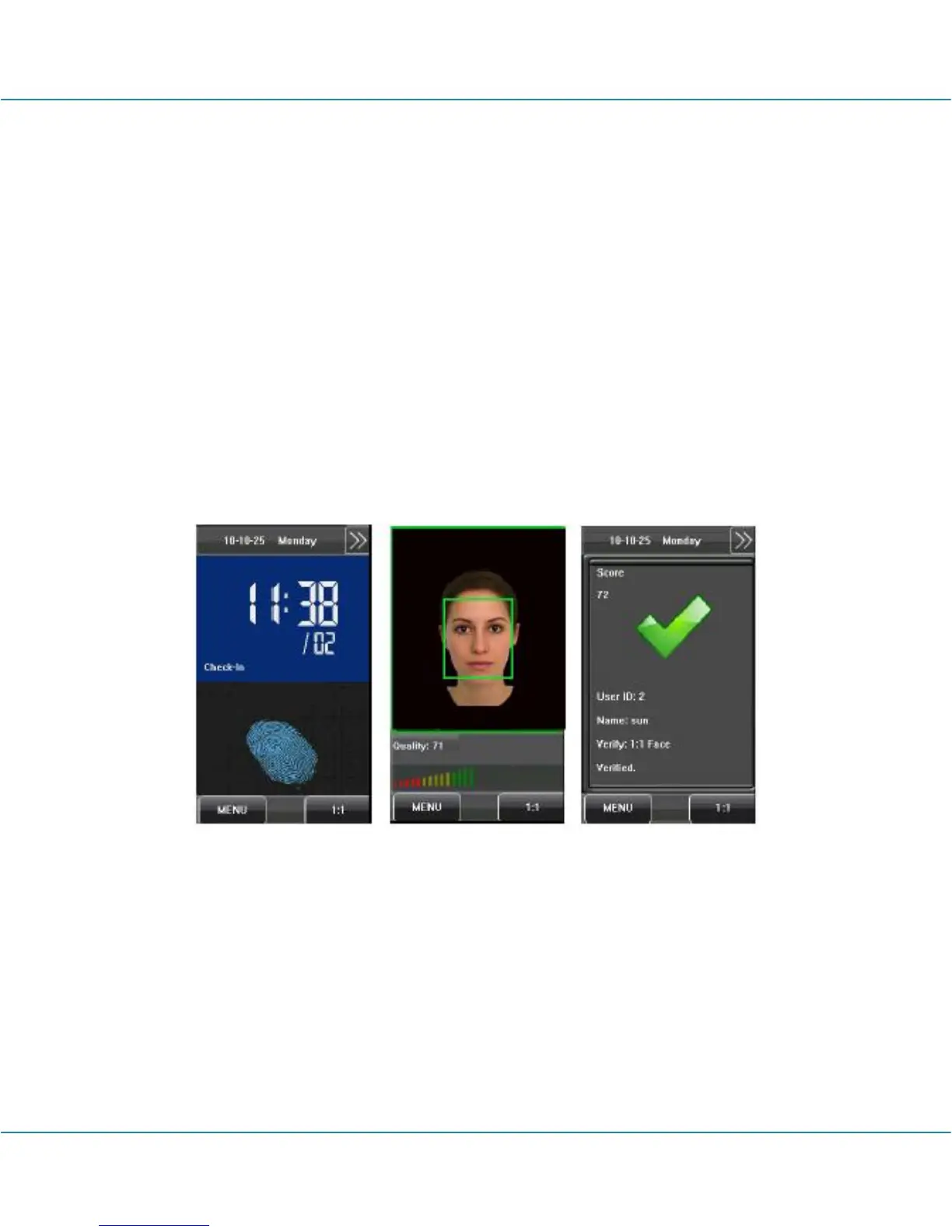
If you verify the fingerprint first and then the face, the operations are as follows.
(1) The default main interface is the fingerprint verification mode, see the figure below.
(2) Press your finger on the fingerprint sensor by adopting the proper finger placement.
For details, see 1.3 Finger Placement.
(3) If the verification is successful, the device will enter the 1:1 face recognition mode.
Compare the face in a proper way. For details, see 1.1 Standing Position, Posture
and Face Expression.
(4) If the verification is successful, the device will prompt “Verified”. The system will
return to the main interface if the verification is not passed within 20 seconds.
Otherwise, the FACE&FP combination verification can perform such as FACE (1: N) +
FP, PIN + FACE (1:1) + FP, PIN + FP (1:1) + FACE etc. The operation is similar to the
procedure introduced before.



 To Next Page