MultiBio700- User Manual
eSSL Pvt. Ltd. Page 14
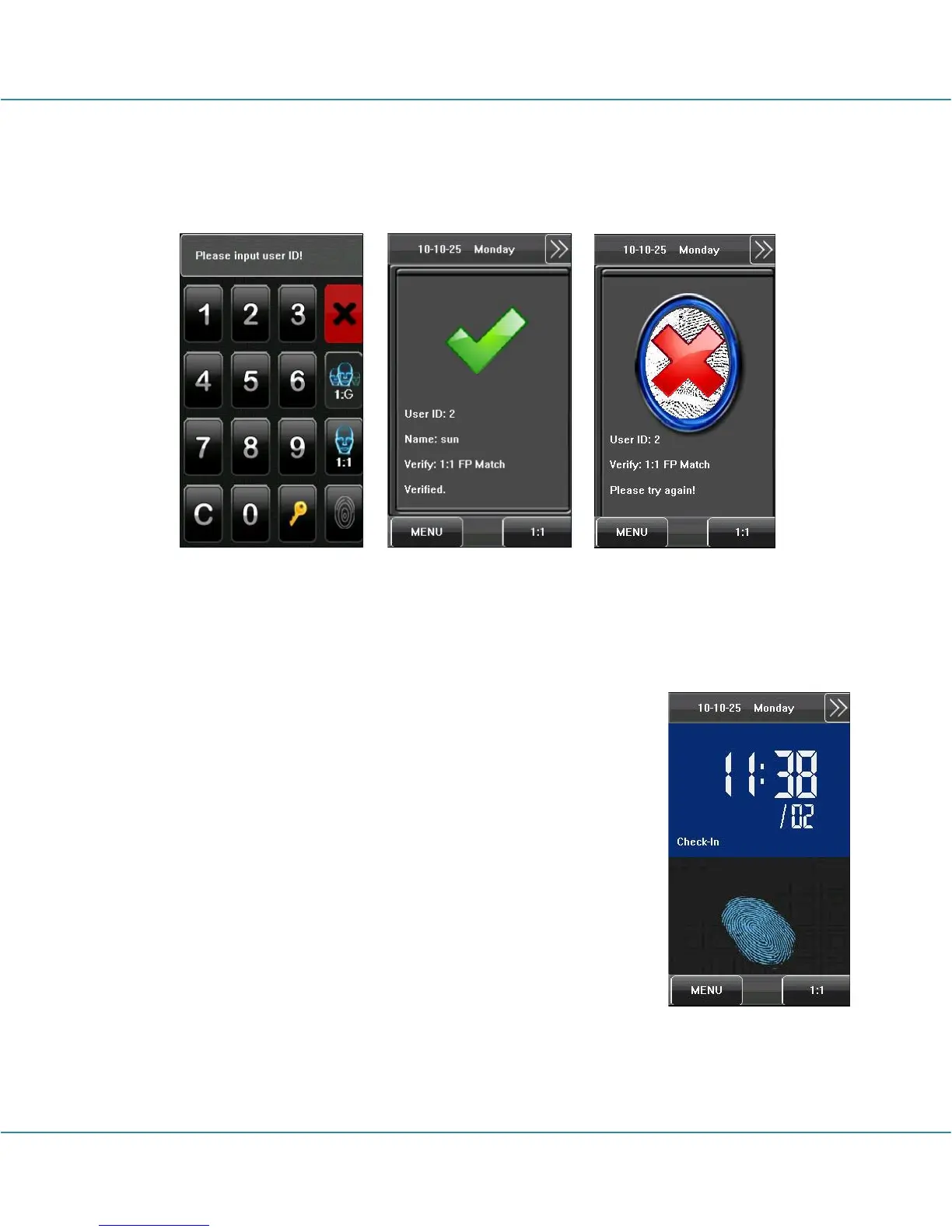
4. If the verification is successful, the device will prompt “Verified”, otherwise the device
will prompt “Please try again”.
1.8.2 Face Verification
1:1 face verification
In the 1:1 face verification mode, the device compares current
face collected through the camera with that in relation to the user
ID entered through the keyboard. Adopt this mode only when it is
difficult to recognize the face.
1. Press [1:1] on the screen or [1:1] button to enter the 1:1
recognition mode.
2. Enter user ID and then press the "1:1 Face” icon to enter 1:1
face recognition mode. If the prompt “Unregistered user!” is
displayed, the user ID does not exist.
3. Compare the face in a proper way. For details, see 1.1
Standing Position, Posture and Face Expression.



 To Next Page