MultiBio700- User Manual
eSSL Pvt. Ltd. Page 69
10. USB Disk Management
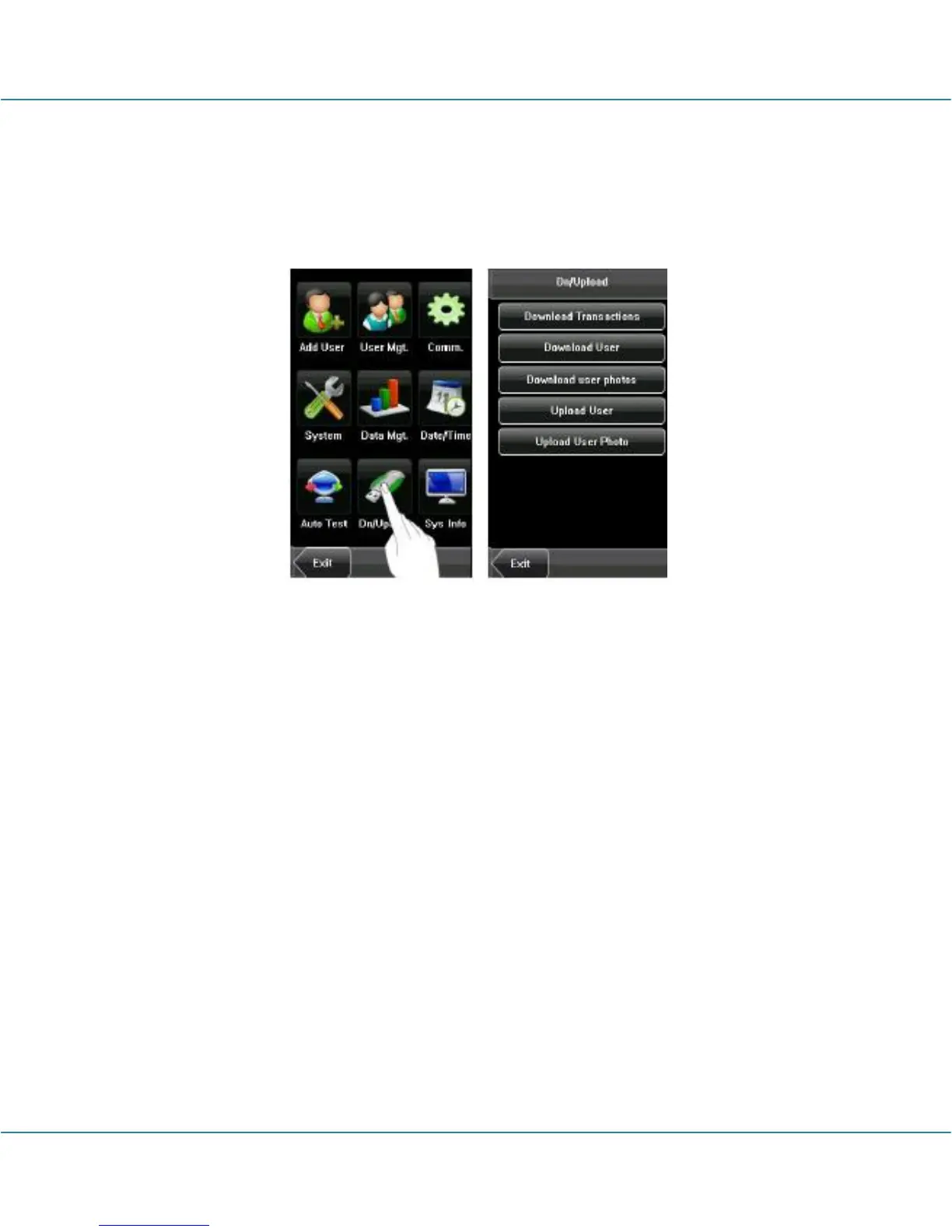
Through the [Dn/Upload] menu, you can download user information and attendance
data stored in a USB disk to related software or other fingerprint recognition equipment.
1. Download Transactions: Download all the attendance data from the device to a
USB disk.
2. Download User: Download all the user information, fingerprints and face images
from the device to a USB disk.
3. Download user photos: Download the employees’ photos from the device to a USB
disk.
4. Upload User: Upload the user information, fingerprints and face images stored in a
USB disk to the device.
5. Upload User Photo: Upload the JPG documents that are named after the user IDs
and stored in a USB disk to the device, so that user photos can be displayed after the
employee passes the verification. See Appendix 3 Photo ID Function.



 To Next Page