MultiBio700- User Manual
eSSL Pvt. Ltd. Page 53
6.7.2 Holiday setting
Special access control time may be needed during holidays. It is
different to modify everybody’s access control time. So a holiday
access control time can be set, which is applicable for all
employees.
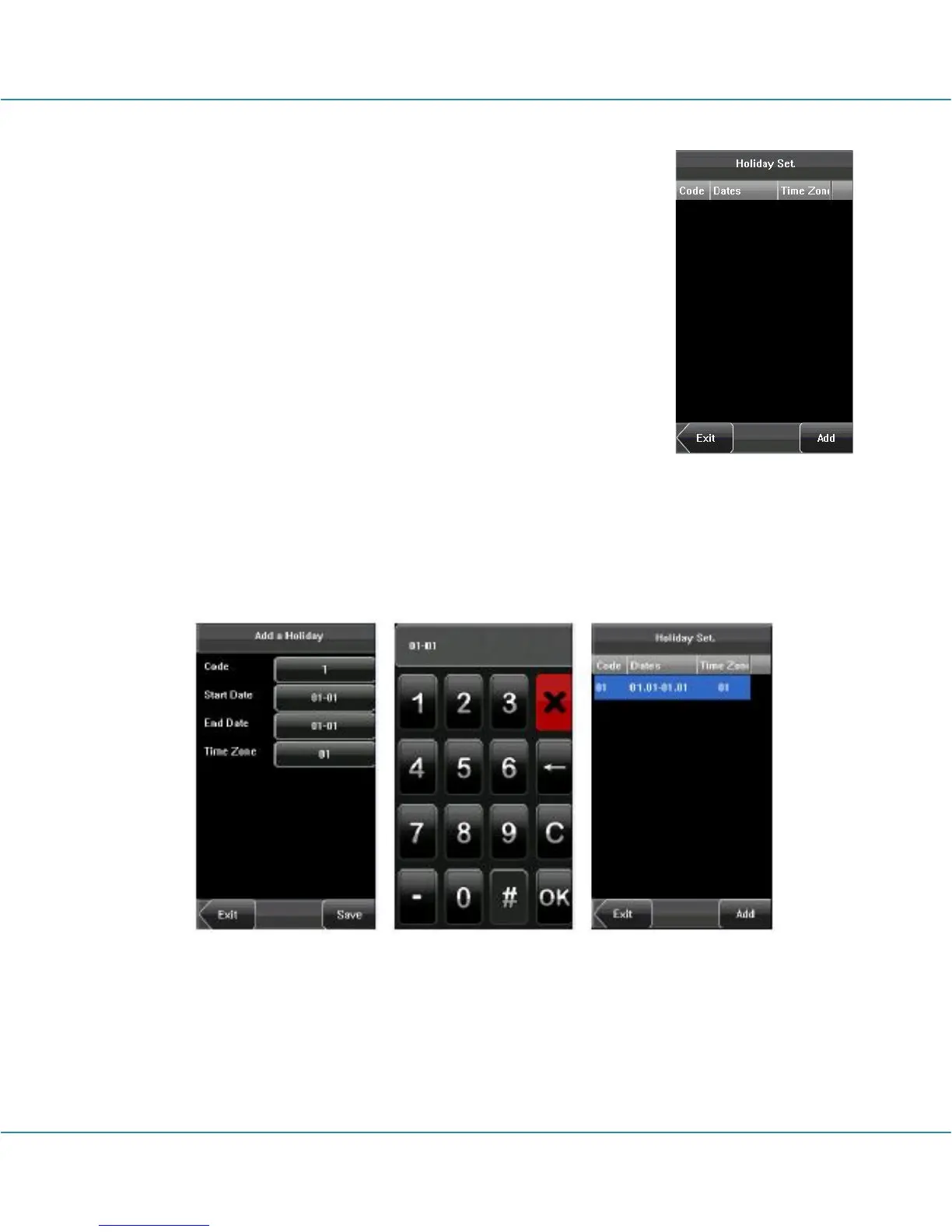
1. Add holiday:
(1) Enter holiday add interface, press the key to edit the items.
(2) Press the touch screen number key to set the value, after
setting, press [OK] to save, and press [X] for exit and return to the
previous interface.
(3) Press [Save] to save the current information and return to the previous interface;
press [Exit] directly to return to the previous interface without saving the current
information.



 To Next Page