MultiBio700- User Manual
eSSL Pvt. Ltd. Page 54
2. Edit holiday
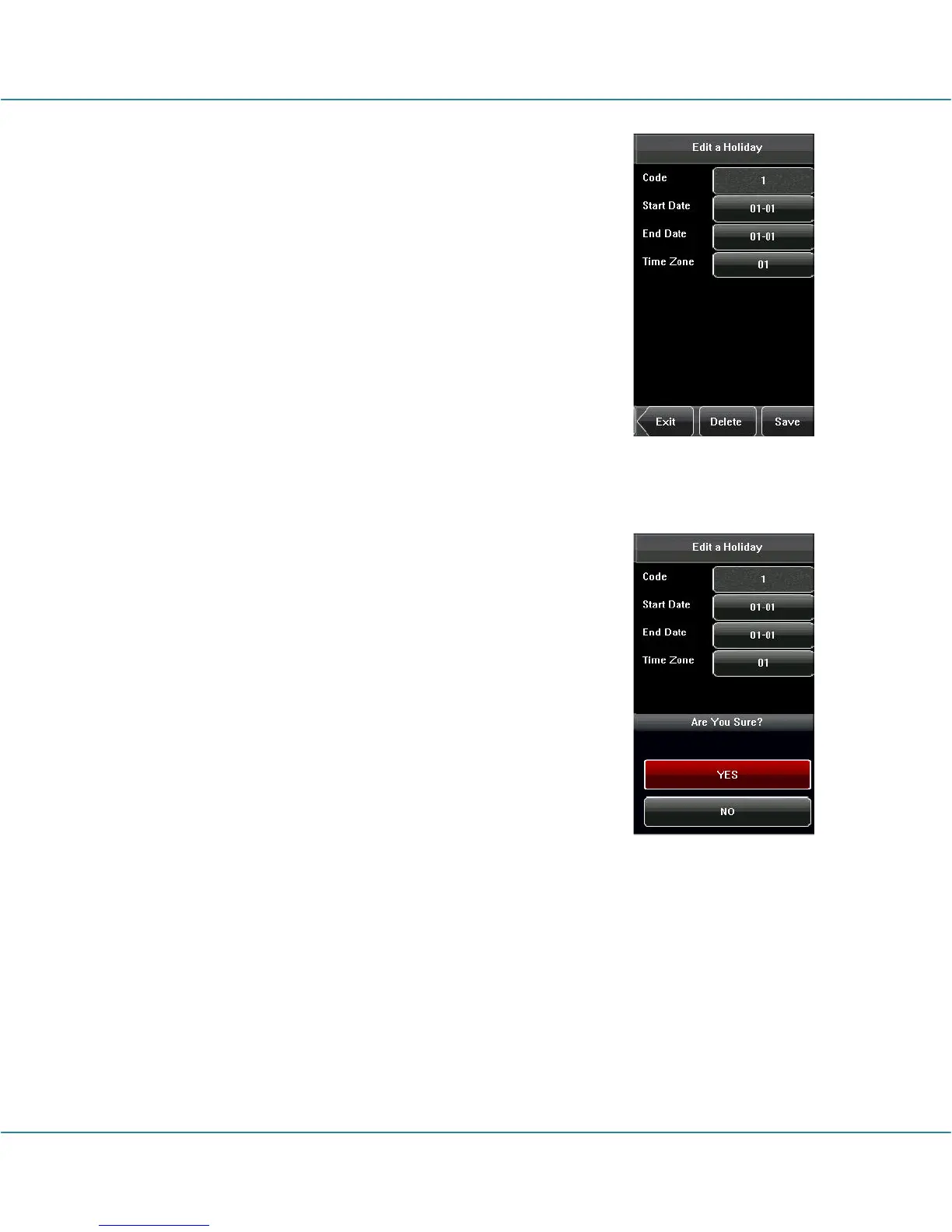
Select the holiday to be edited and enter the edit interface.
The edit operation is similar to add holiday. After editing,
press [Save] to save and return to the previous interface.
Notice: If holiday access control time is set, user’s open
door time zone during holiday is subject to the time zone
here.
3. Delete holiday
Select the holiday to be deleted. Press [Delete] to popup the
confirm interface as follows. Select [Yes] to delete this
holiday, otherwise select [No] to cancel the operation.



 To Next Page