MultiBio700- User Manual
eSSL Pvt. Ltd. Page 28
3.7 Modifying User Rights
Note: There are two types of rights respectively granted to two types of users: the
ordinary users and administrators. Ordinary users are only granted the rights of face,
fingerprint, or password verification, while administrators are granted the access to the
main menu for various operations apart from having all the privileges granted to
ordinary users.
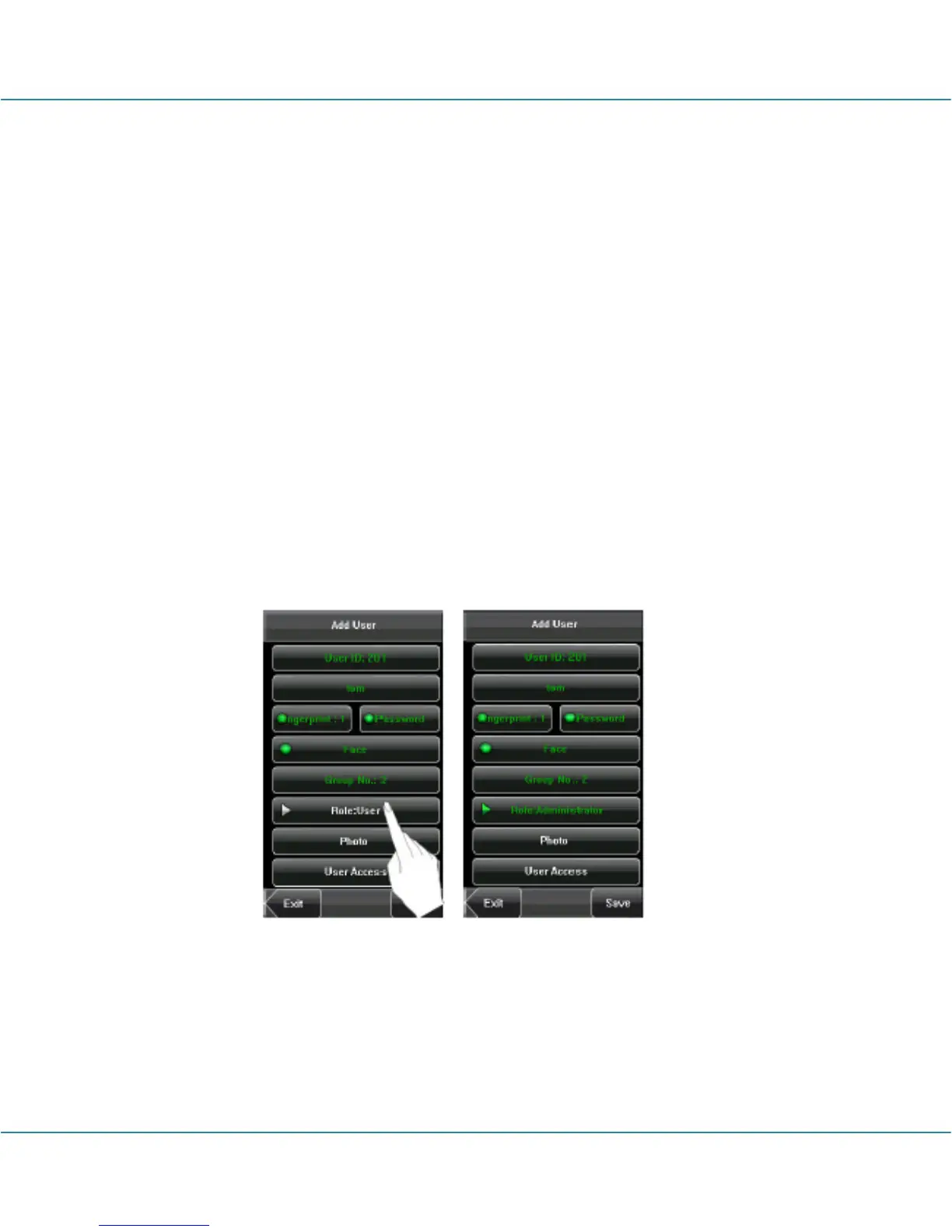
1. On the [Add User] interface, press [Role: User] to change the user to an
administrator.
2. After the modification is done, the interface is as shown below. Press [Save] to save
the current information and return to the previous interface; press [Exit] to return to the
previous interface without saving the current information.



 To Next Page