MultiBio700- User Manual
eSSL Pvt. Ltd. Page 57
3. Delete group time zone
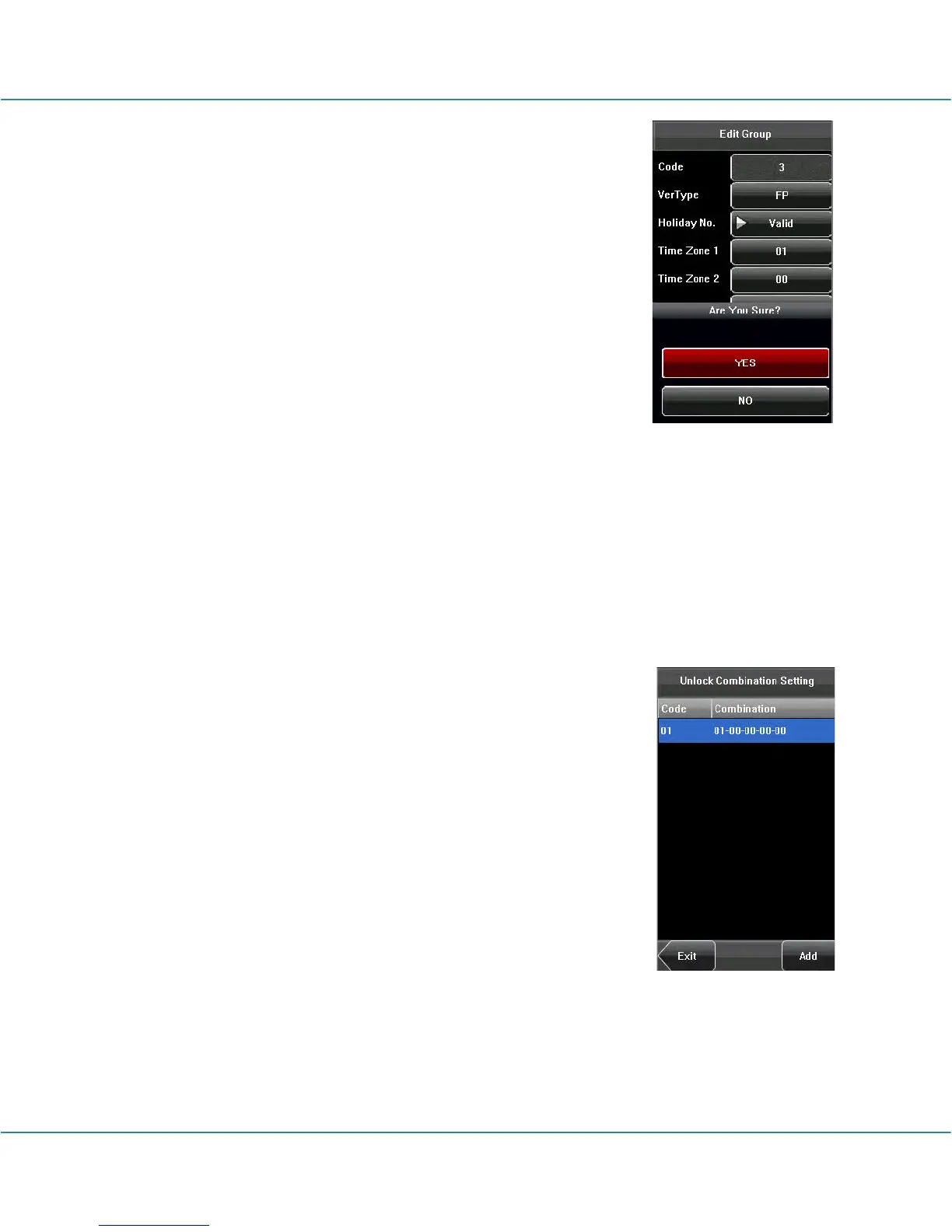
Select the line to be deleted. Press [Delete] to popup the
confirm interface as follows. Select [Yes] to delete this holiday,
otherwise select [No] to cancel the operation.
6.7.4 Unlock Combination Setting
Make various groups into different access controls to achieve multi-verification and
improve security. An access control can be made up of 5 groups at most.
1. Add Unlock Combination
(1) Enter holiday add Combination Setting interface, press the
key to edit the items.
(2) Press the touch screen number key to set the value, after
setting, press [OK] to save, and press [X] for exit and return to
the previous interface.
(3) Press [Save] to save the current information and return to
the previous interface; press [Exit] directly to return to the
previous interface without saving the current information.



 To Next Page