MultiBio700- User Manual
eSSL Pvt. Ltd. Page 58
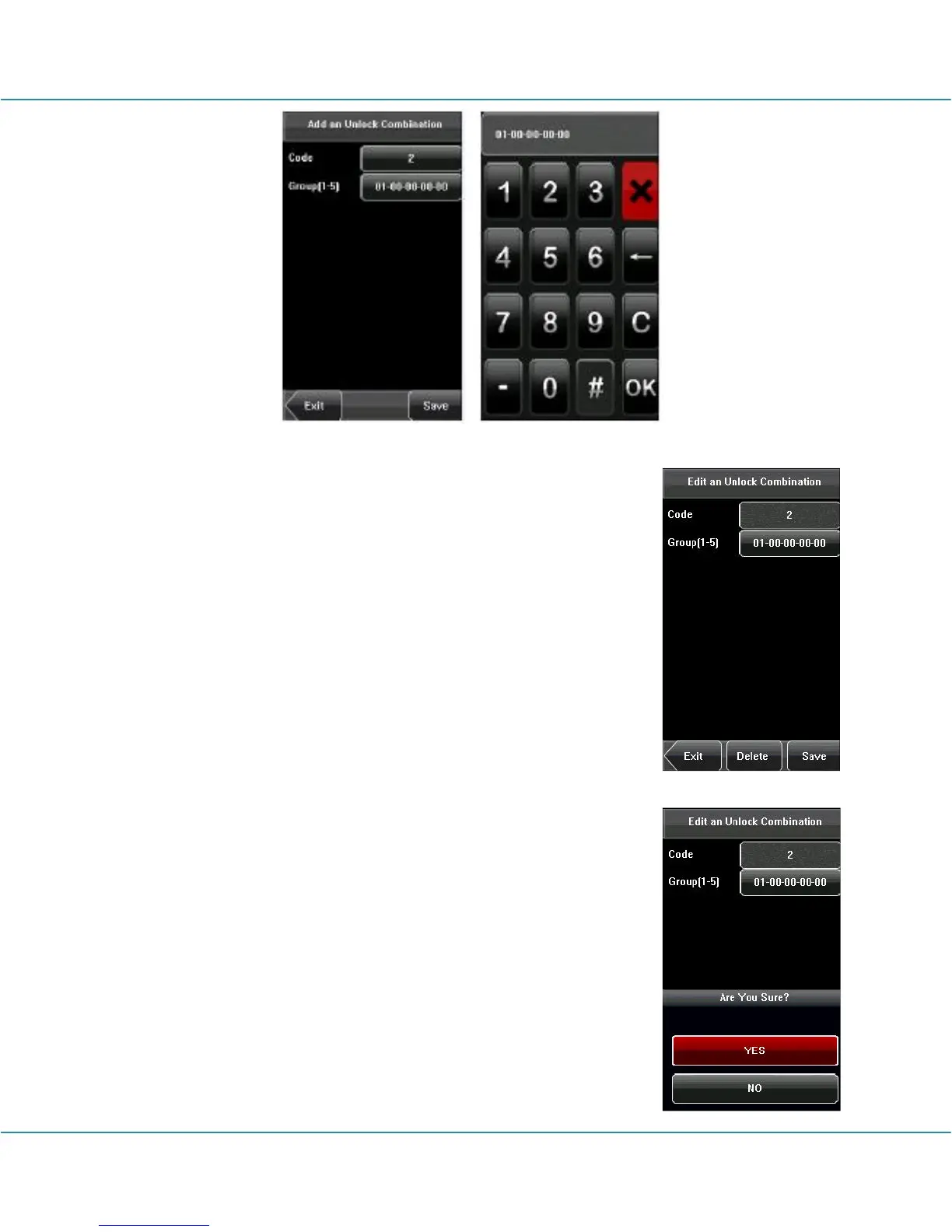
2. Edit Unlock Combination
Select the line to be edited. Press the item directly to enter the
edit interface. After editing, press [Save] to save the current
information and return to the previous interface; press [Exit]
directly to return to the previous interface without saving the
current information.
3. Delete Unlock Combination
Select the line to be deleted. Press [Delete] to popup the
confirm interface as follows. Select [Yes] to delete this holiday,
otherwise select [No] to cancel the operation



 To Next Page