MultiBio700- User Manual
eSSL Pvt. Ltd. Page 51
6.6 Keyboard Definitions
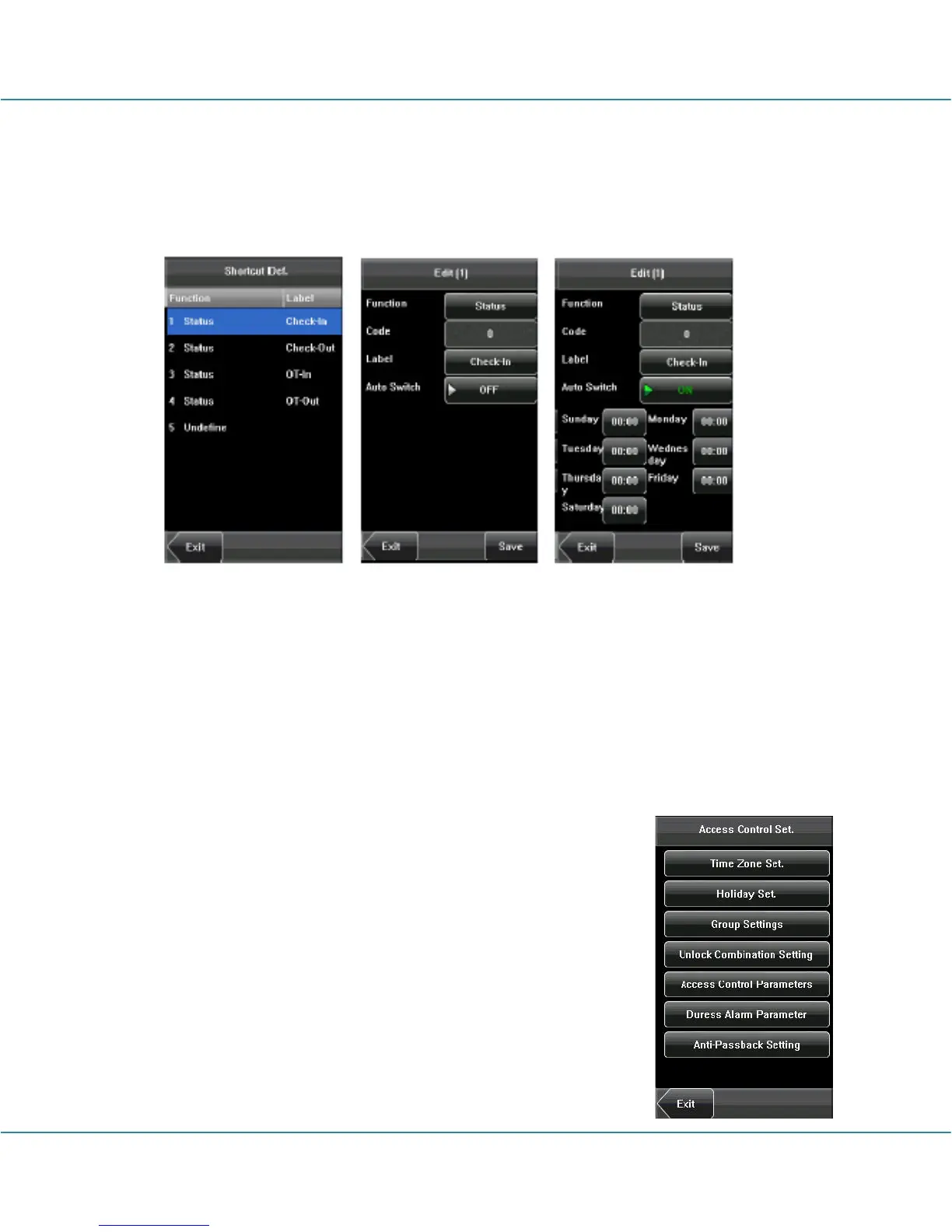
Define touch screen functional shortcut keys.
1. Press [Shortcut Def] to display the [Edit] interface, as shown below.
2. If you want to cancel the shortcut key, press [Status] to enter the edit interface, select
the value to “Undefined”.
3. Edit the item [Code], select [Label] (Six attendance state option). Select the state of
[Auto Switch], the interface as shown above.
4. Press [Save] to save the modification and exit.
6.7 Access Settings
Access control settings are to set user’s open door time zone,
control lock and set related device parameters.
To unlock, the enrolled user must accord with the following
conditions:
1. The current unlock time should be in the effective time of the
user time zone or group zone.
2. The group where the user is must be in access control (or in



 To Next Page