MultiBio700- User Manual
eSSL Pvt. Ltd. Page 35
4.2 Delete a User
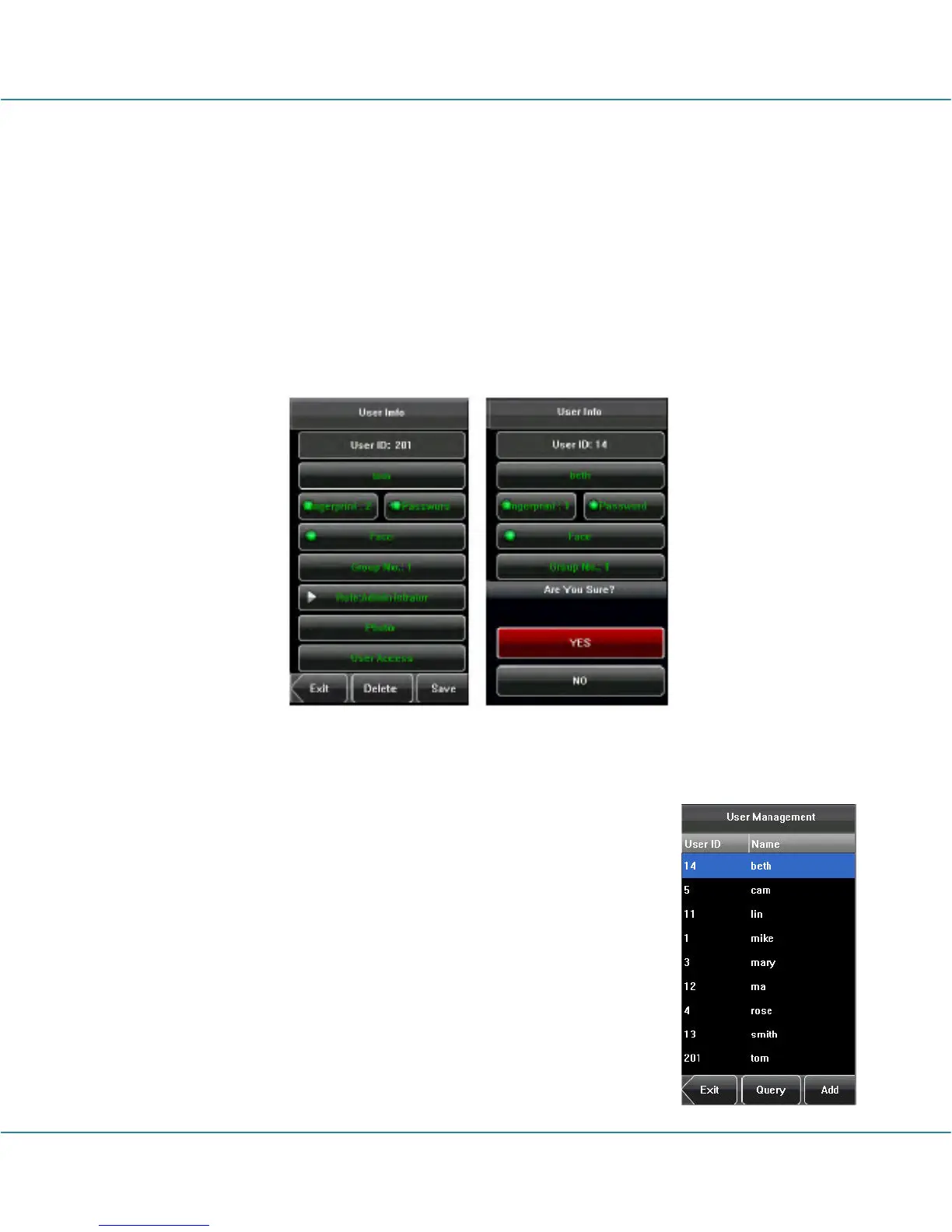
On the [User Info] interface, you can delete all or partial user information.
1. Press [Delete] to delete a user.
2. On the displayed interface, click [YES] to delete the current user or [NO] to return to
the previous interface.
3. On the [User Info] interface, press [Name], [Fingerprint], [Face] or [Password] to
delete the related user information and to re-enroll the new information follow the device
prompt.
4.3 Query a User
To facilitate administrators to locate a user quickly from a large
number of enrolled users, the device enables to query by “User
ID”.
User ID Query:
1. Press [Query] on the [User Management] interface to display the
User ID query interface.
2. Enter the user ID on the displayed interface, and click [OK] to
locate the cursor on the desired user.



 To Next Page