MultiBio700- User Manual
eSSL Pvt. Ltd. Page 31
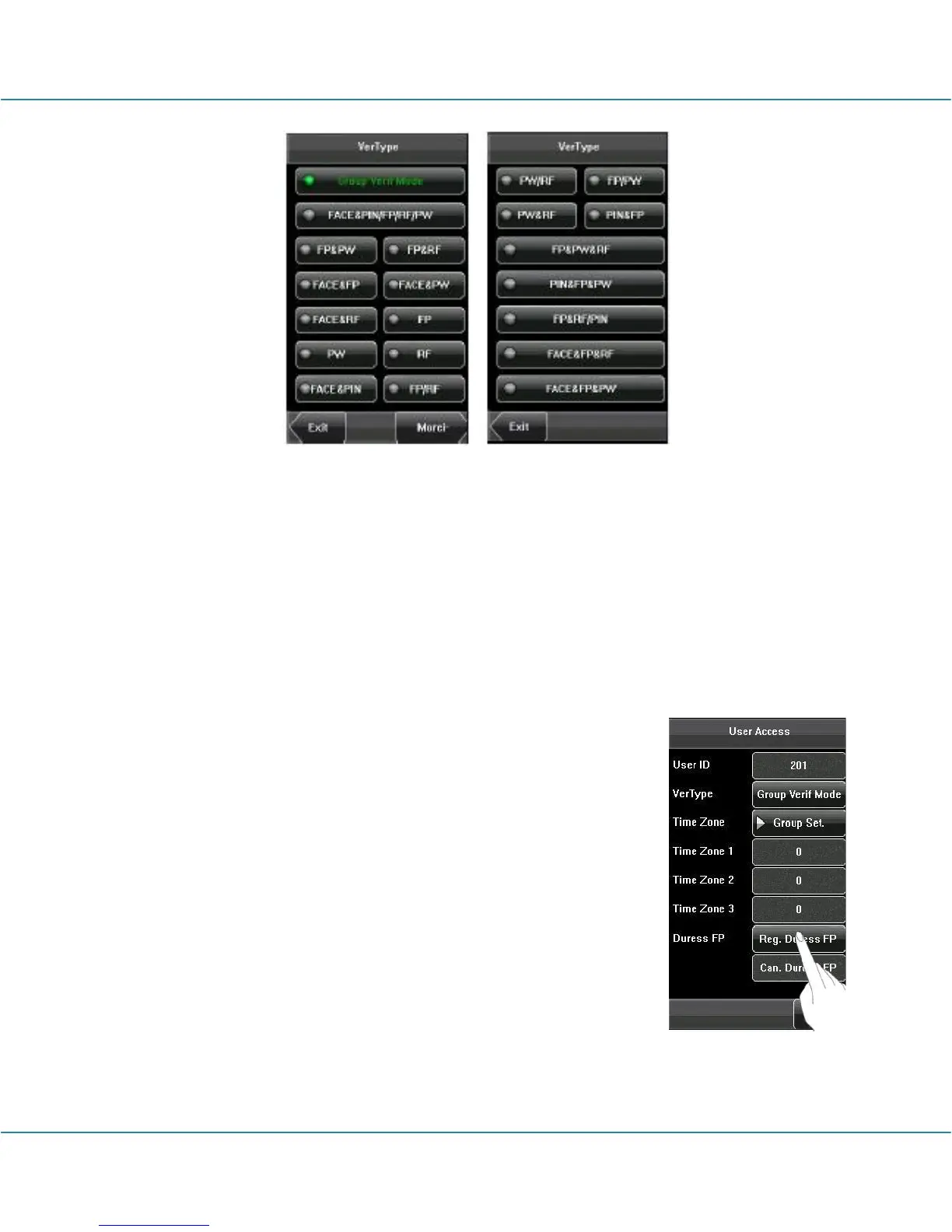
2. Time Zone:
(1) Group Time Zone: If the user uses the group time zone that he belong to.
(2) Individual time zone: Select the time zone of this user instead of the group time
zone. That will not affect other users in the group.
(3) Duress FP:
Enroll a new duress fingerprint or cancel an existing one. In any
situation, only if the enrolled duress fingerprint is verified, it will
trigger the duress alarm.
Duress FP management:
1. Register Duress FP:
Press [Reg. Duress FP] on the [User Access] interface to display
the [Enroll Fingerprint] interface. On the displayed [Enroll
Fingerprint] interface, place your finger on the fingerprint sensor
properly according to the system prompt. For details, see 1.3
Finger Placement.



 To Next Page