MultiBio700- User Manual
eSSL Pvt. Ltd. Page 63
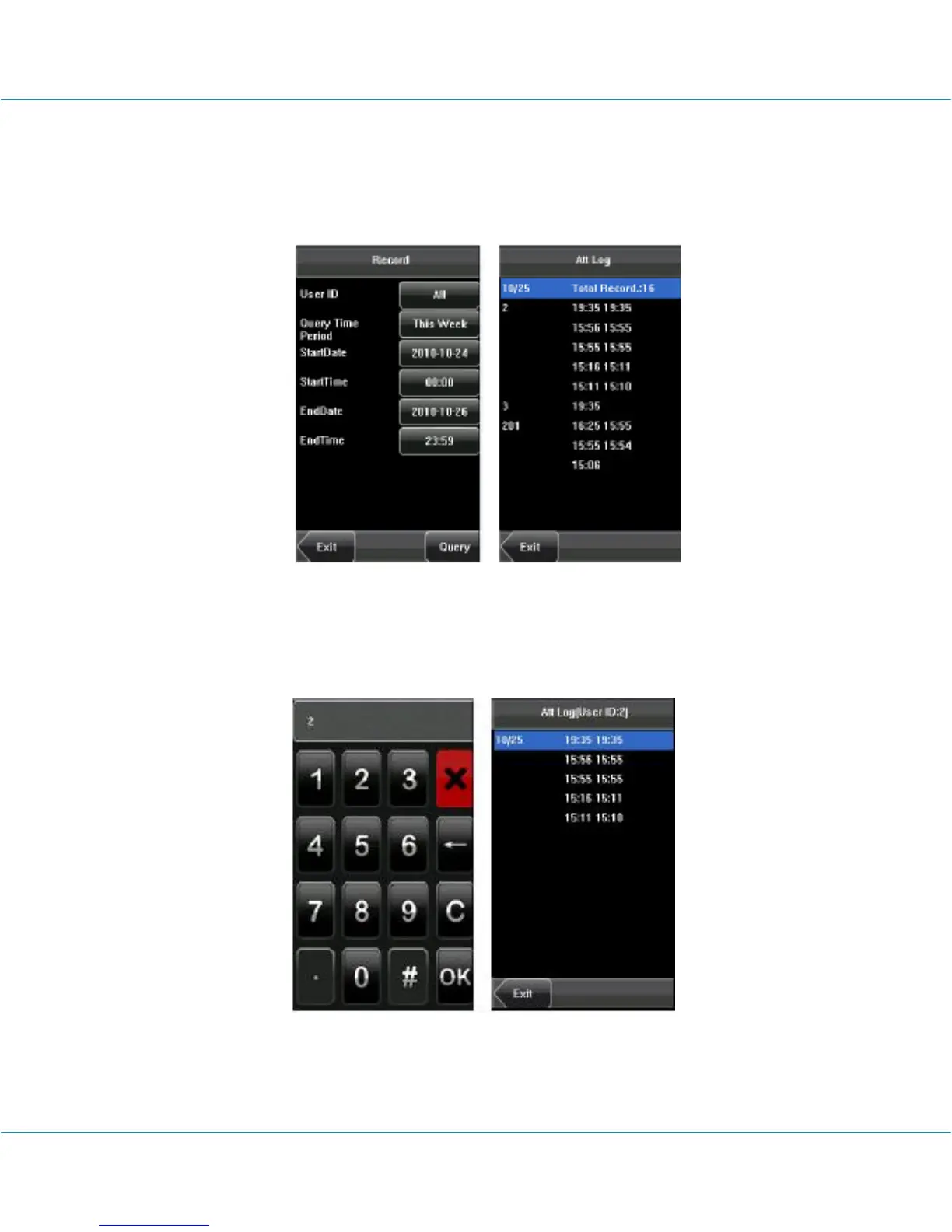
After setting the query conditions, press [Query] and the records that meet the specified
query conditions will be displayed on screen.
Select the row where the desired record is located, you can query the detailed
information of this record.
For example, press User ID and enter the edit interface, input the ID number and press
[Query], the query result will display as below.



 To Next Page