Product Manual - ZMORPH i500 back to table of content
>>
37
Maintenance
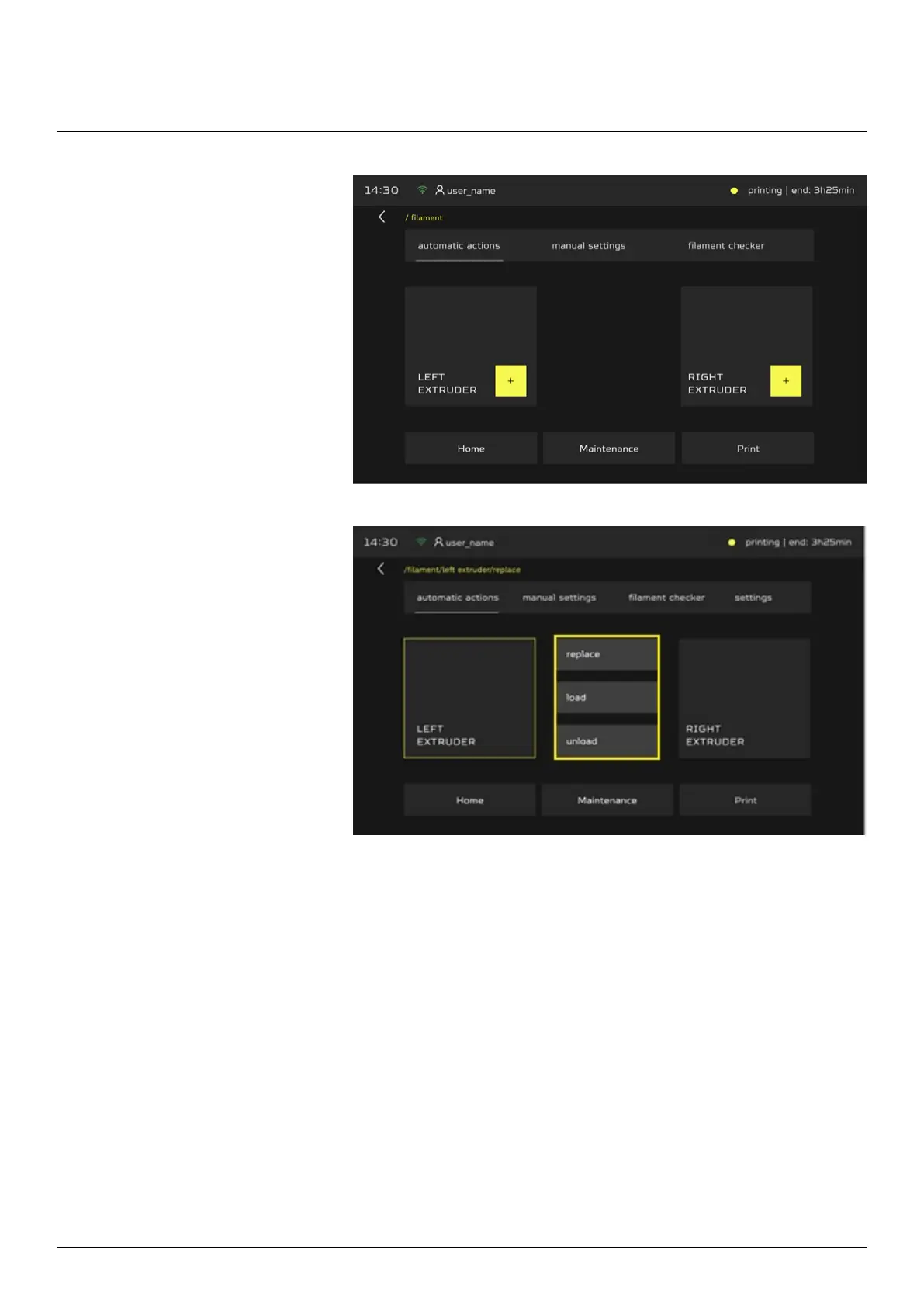
After you choose the proper
extruder, the three buttons will
show (replace, load, unload).
Choose the extruder you will be
using “LEFT” or “RIGHT”.
Choose load button and follow the instructions on the LCD screen,
machine will guide you in next steps.



 To Next Page