Product Manual - ZMORPH i500 back to table of content
>>
45
Maintenance
10.6 Staing the print
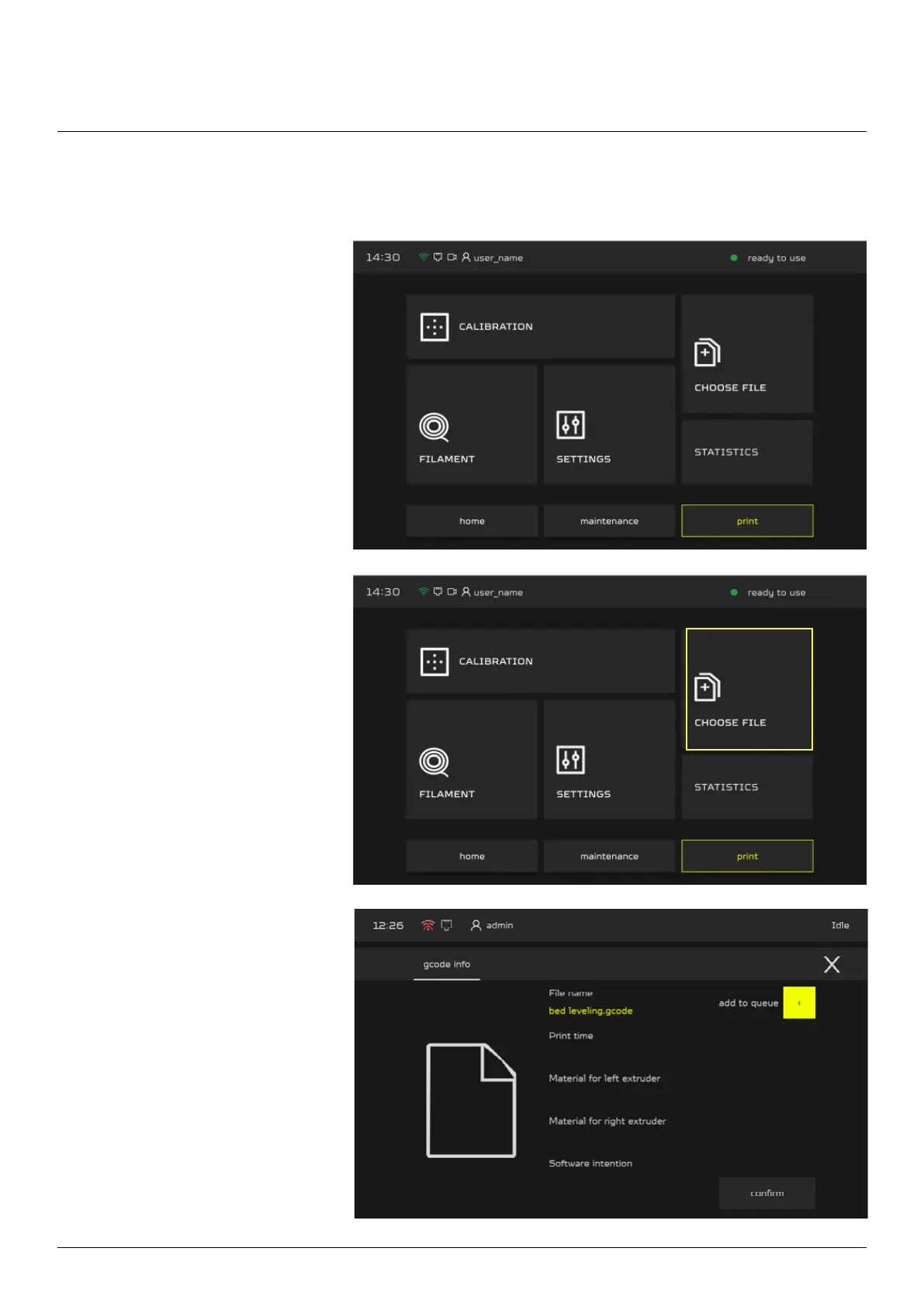
Choose “PRINT” button in the
main menu.
Machine will inform you about
lament status, axis positions
and hotend temperature. Select
“CHOOSE FILE”, machine will
show general information about
gcode le.
To begin the print select
“CONFIRM” button.



 To Next Page