Product Manual - ZMORPH i500 back to table of content
>>
28
Setting up Zmorph i500
During the rst run log in to the machine with the data provided in
the Quick Start Guide. The Quick Start Guide is included with the
machine box.
9.3 First use
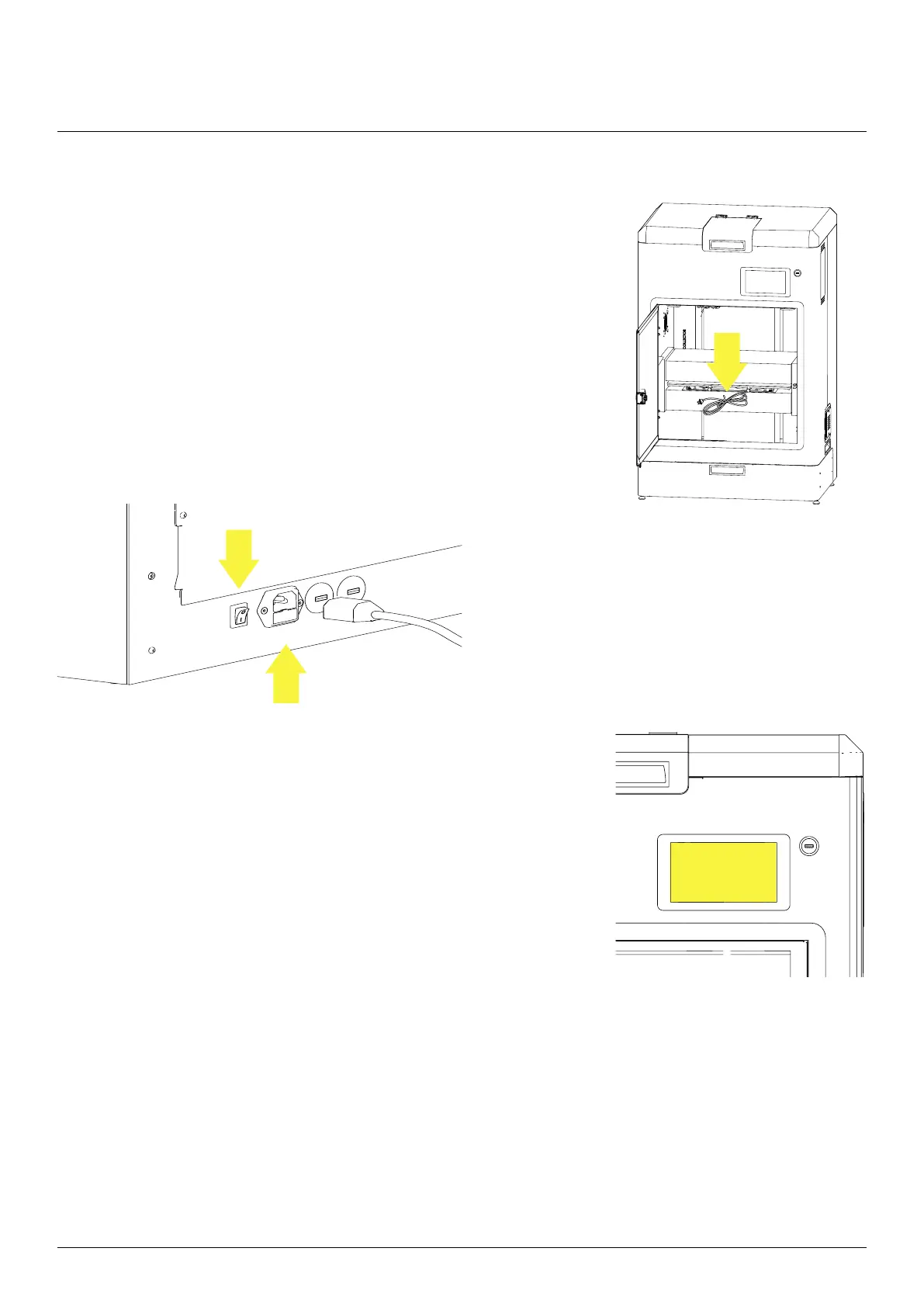
When the machine is installed it is time to power it on. Open the
front door and take out the power cable.
Connect the machine to a grounded power outlet.
Turn on the machine by pressing the main switch
on the back side and wait couple seconds for the
machine to boot up.



 To Next Page