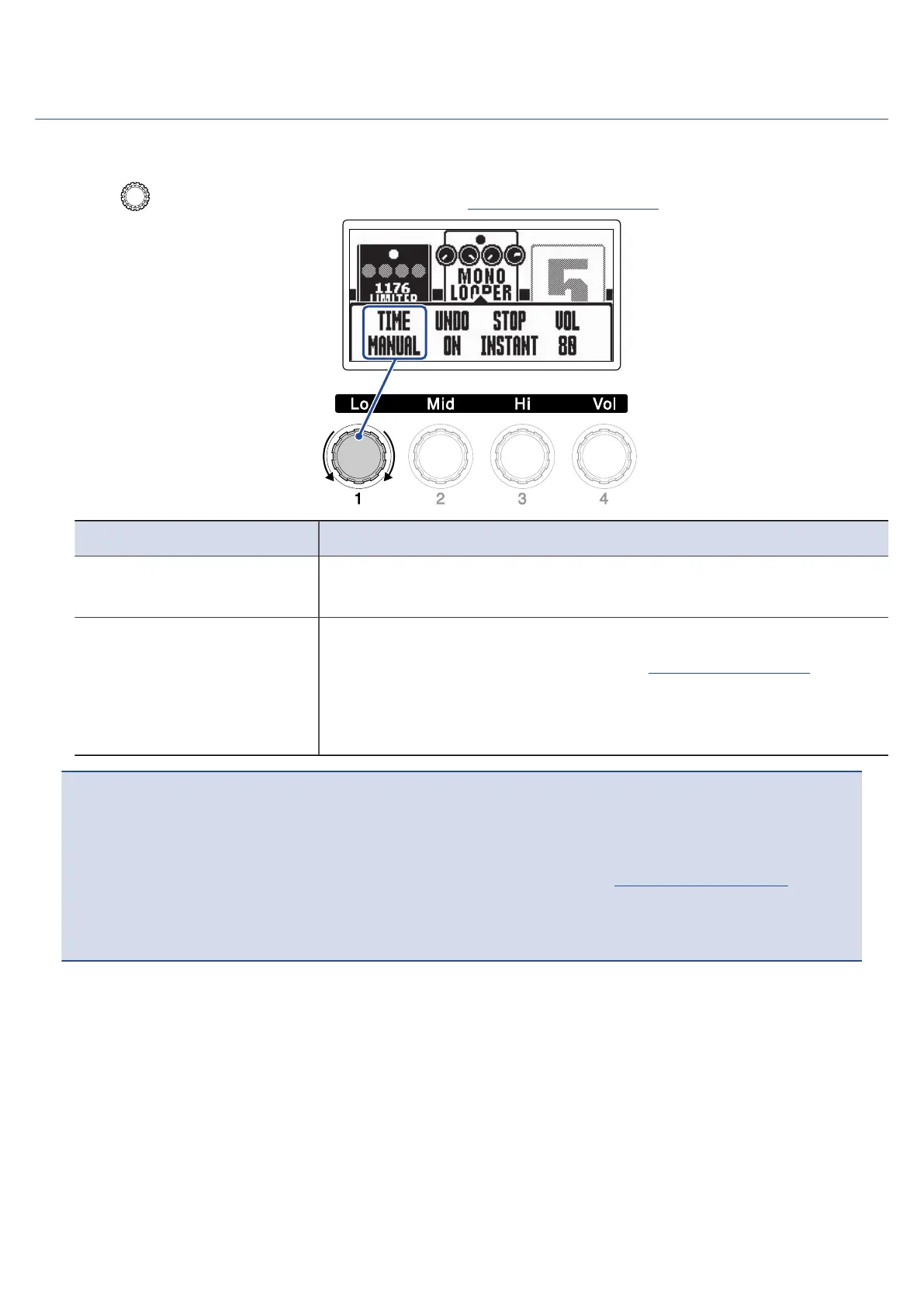
Setting the recording time
The recording time for the loop can be set.
1. Turn on the Looper Effect Setting Screen (→ Setting the looper effect).
Setting Explanation
MANUAL Recording will continue until stopped manually or the maximum
recording time is reached.
♩×1–64 This sets the value to 1 – 64 quarter notes. The actual recording time
depends on the BPM (tempo) setting (→Adjusting the tempo).
The recording time (seconds) = 60 ÷ BPM × quarter notes.
When the set recording time is reached, recording will stop and loop
playback will start.
NOTE:
• The setting options include MANUAL and 1 – 64 quarter notes.
• The looper recording time is 1.5 – 40 seconds (20 when UNDO is ON) for stereo, and 1.5 – 80 seconds (40
when UNDO is ON) for mono. To switch between stereo and mono, see “Setting the looper effect”.
• Settings that would exceed the maximum recording time will be adjusted automatically.
• Changing the recording time will delete the recorded data.
67



 To Next Page