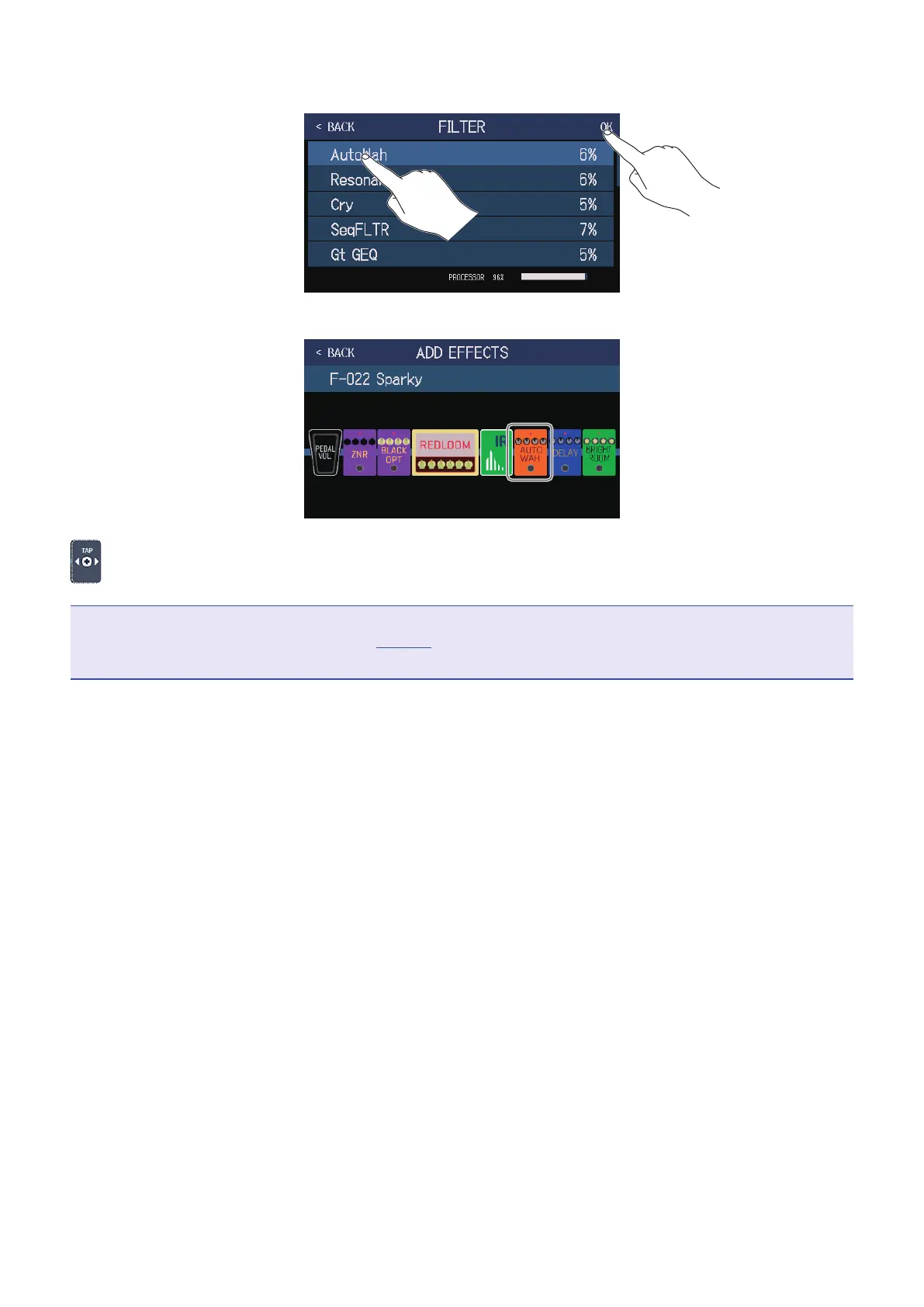
5.
Touch an amp or effect to select it. Then, touch OK.
The selected effect will be added.
will appear again, so more effects can be added as necessary by repeating steps 3–5.
NOTE
If the EXTERNAL PEDAL setting is OFF (
→
page72), PEDAL category effects cannot be added to a patch
memory that is already using a PEDAL category effect.
48



 To Next Page