Starting/stopping rhythm playback
Rhythm playback can be started and stopped.
1.
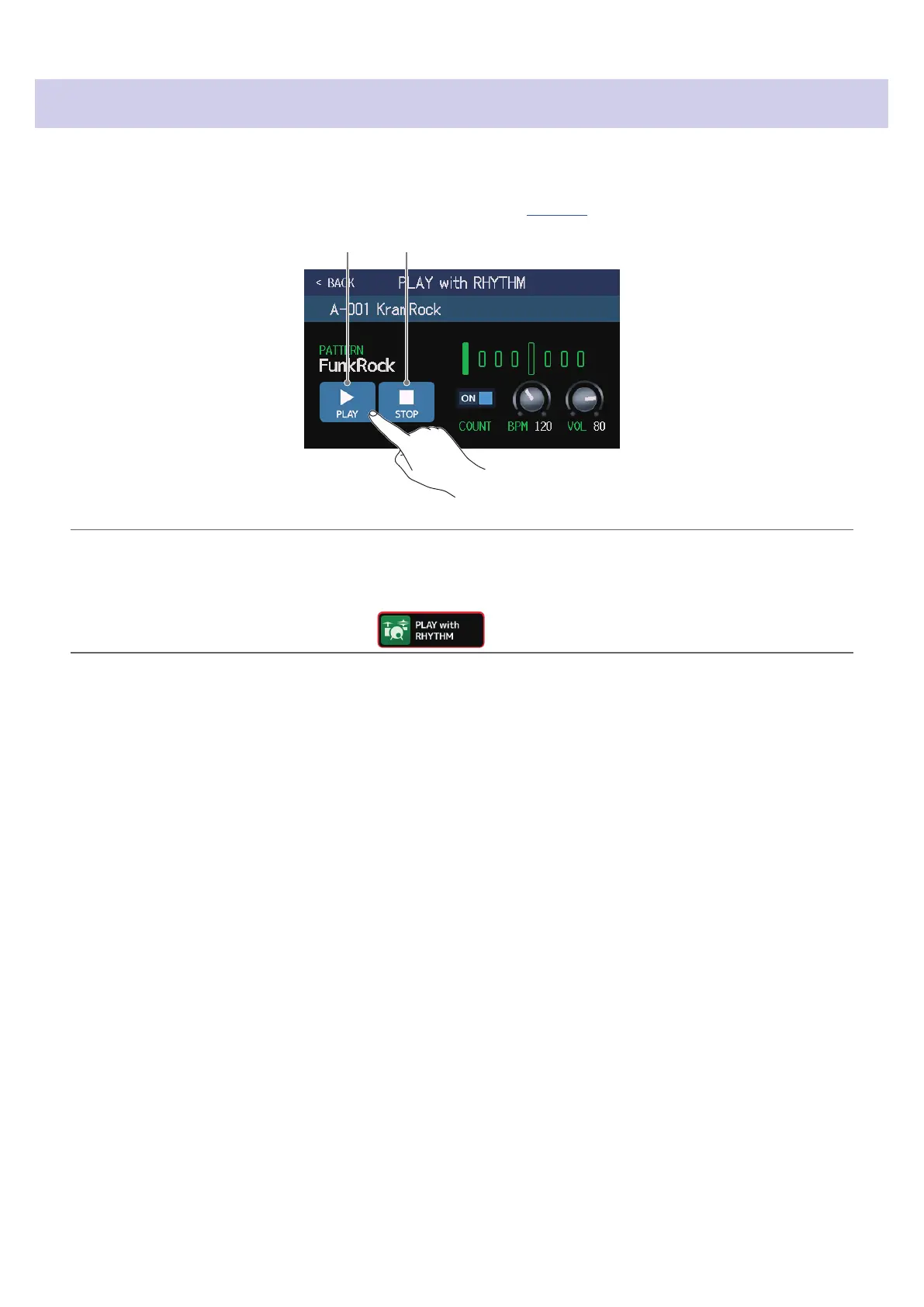
Touch PLAY or STOP on the PLAY with RHYTHM screen (
→
page 77).
Stop playbackStart playback
HINT
The play mode can be selected and the Menu Screen can be opened during rhythm playback. This allows patch
memories to be selected and the looper to be used, for example, while the rhythm continues to play. To stop the
rhythm when doing other operations, touch on the Menu Screen and then stop it.
82



 To Next Page