PRINT PLATFORM REMOVAL AND INSTALLATION
Personal Hygiene
Always wash hands thoroughly with soap and water after handling parts and/or material. Never eat or drink without washing hands first.
NOTE: Make sure you are wearing nitrile gloves and protective clothing before performing any of the following procedures. Always
protect yourself from possible exposure to materials.
Ensure the printer is turned on and the Printer State is in Ready or Standby mode.1.
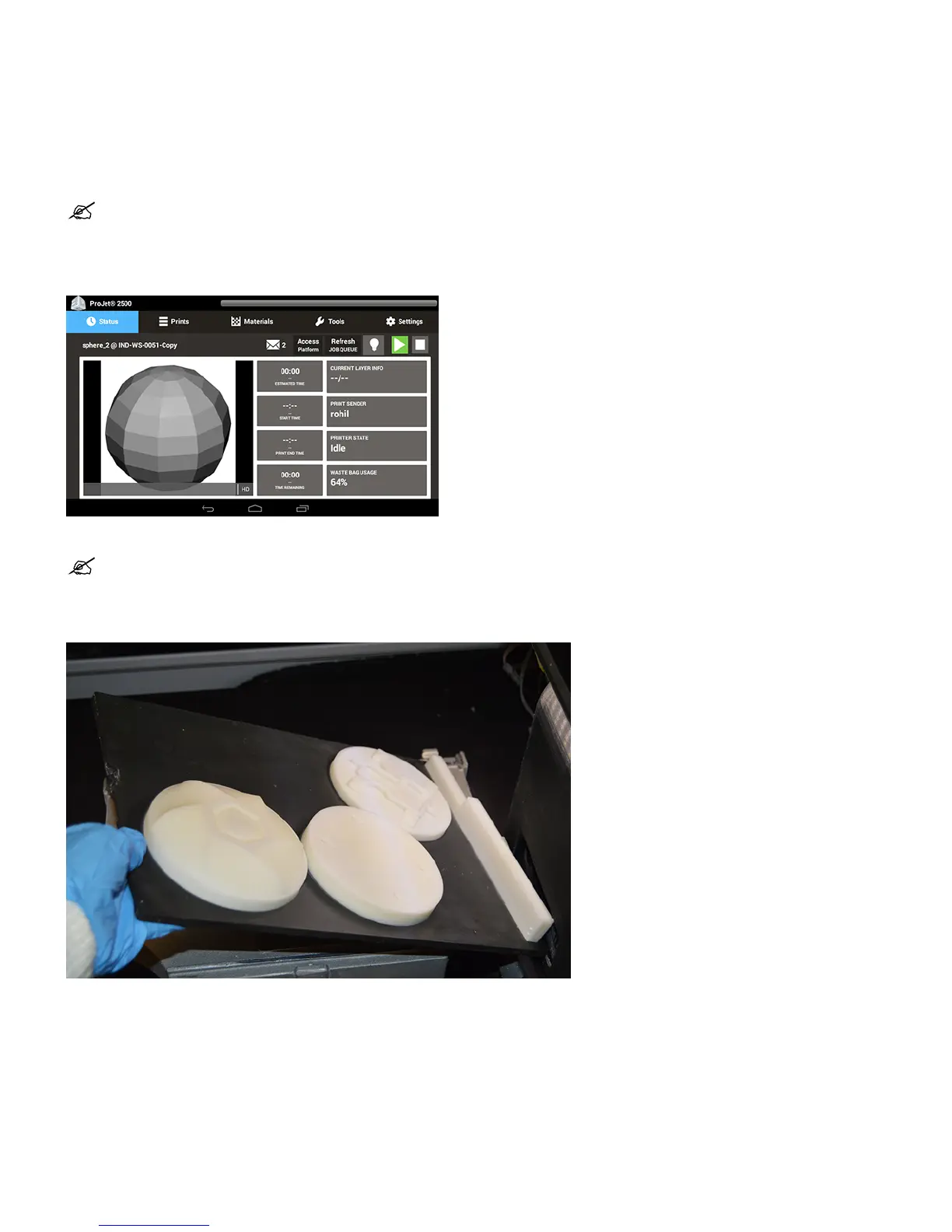
Select the Access Platform button next to the light bulb icon on the printer touch screen.2.
NOTE: The Access Platform will not be available to select if the printer is not ready for the user to access the print platform.
The printer will move into position in order to allow access to the print platform. When prompted, open the door to access the print platform.3.
Lift to remove the platform.4.
Install clean print platform. Close top door. If it is placed correctly the platform will automatically lower and clamp the print platform in place.5.










 To Next Page