CLEAN PRINT CARRIAGE OPTICAL HOME SENSOR
Clean Print Carriage Optical Home Sensor
Pixie Dust Removal from Opto Sensors
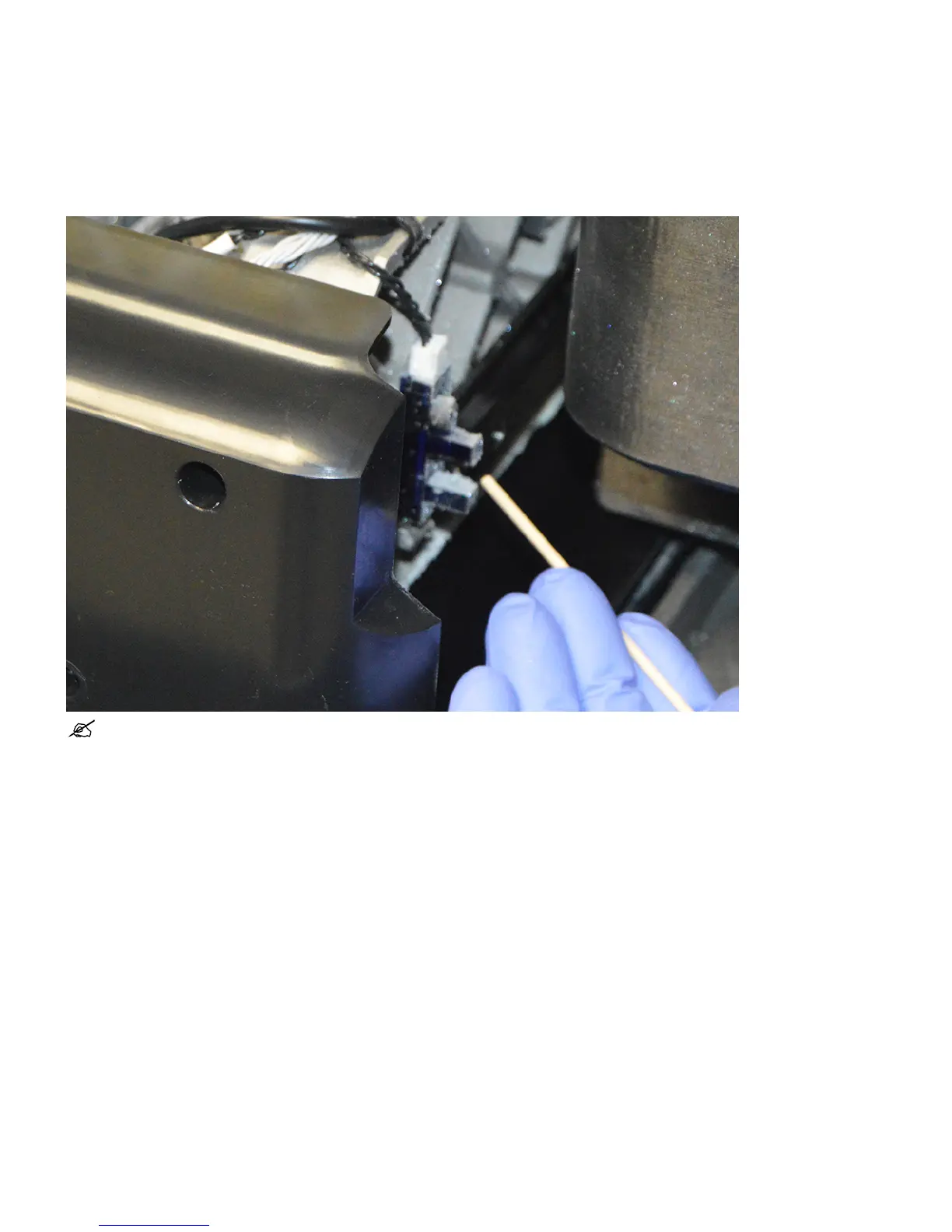
Over time pixie dust will accumulate on the opto sensors and will need to be cleaned off. Follow this procedure for cleaning the Opto sensors.
NOTE: Always wear nitrile gloves when cleaning the Opto sensors.
From the UI Select Tools > Diagnostics > Inspect Planarizer Ducts. This will move the carriage into position.1.
Open Top Door.2.
Lift the carriage cover to gain better visibility of the sensors.3.
Push y-carriage to move flag away from sensor in order to clean inside of the sensor.4.
Take a foam swab with isopropyl alcohol on it and gently wipe around the Opto sensors removing all the pixie dust from them.5.










 To Next Page