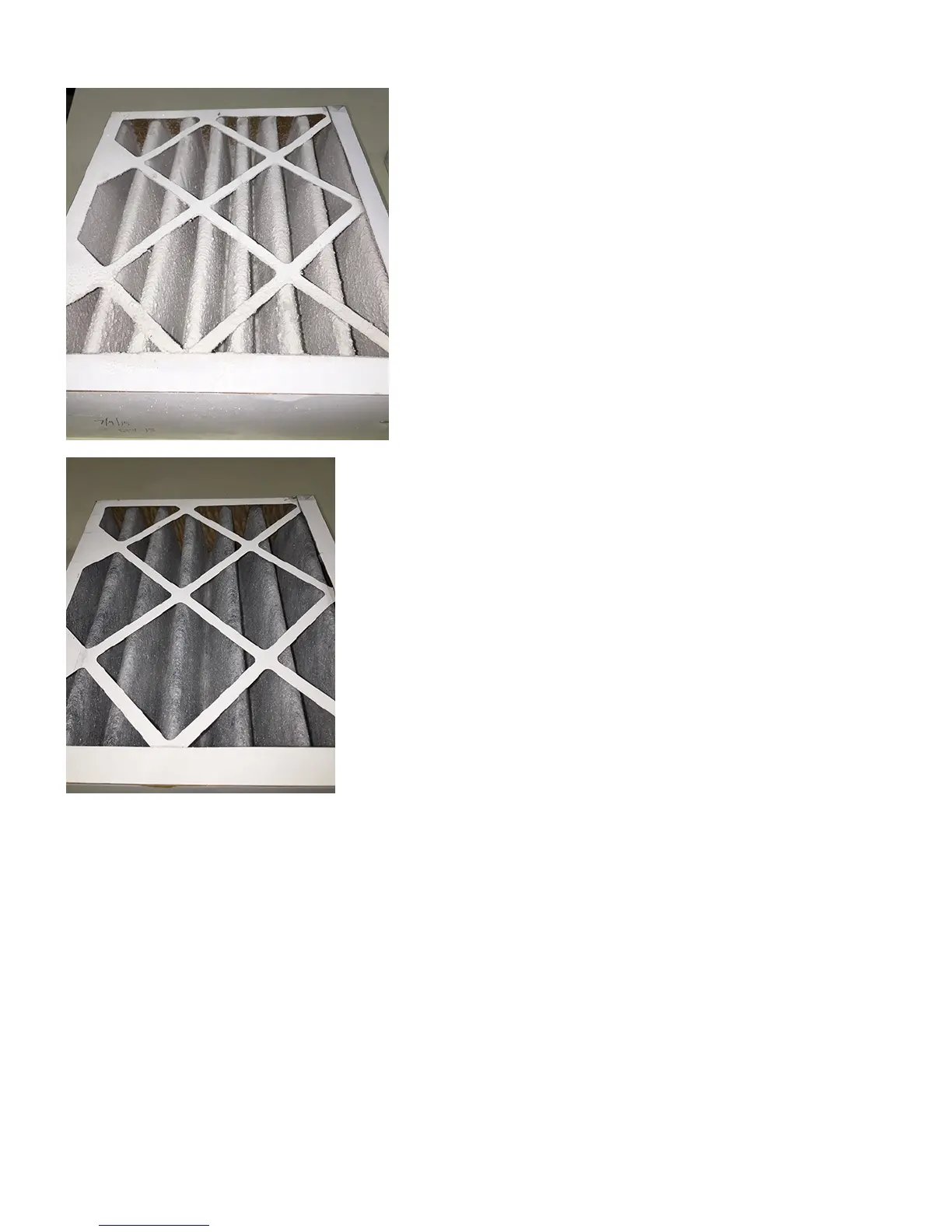
Photo below illustrates a filter that needs to be changed.
Photo below illustrates a filter that is clean and new.
Replacing the Filter Screen
There is a screen that is placed above the particulate filter to add extra filtering protection for the filter. This screen will need to be replaced periodically (P/N
311317-00).
Open the compartment holding the filter screen by loosening the two thumb screws above the particulate filter compartment (1).1.










 To Next Page