MAINTENANCE
Operator Maintenance
The UI provides reminders when routine maintenance is required.
NOTE: The printer must be at a Ready state and a clean print platform installed before performing any of the routines below:
There are several ways a user can tell if maintenance needs to be performed on the printer.
A pop up will appear on the UI letting the user know
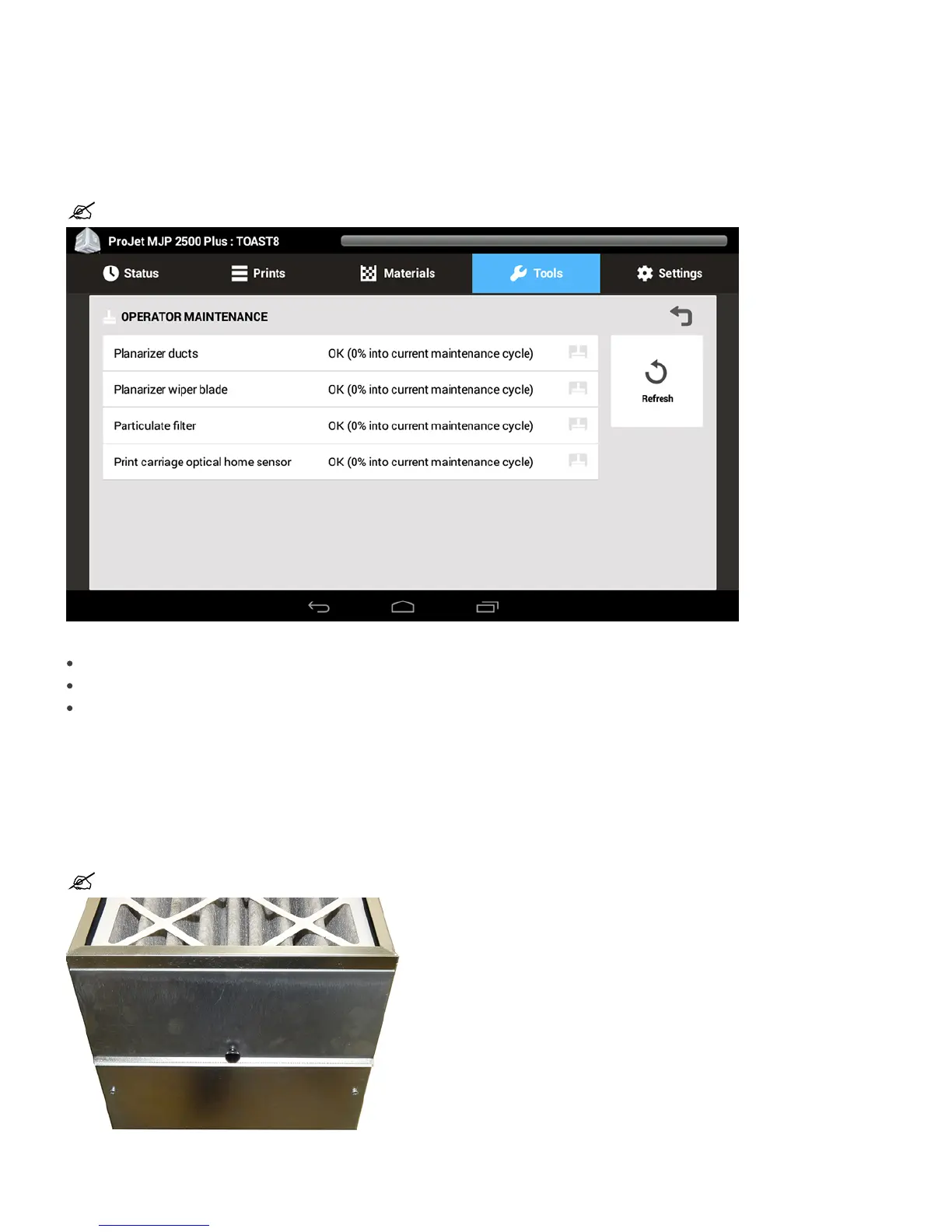
The user can select Operator Maintenance from the UI and see when the next maintenance procedure will need to be performed
If the user sets up email alerts, an email alert will tell the user maintenance needs to be performed
Use the following procedures to perform maintenance when needed.
Replacing the Particulate Carbon Filter
The carbon filter is designed to remove particulates, odors, and gasses from the build area.
Access to this filter is from the front of the machine on the right hand side. Open door, loosen the thumb screw on the door containing the filter, remove the
filter, insert new filter, close door, tighten thumb screw.
NOTE: This is a customer replaceable part. Particulate Filter with Handle - P/N 310259-00.










 To Next Page