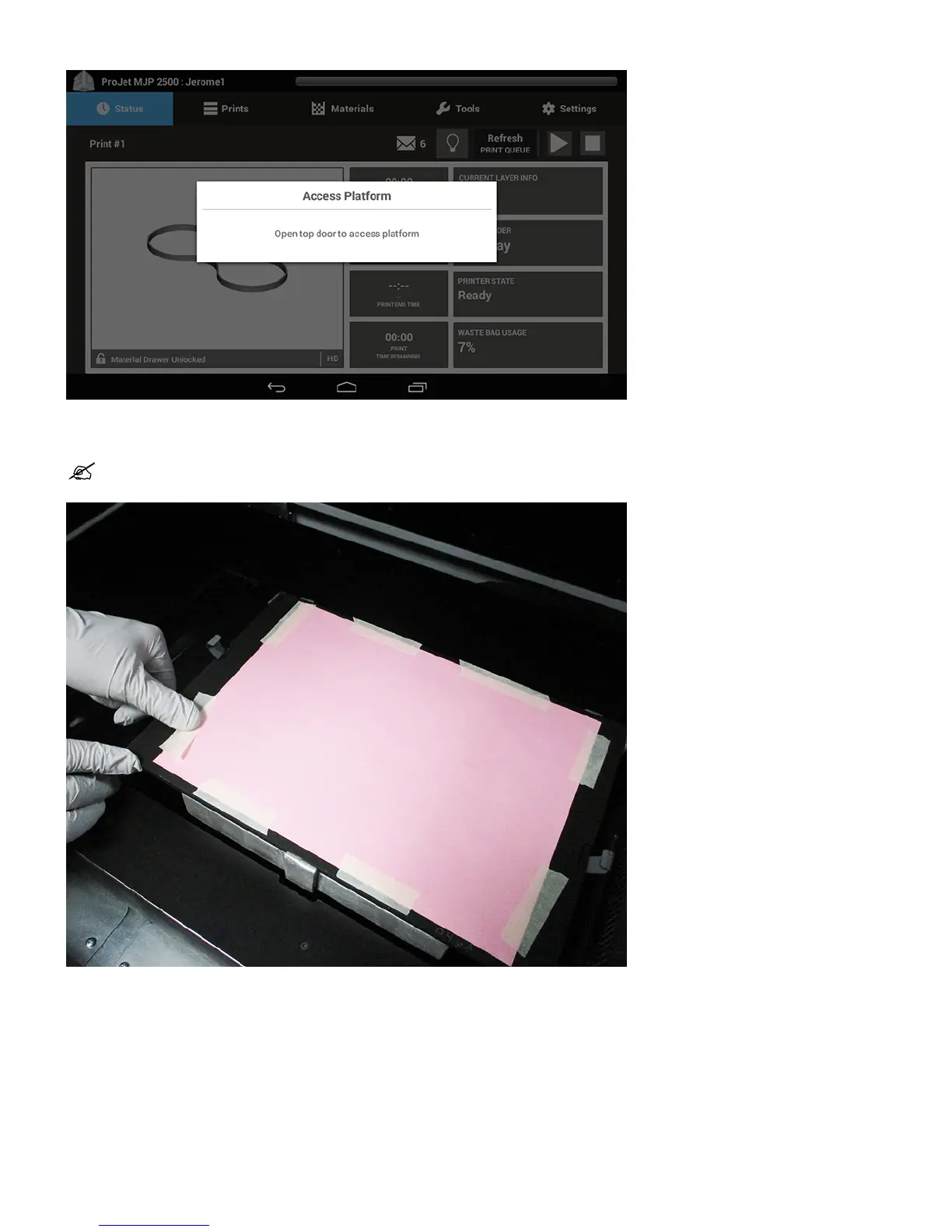
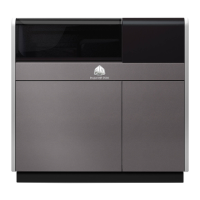
Wearing nitrile gloves, take two sheets of pink pastel paper (aligning the edges) and tape them down to the build platform as shown. The pink paper is6.
supplied with the printer. Ensure you are always using two sheets of paper to allow for the test to be visible..
NOTE: The paper needs to be flat and the perimeter needs to be securely taped to the print platform to avoid any raised edges or
surfaces as shown in the picture below.
Close the cover to the printer and the jet check routine will execute.7.
Once the routine finishes, access the print platform to evaluate the printed image against the Jet Check Evaluation Criteria on the next page.8.
If the image is acceptable (Pass), the printer is ready to start a build.9.
If the image is unacceptable (Fail) repeat steps 1-8 using two new sheets of pink paper.10.
If Jet Check Print does not pass after the third attempt, the printer will need to be serviced.11.
There are a number of possible causes for jetting issues which would cause a failed result, some but not all are:




 To Next Page