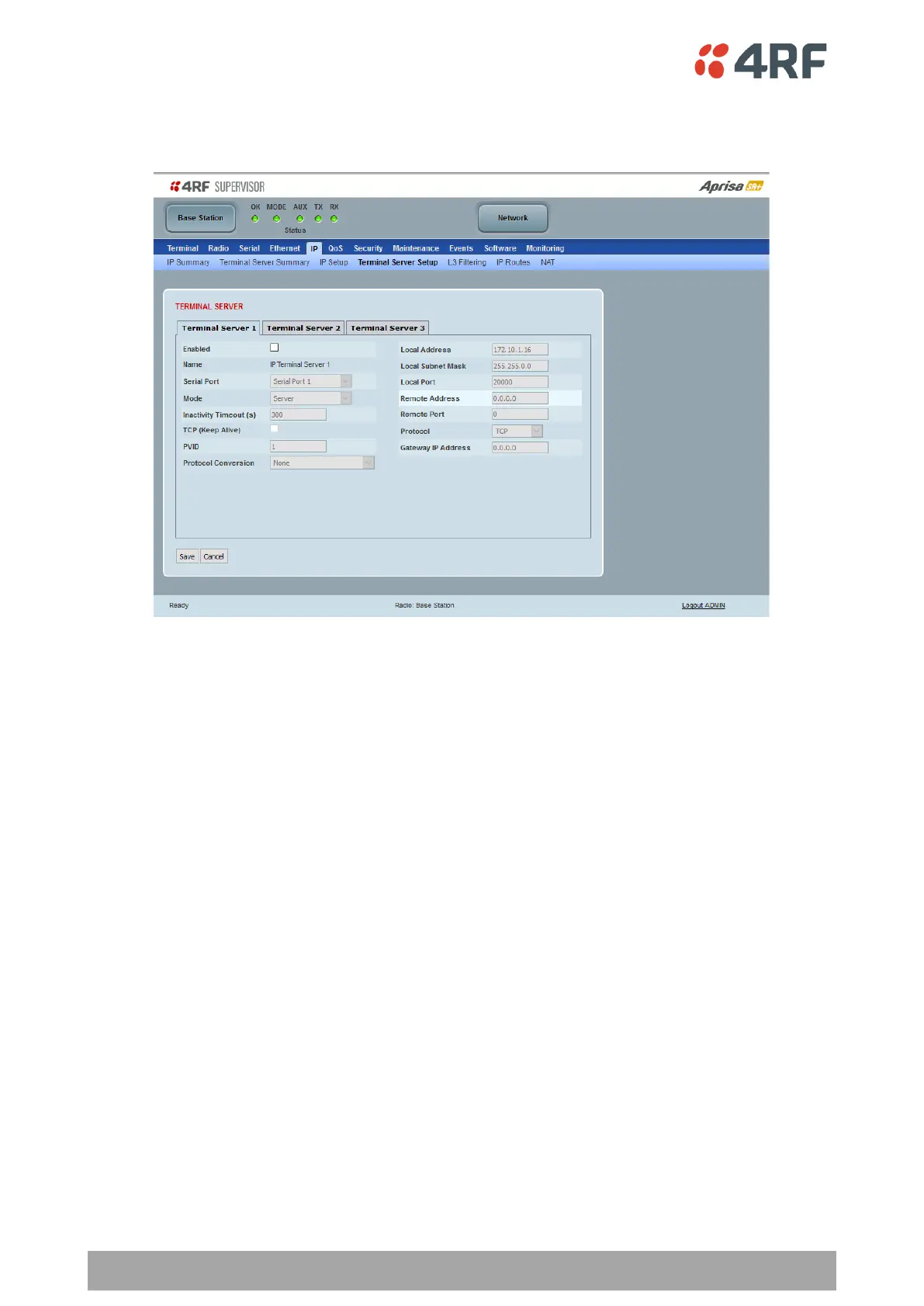
IP > Terminal Server Setup
This page provides the setup for the IP Terminal Server settings.
TERMINAL SERVER
Enabled
This parameter enables IP terminal server.
IP terminal server converts local incoming IP packets to a local physical serial port and to OTA serial packets
as well. This function is typically used on a base station to convert traffic to serial OTA for transmission to
all remote radios.
The serial terminal server traffic can be prioritized separately. For QoS, the priority of the serial terminal
server traffic is that of the configured priority for its associated serial port (see ‘QoS > Traffic Priority’ on
page 205).
Name
This parameter displays the IP terminal server port name.



 To Next Page