Command Line Interface
The Aprisa SR+ has a Command Line Interface (CLI) which provides basic product setup and configuration.
This can be useful if you need to confirm the radio’s IP address, for example.
You can password-protect the Command Line Interface to prevent unauthorized users from modifying radio
settings.
This interface can be accessed via;
• USB via the Management Port (MGMT USB micro type B) or the USB host port (USB type A) with
a USB converter to RS-232 convertor.
• Telnet via the Ethernet Port (RJ45) using standard TCP/UDP port 23.
• Secure Shell (SSH) application via the Ethernet Port (RJ45) using standard TCP/UDP port 22.
Connecting to the CLI via the Management Port (MGMT)
1. Connect the radio management port (MGMT) to your PC with a USB A to USB micro B cable.
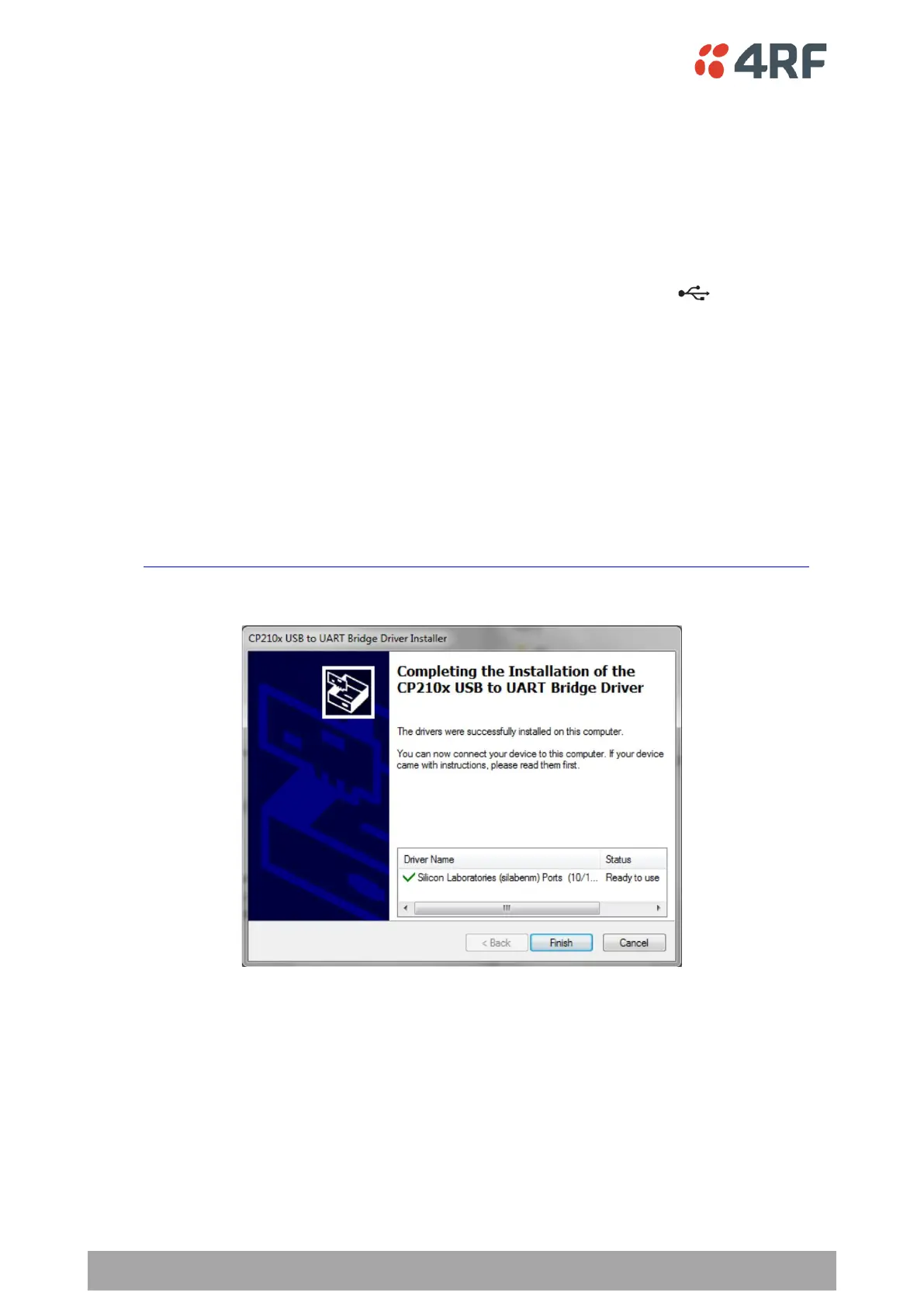
2. USB to UART Bridge VCP Drivers are required to connect the radio USB port to your PC. You can download
and install the relevant driver from;
https://www.silabs.com/products/development-tools/software/usb-to-uart-bridge-vcp-drivers
Unzip the USB serial driver to a temporary location and install the appropriate driver on your computer.



 To Next Page