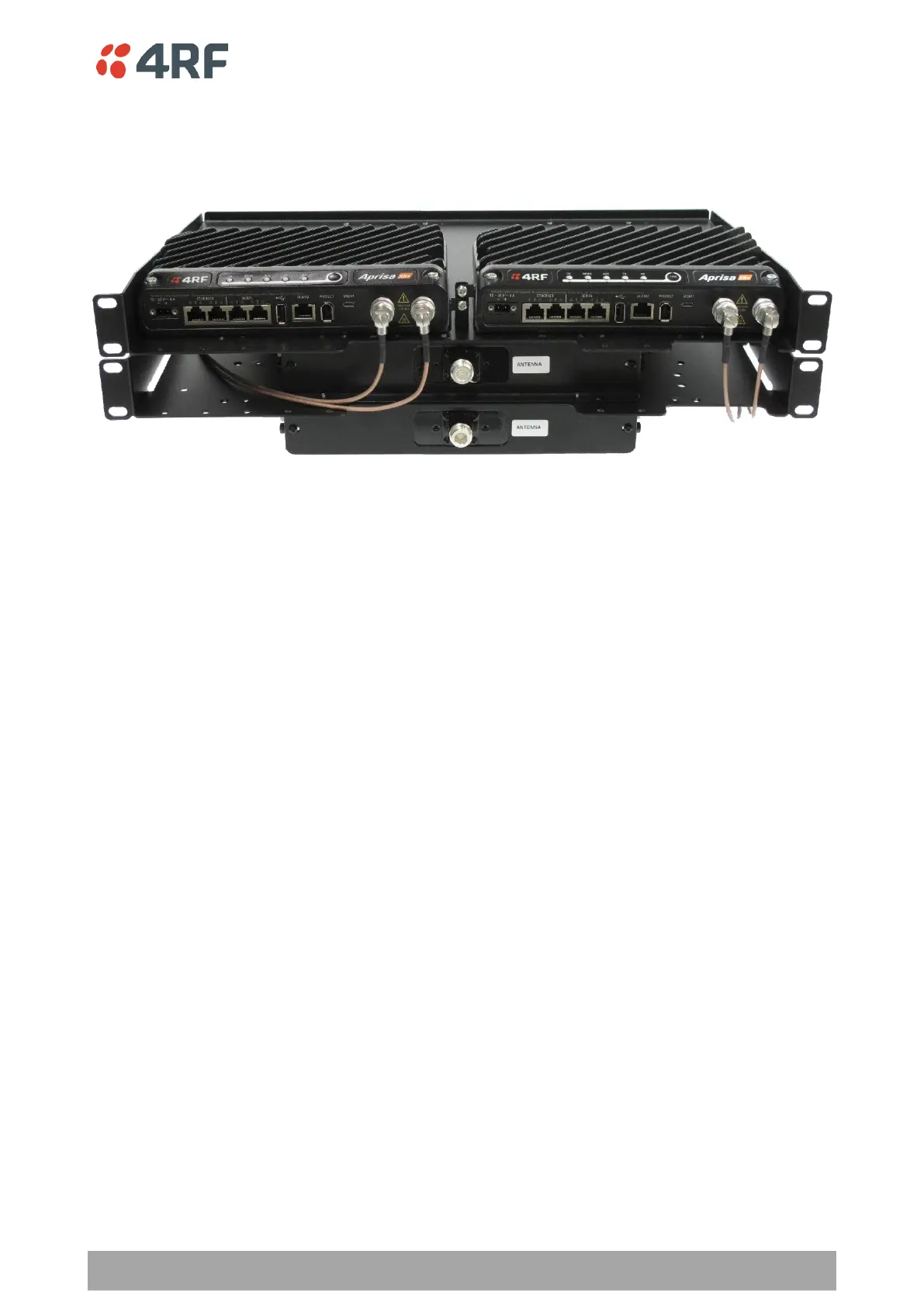
4RF SR+, PD, 400-470 MHz, SSC, Half Dup, 2E2S, EN, STD
The Aprisa SR+ Data Driven Protected Station shown is comprised of two standard Aprisa SR+ setup as ‘dual
antenna port’, ‘half duplex’ radios and two external duplexers mounted on 19" rack mounting shelves.
The Aprisa SR+ radios can be any of the currently available Aprisa SR+ radio frequency band options.
By default, the Aprisa SR+ Data Driven Protected Station is configured with the left hand radio (A) designated
as the primary radio and the right hand radio (B) designated as the secondary radio.
Each radio is configured with its own unique IP and MAC address and the address of the partner radio.
On power-up, the primary radio will assume the active role and the secondary radio will assume the standby
role. If, for some reason, only one radio is powered on it will automatically assume the active role.
Operation
The active radio is determined explicitly by which radio receives data on its RS-232 serial port input from
the interface.
The active radio carries all RS-232 serial traffic over its radio link and the standby radio is unused with its
transmitter turned off.
If data is received on the RS-232 serial port interface input of the standby radio, it will immediately become
the active radio and the radio which was active will become the standby radio.
Over The Air Compatibility
If the Aprisa SR+ Data Driven Protected Station is to be used in a network of New Aprisa SR radios, the ‘SR
Compatible’ option must be enabled (see ‘SR Compatible’ on page 120).



 To Next Page