Login to SuperVisor
The maximum number of concurrent users that can be logged into a radio is 6.
If SuperVisor is inactive for a period defined by the Inactivity Timeout option (see ‘Maintenance > General’
on page 261), the radio will automatically logout the user.
To login to SuperVisor:
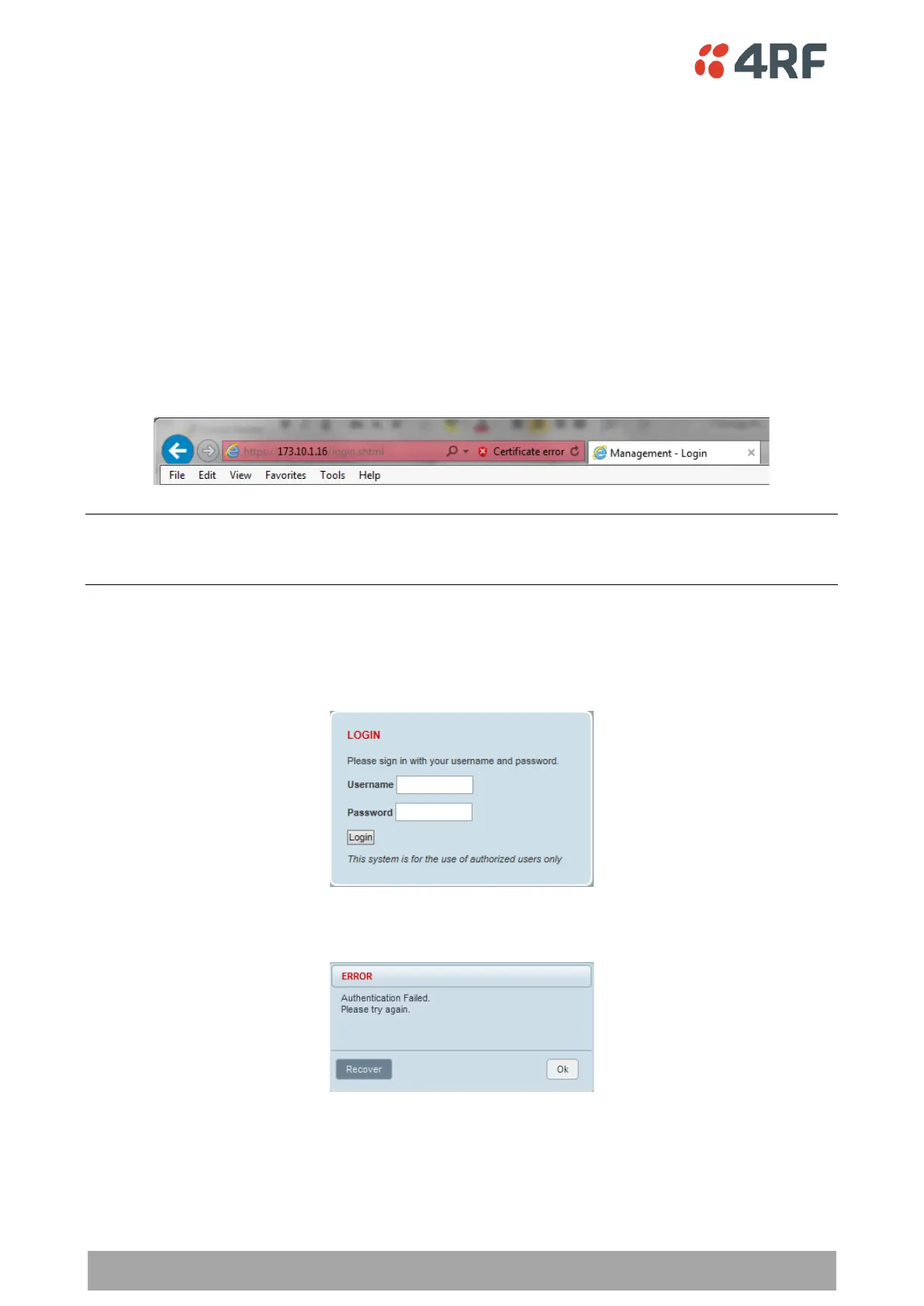
1. Open your web browser and enter the IP address of the radio.
If you haven’t assigned an IP address to the radio, use the factory default IP address of 169.254.50.10 with
a subnet mask of 255.255.0.0.
If you don’t know the IP address of the radio, you can determine it using the Command Line Interface (see
‘Command Line Interface’ on page 390).
Note: The Aprisa SR+ has a randomly generated unique self-signed ECC256 security certificate which may
cause the browser to prompt a certificate warning. It is safe to ignore the warning and continue. The valid
certificate is ‘Issued By: 4RF-APRISA’ which can be viewed in the browser.
2. Login with the Username and Password assigned to you.
If unique usernames and passwords have not yet been configured, use the default username ‘admin’ and
password ‘admin’.
If the login fails, the pop-up will be displayed.



 To Next Page