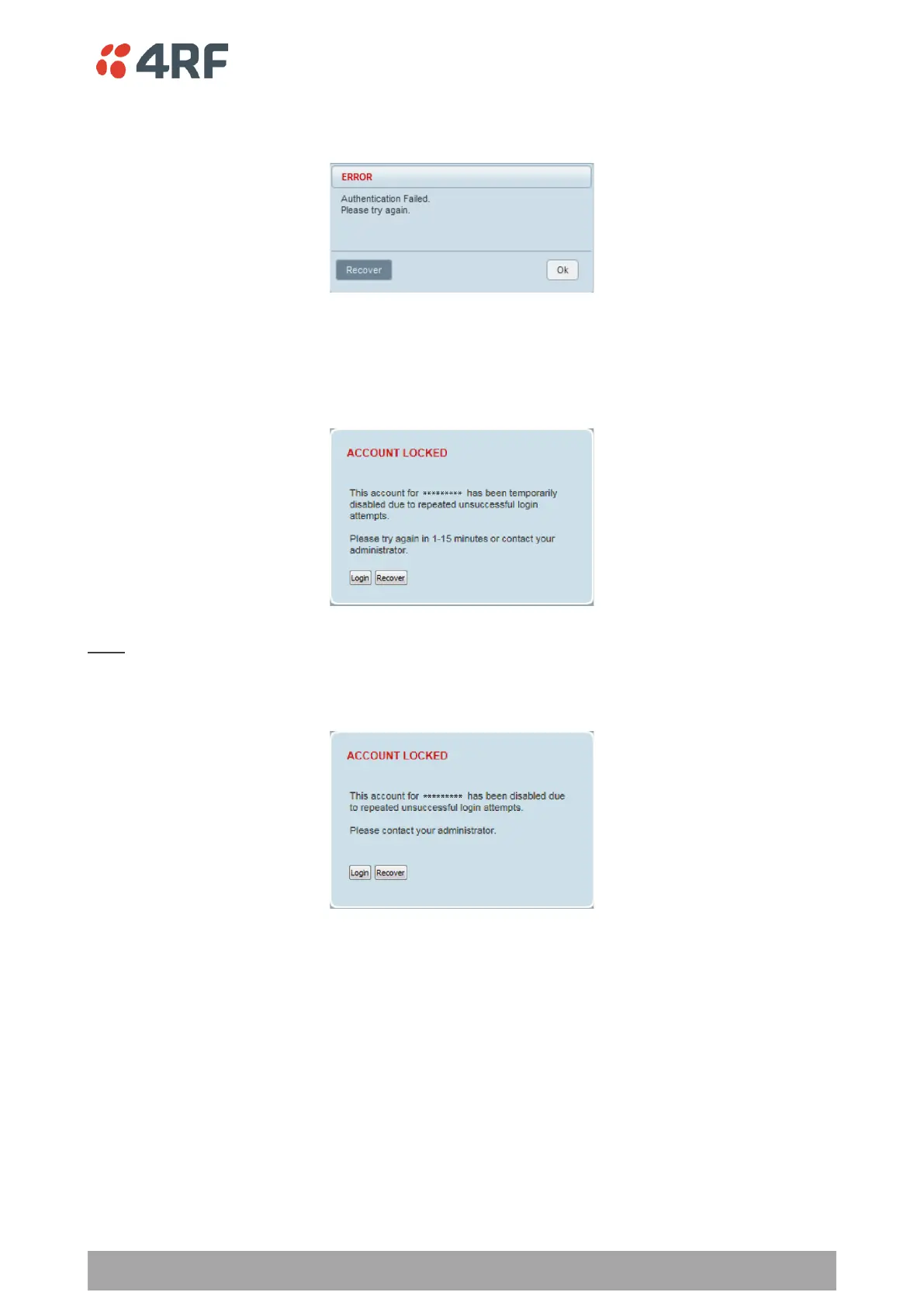
SuperVisor will display a warning popup upon multiple consecutive failed login attempts on the same
account.
SuperVisor has login protection options which provide protection against unsuccessful login retries (see
Security > Users ‘Login Protection Mode’ on page 240). If login protection is active and a login attempt failed
due to temporary lockout of the account (Level 1 or Level 2 lockout), SuperVisor will display an ‘Account
Locked’ message.
Login
If a login attempt failed due to permanent lockout of the account (continued failed login attempts even
after levels 1 and 2 lockout periods), SuperVisor will display an ‘Account Locked’ message.



 To Next Page