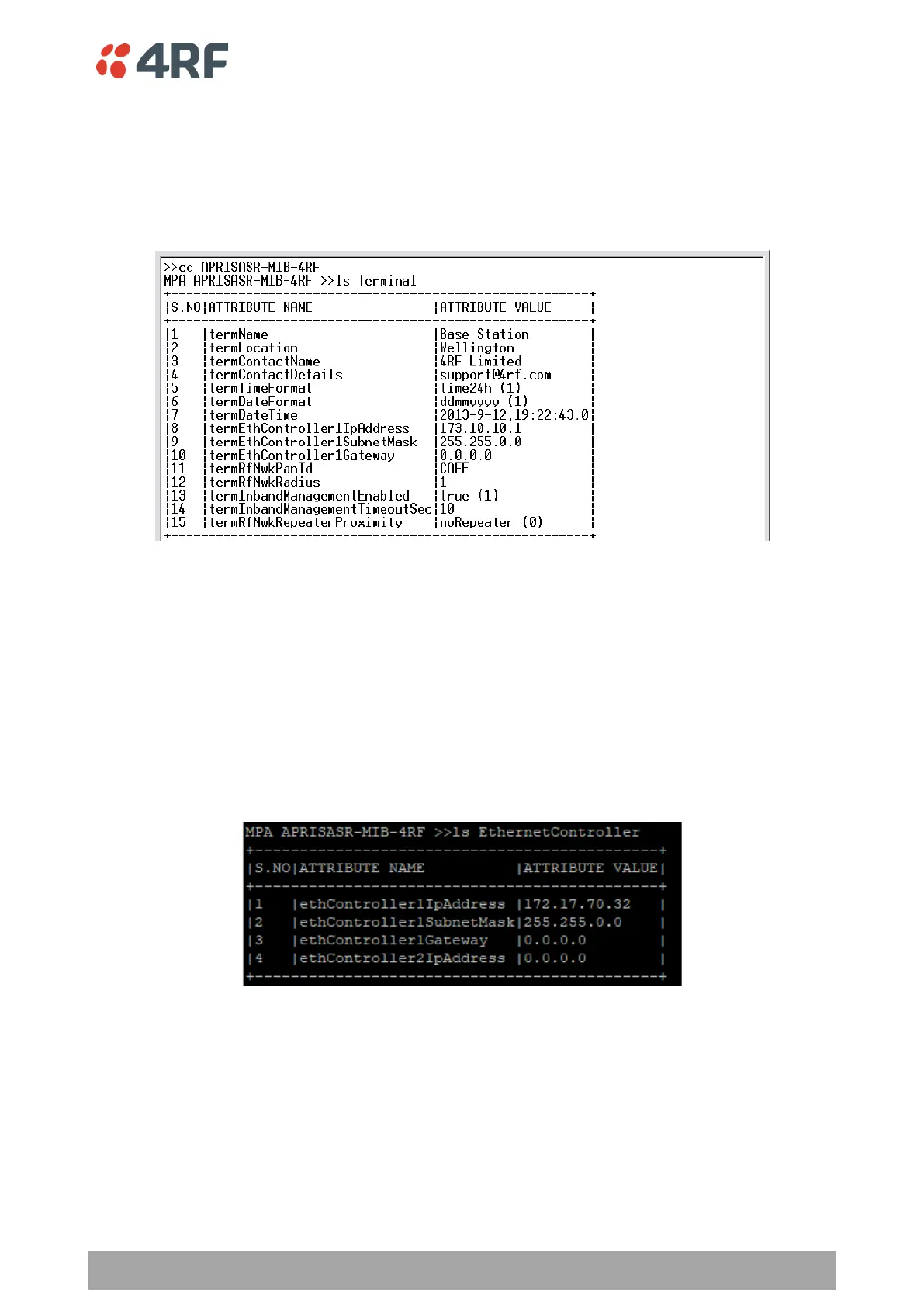
Viewing the CLI Terminal Summary
At the command prompt, type:
cd APRISASR-MIB-4RF
MPA APRISASR-MIB-4RF >>ls Terminal
Changing the Radio IP Address
At the command prompt, type:
cd APRISASR-MIB-4RF
MPA APRISASR-MIB-4RF >>ls EthernetController
set ethController1IpAddress xxx.xxx.xxx.xxx
set ethController1SubnetMask 255.255.0.0
set ethController1Gateway 0.0.0.0



 To Next Page