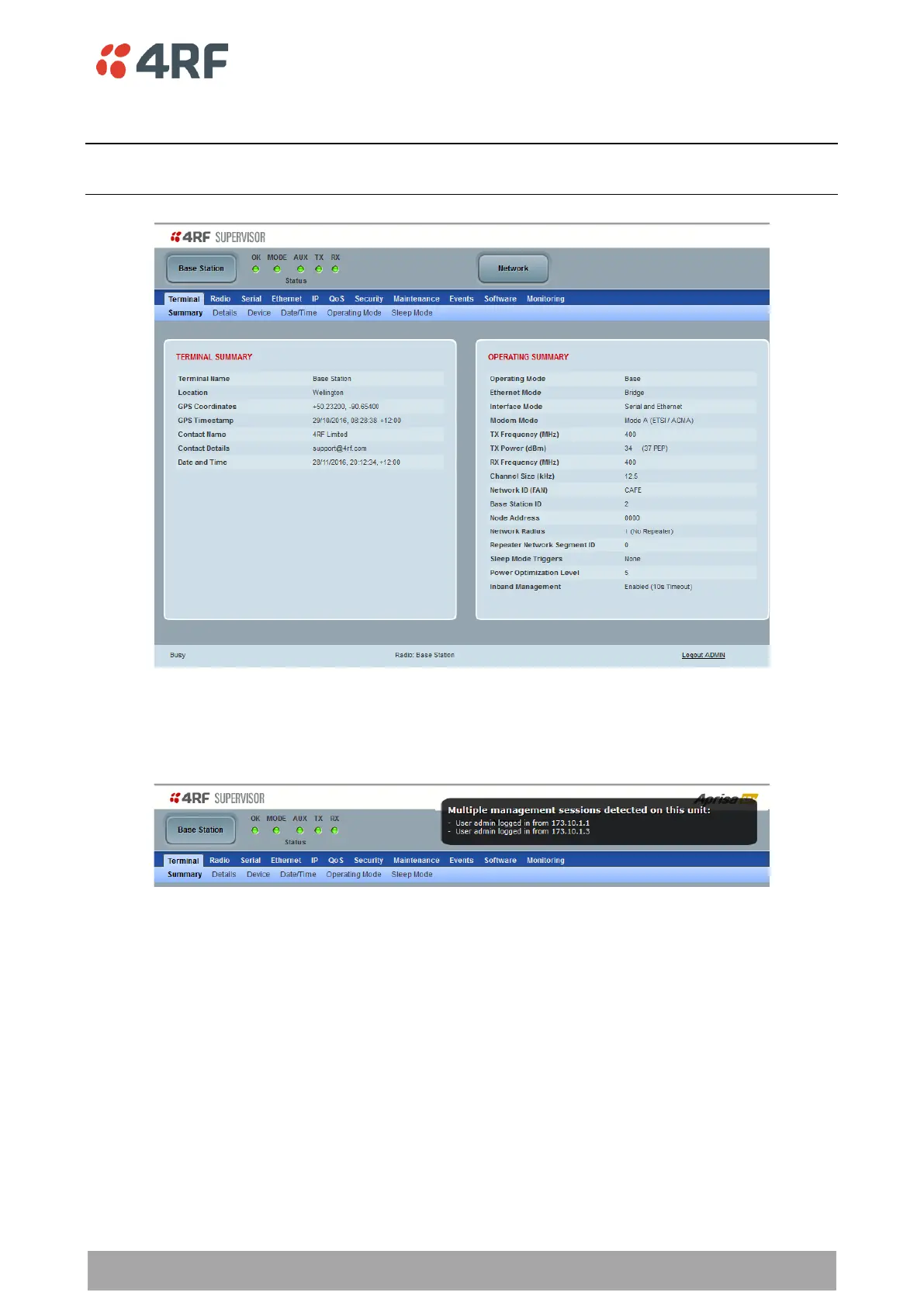
If the login is successful, the opening Terminal > Summary page will be displayed.
Important: After you login for the very first time, it is recommended that you change the default admin
password for security reasons (see ‘Security > Users’ on page 240).
If there is more than one user logged into the same radio, the Multiple Management Sessions popup will
show the usernames and IP addresses of the users. This popup message will display until 5 seconds after the
cursor is moved. The event log will also record the users logged into the radio or logged out the radio.
Logout of SuperVisor
As the maximum number of concurrent users that can be logged into a radio is 6, not logging out correctly
can restrict access to the radio until after the timeout period (30 minutes).
Logging out from a radio will logout all users logged in with the same username.
If the SuperVisor window is closed without logging out, the radio will automatically log the user out after a
timeout period of 3 minutes.
To logout of SuperVisor:
Click on the ‘Logout’ button on the Summary Bar.



 To Next Page