Aprisa SR+ User Manual 1.11.1
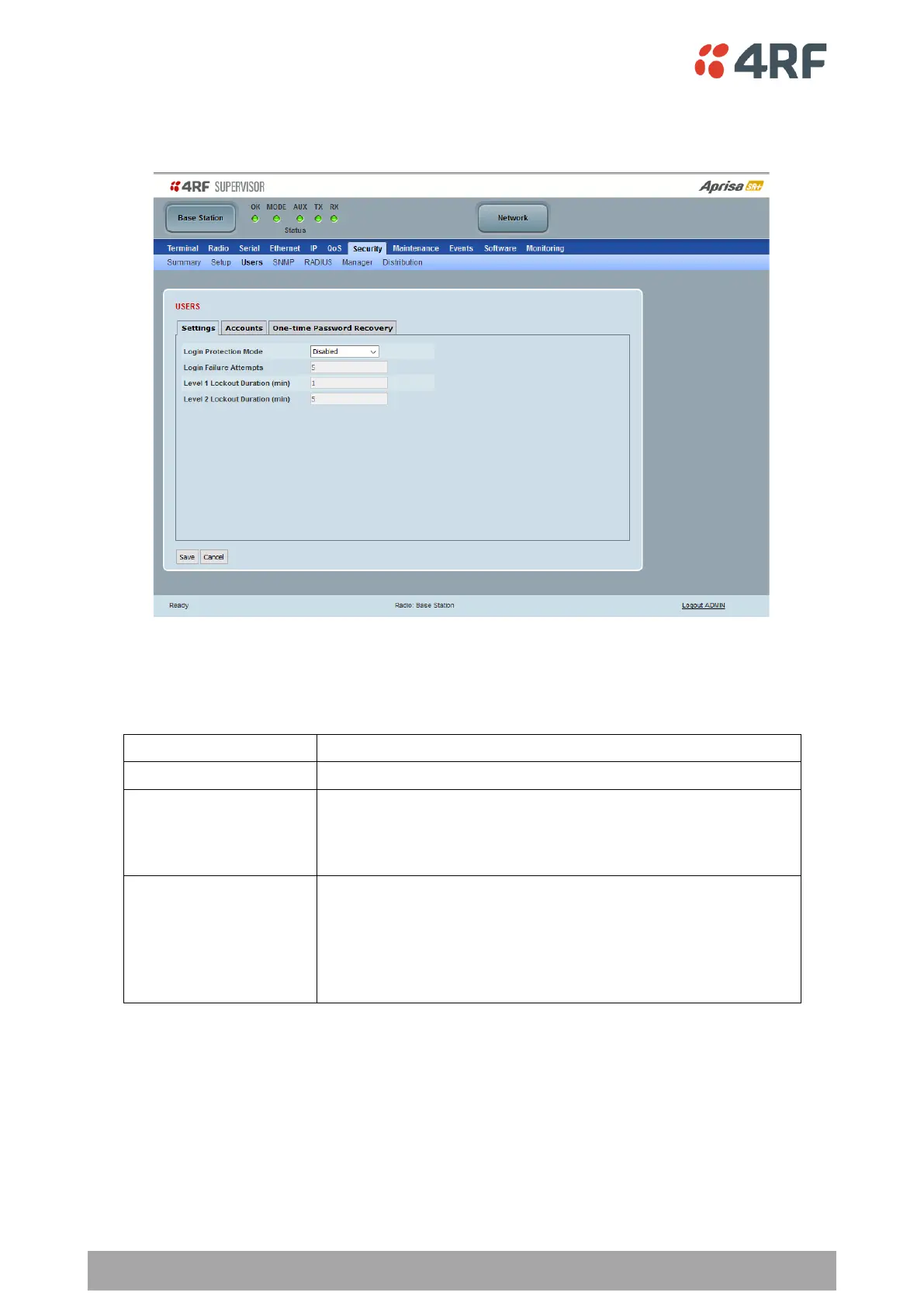
Security > Users
Settings
Login Protection Mode
This parameter sets the Login Protection Mode. They provide user account lockout mechanisms to mitigate
brute force password guessing attacks.
Disables login protection
In this mode, the user account will be locked out for the duration
specified in Level 1 Lockout Duration and Level 2 Lockout Duration,
cycling between the two.
This mode slows down attacks.
In this mode, the user account will be permanently locked out if
the protection mechanism has reached Locked Level 1 and Locked
Level 2 and the next login attempt fails.
The user account must then be manually unlocked by an ‘Admin’
user account either from SuperVisor or via SNMP.
This mode blocks persistent attacks.



 To Next Page