Recover
If a login attempt failed due to permanent lockout of the account or the Admin password is unknown, click
the ‘Recover’ button to start the recovery process.
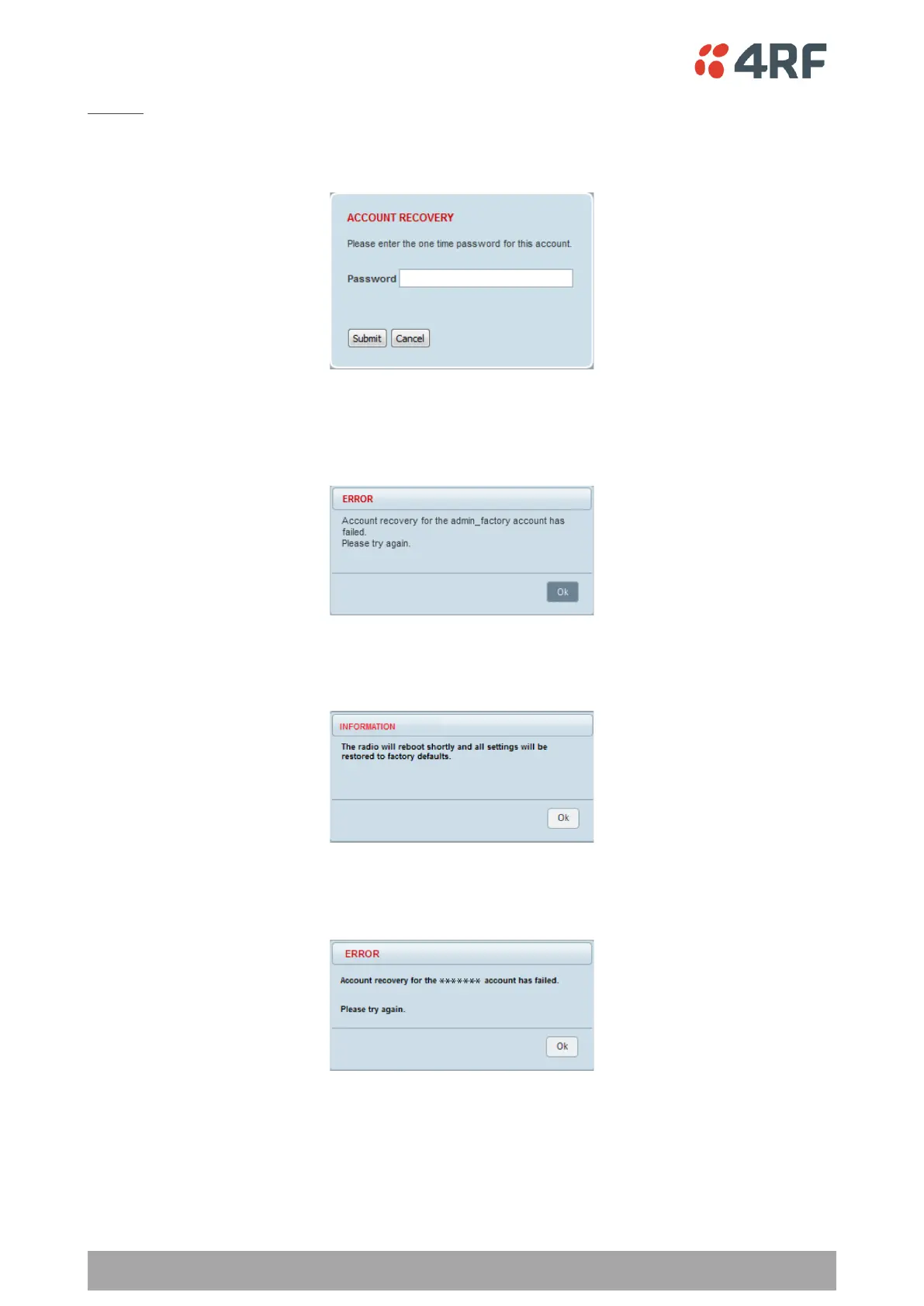
If the user account is not an ADMIN account, or if the account does not have an associated ‘Standard OPT’
password entered (see ‘One-time Password Recovery’ on page 246), SuperVisor will display an error
message.
If a factory password was verified successfully during the account recover process, SuperVisor will display a
message indicating that the radio will be reset to factory defaults and rebooted.
If the submitted password for the account recovery process was invalid, SuperVisor will display a message
indicating that the recovery process has failed.



 To Next Page