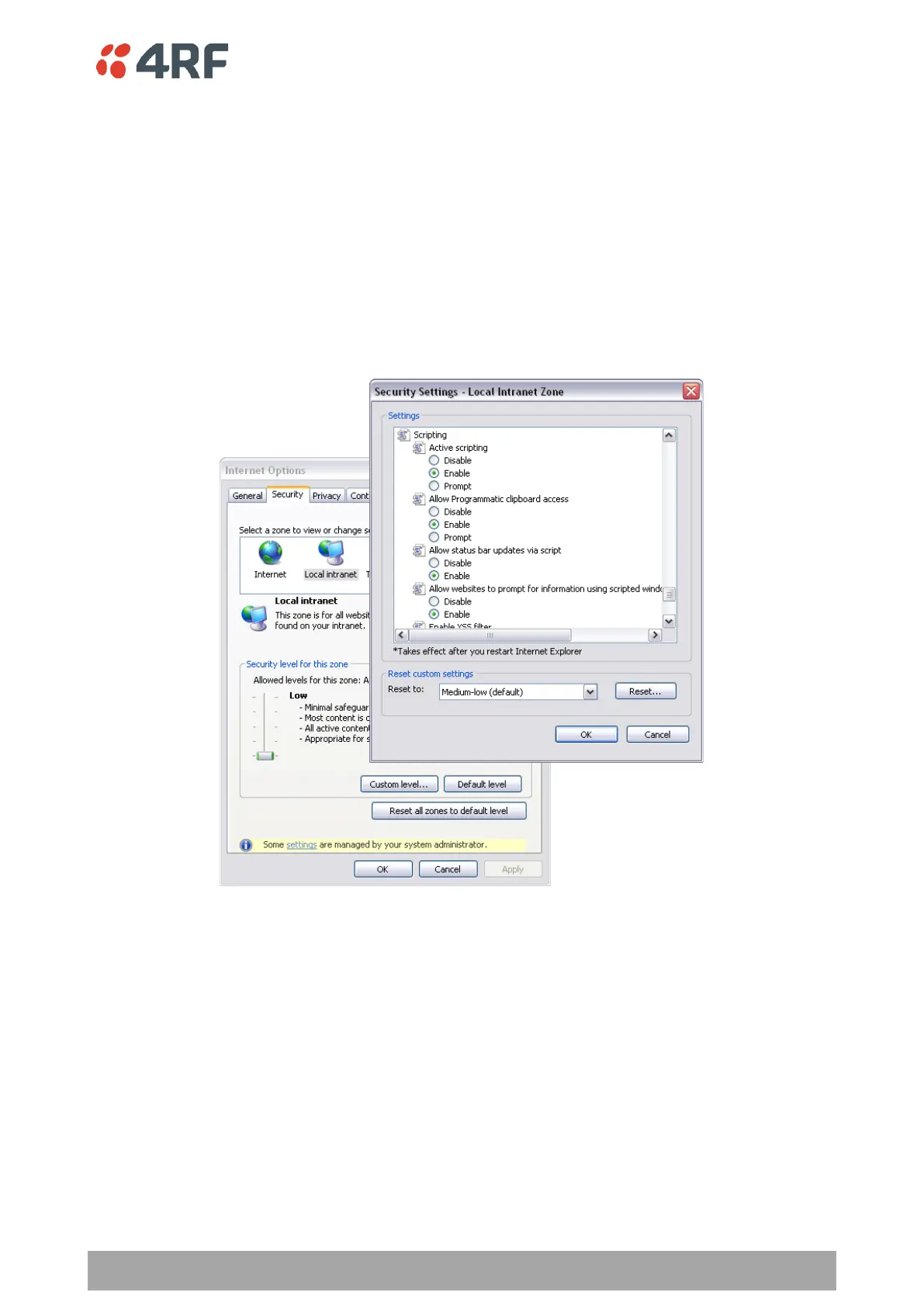
To enable JavaScript in the web browser:
Some functions within SuperVisor require JavaScript in the web browser to be enabled.
Windows Internet Explorer 8 example:
1. Open Internet Explorer.
2. Open the menu item Tools > Internet Options and click on the ‘Security’ tab.
3. Click on ‘Local Intranet’.
4. Click on ‘Custom Level’.
5. Scroll down until you see section labeled ‘Scripting’.
6. Under ‘Active Scripting’, select ‘Enable’.



 To Next Page