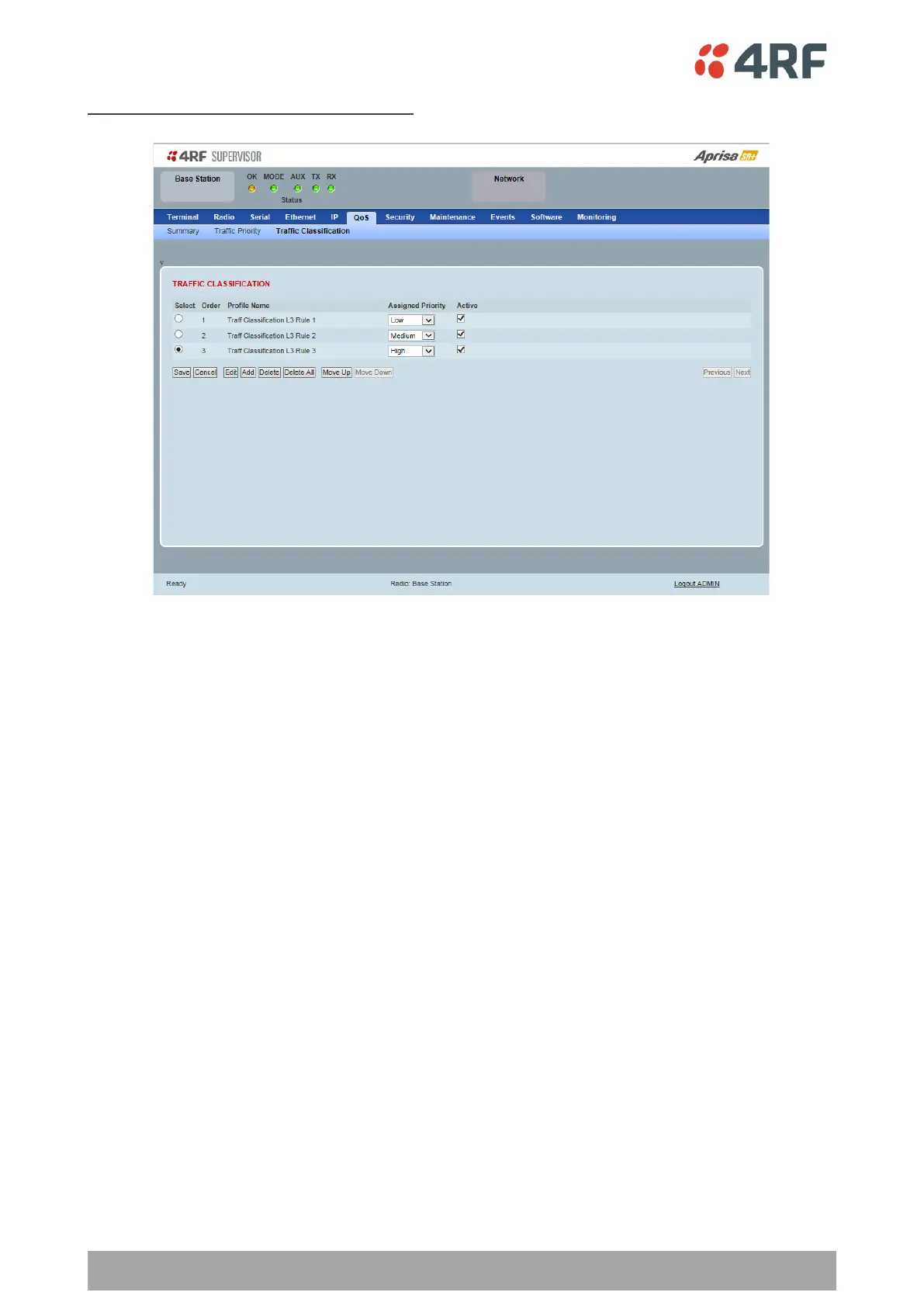
Router Mode Traffic Classification Settings
TRAFFIC CLASSIFICATION
Router Mode traffic classification settings provide mapping / assigning of profiles (set by rules to match a
specific traffic type) to a CoS / priority. The profile which is used to match to a specific traffic type will be
identified in the radio network by its associated CoS / priority to provide the appropriate QoS treatment.
CoS / Priority can be set to very high, high, medium, low priority.
Profile name
A free form field to enter the profile name with a maximum of 32 chars.
Assigned Priority
Traffic packets that match the applied profile rules will be assigned to the selected ‘assigned priority’
setting of Very High, High, Medium and Low. This field cannot be set to Don’t Care.
Active
Activated or deactivate the profile rule.



 To Next Page