Use the Raw Hexadecimal key format for better security. It
must comply with the specified encryption key size e.g. if
Encryption Type to AES128, the encryption key must be 16
bytes (32 chars)
The default setting is Pass Phrase.
Payload Encryption Key Size
This parameter sets the Encryption Type to AES128, AES192 or AES256. The default setting is AES128.
The higher the encryption size the better the security.
Payload Encryption Key
This parameter sets the Payload Encryption password. This key is used to encrypt the payload.
Pass Phrase
Good password policy:
• contains at least eight characters, and
• contains at least one upper case letter, and
• contains at least one lower case letter, and
• contains at least one digit, and
• is not a term in a familiar language or jargon, and
• is not identical to or derived from the accompanying account name, from personal characteristics
or from information from one’s family/social circle, and
• is easy to remember, for instance by means of a key sentence
Raw Hexadecimal
The Raw Hexadecimal key must comply with the specified encryption key size e.g. if Encryption Type to
AES128, the encryption key must be 16 bytes (32 chars).
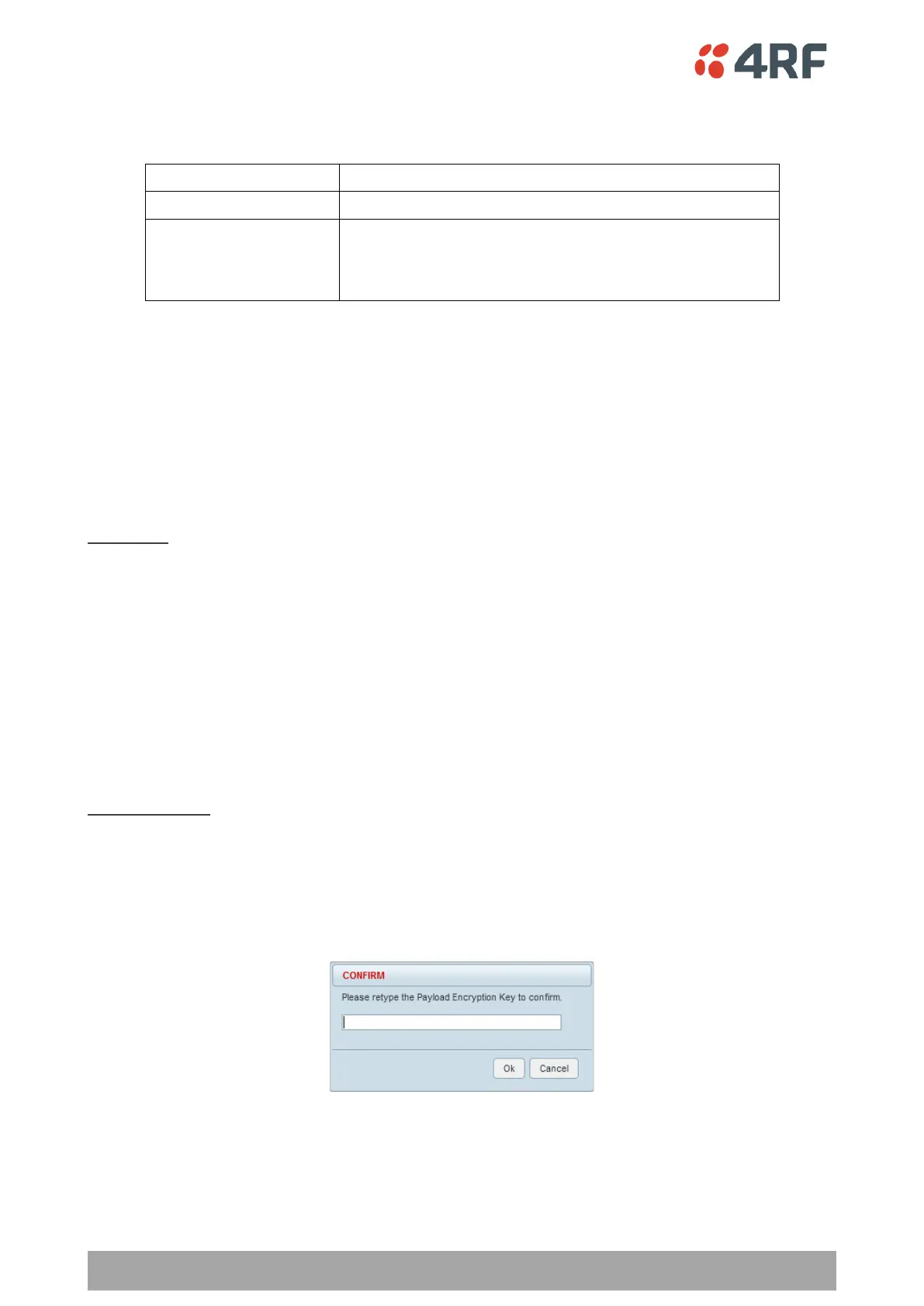
When the Payload Encryption Key is changed, you will be prompted for confirmation of the key to avoid
mistypes.



 To Next Page