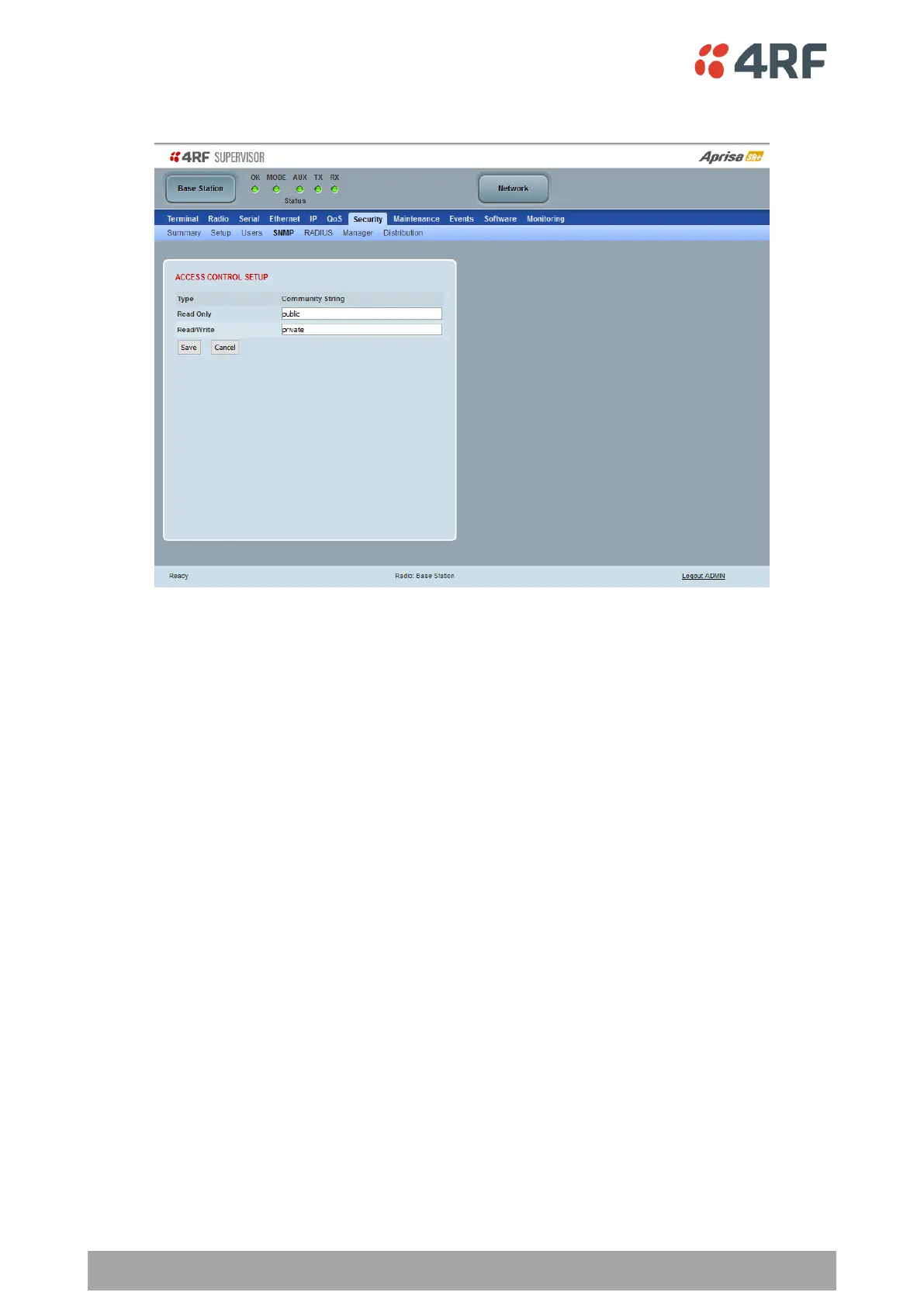
Security > SNMP
In addition to web-based management (SuperVisor), the network can also be managed using the Simple
Network Management Protocol (SNMP) using any version of SNMP v1/2/3. MIB files are supplied, and these
can be used by a dedicated SNMP Manager, such as Castle Rock’s SNMPc, to access most of the radio’s
configurable parameters.
For communication between the SNMP manager and the radio, Access Controls and Community strings must
be set up as described in the following sections.
A SNMP Community String is used to protect against unauthorized access (similar to a password). The SNMP
agent (radio or SNMP manager) will check the community string before performing the task requested in the
SNMP message.
ACCESS CONTROL SETUP
A SNMP Access Control is the IP address of the radio used by an SNMP manager or any other SNMP device to
access the radio. The Aprisa SR+ allows access to the radio from any IP address.
Read Only
The default Read Only community string is public.
Read Write
The default ReadWrite community string is private.



 To Next Page