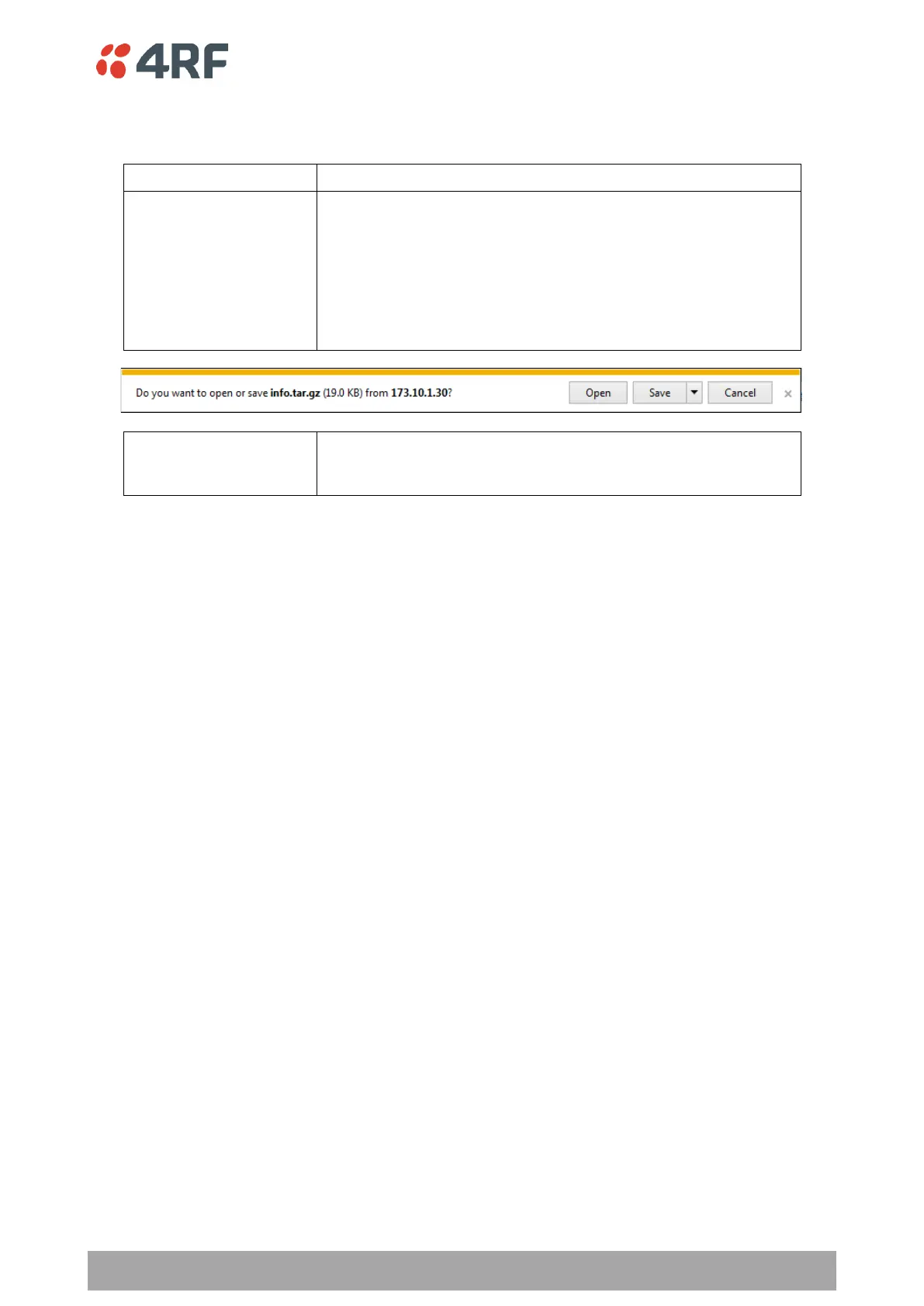
This saves the Event History Log file with a filename of
‘Info.tar.gz’ to a binary encrypted file. This can then be saved
from the Browser popup (example is Windows Internet Explorer
11). The file should be renamed to be able to identify the radio it
was saved from.
The ‘tar.gz’ file is normally for sending back to 4RF Limited for
analysis but can be opened with widely available archive tools e.g.
WinRar or 7-ZIP.
This saves the file with a filename of e.g.
‘alarm_173.10.1.30_2014-11-10,15.54.14.txt’ to a text file on the
radio USB flash drive root directory.



 To Next Page